Homebliss

The social sustainability app

Project Description

HomeBliss is a mobile app aimed at individuals living away from home, such as students, working professionals, and frequent travelers. The app offers quick access to essential services like home-cooked meals, cleaning, repairs, and rentals, while supporting local service providers in expanding their reach.

I led the end-to-end design process—conducting user research, identifying pain points, defining user flows, and designing intuitive, user-friendly interfaces to ensure seamless service access.

Key Design & Research Challenges

  1. Fragmented Services – Merge many niche apps into one clean IA.

  2. Building Trust – Use ratings, verification, and live tracking.

  3. On‑Demand Needs – Enable real‑time matching and same‑day booking.

  4. Personalization – Support varied diets, budgets, and recurring jobs.

  5. Two‑Sided UX – Keep both resident and vendor flows simple.

What I accomplished

  1. User insight12 interviews + 5‑app audit exposed gaps.

  2. Strategy – Personas, empathy maps, flows & IA set direction.

  3. UX/UI – Built brand and 50+ hi‑fi screens.

  4. Booking flow – Real‑time match + split‑pay, 100% success.

  5. Dual experience – Simple for users, light for vendors.

Type

End to End Mobile App

Role

Research & UX/UI

Timeline

2 Months

My Design Process

“From deep user insight to a polished, tested solution—an end-to-end, research-driven journey.”

Iterate

Validate

Design

Ideate

Define

Discover

Feedback tweaks

Vendor flow

Usability tests

Task Completion

50+ hi‑fi screens

Brand system

Card‑sorting

IA maps

Personas

Empathy maps

12 user interviews 5‑app audit

01 Discover

Survey

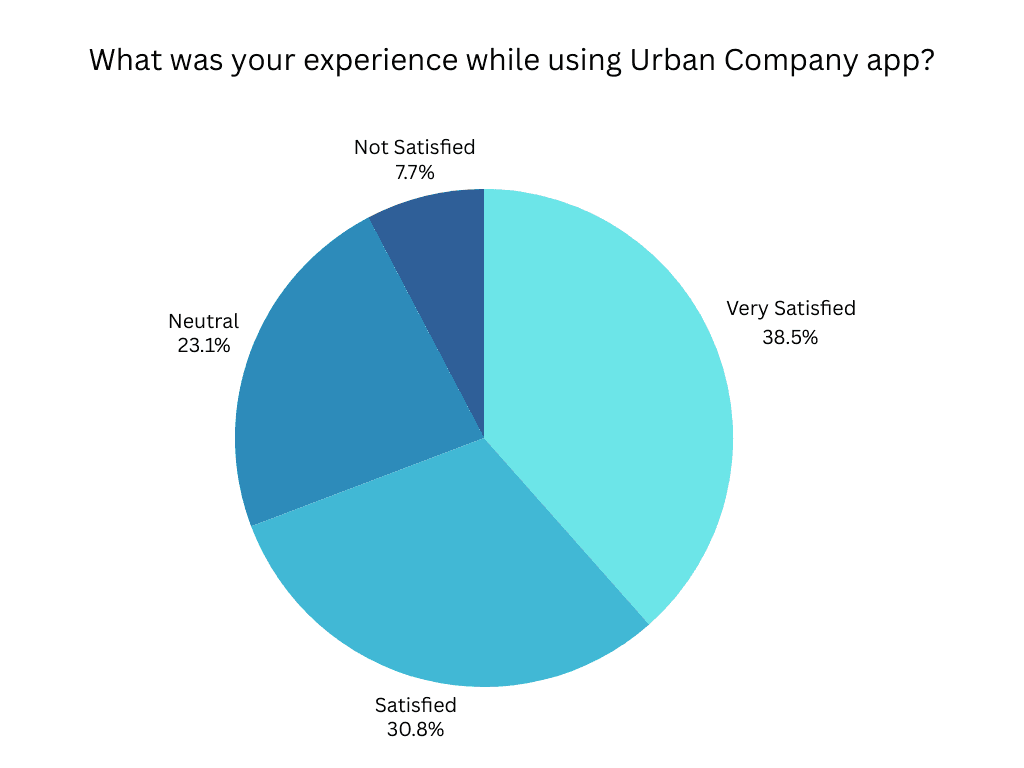
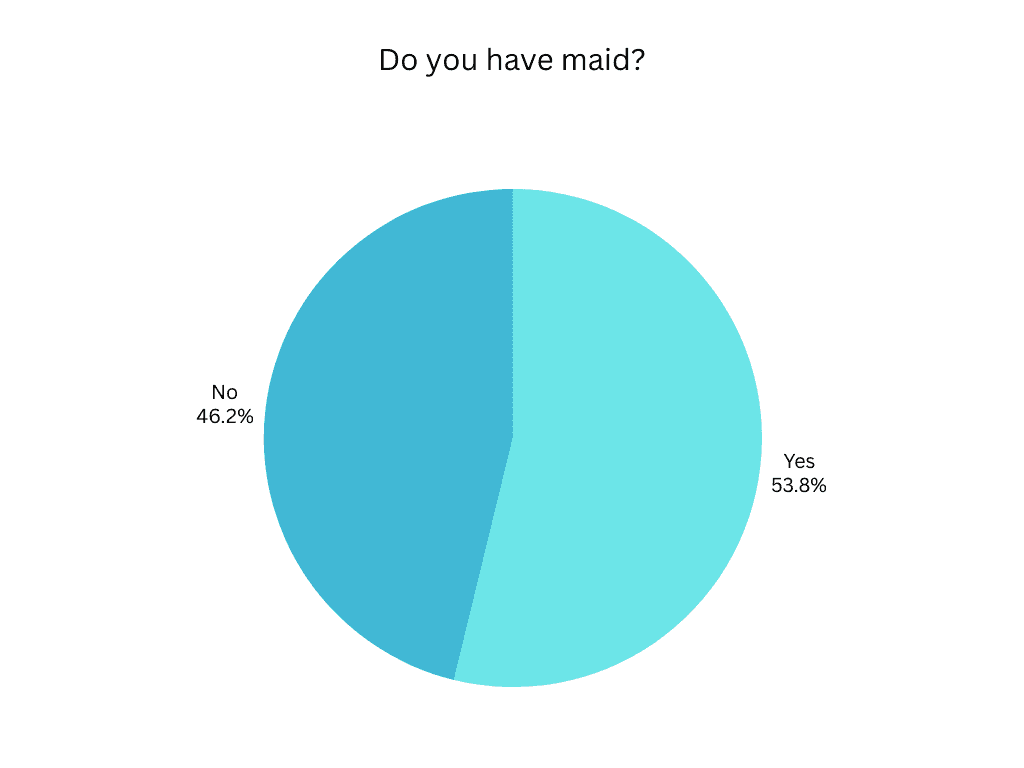
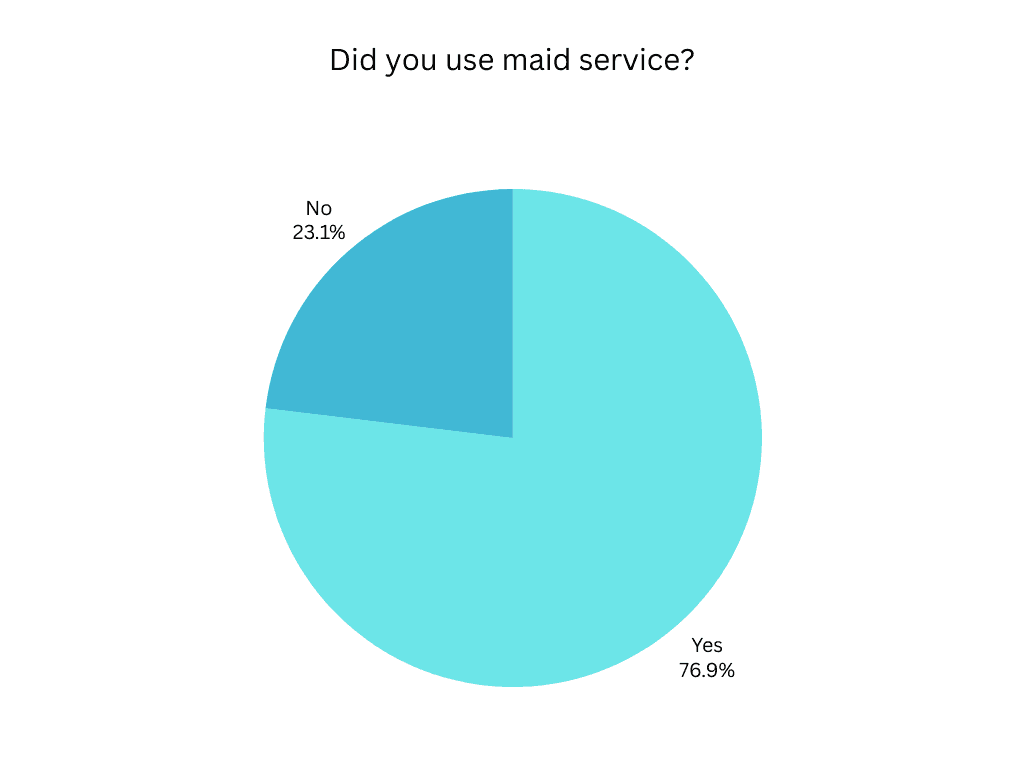
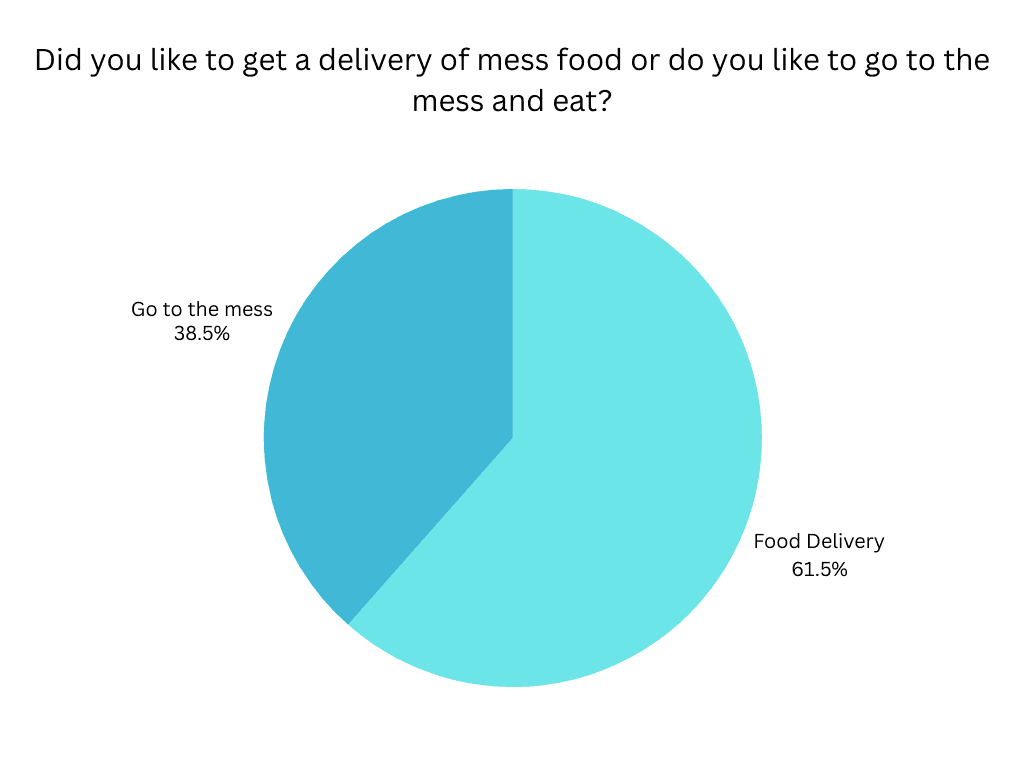
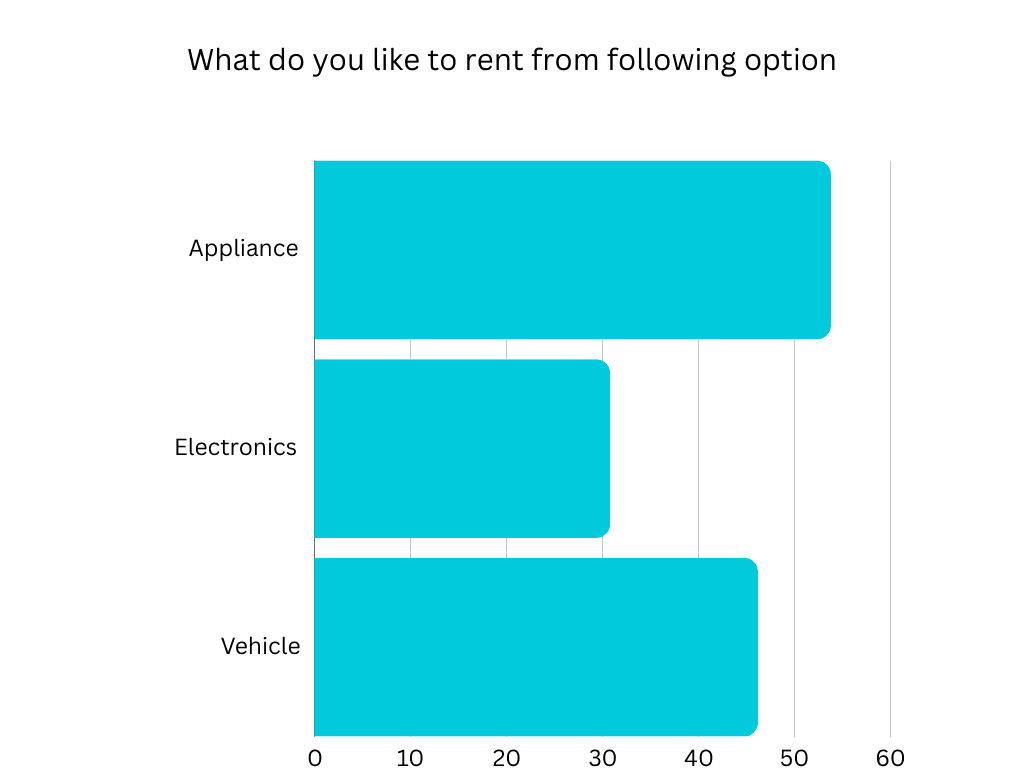
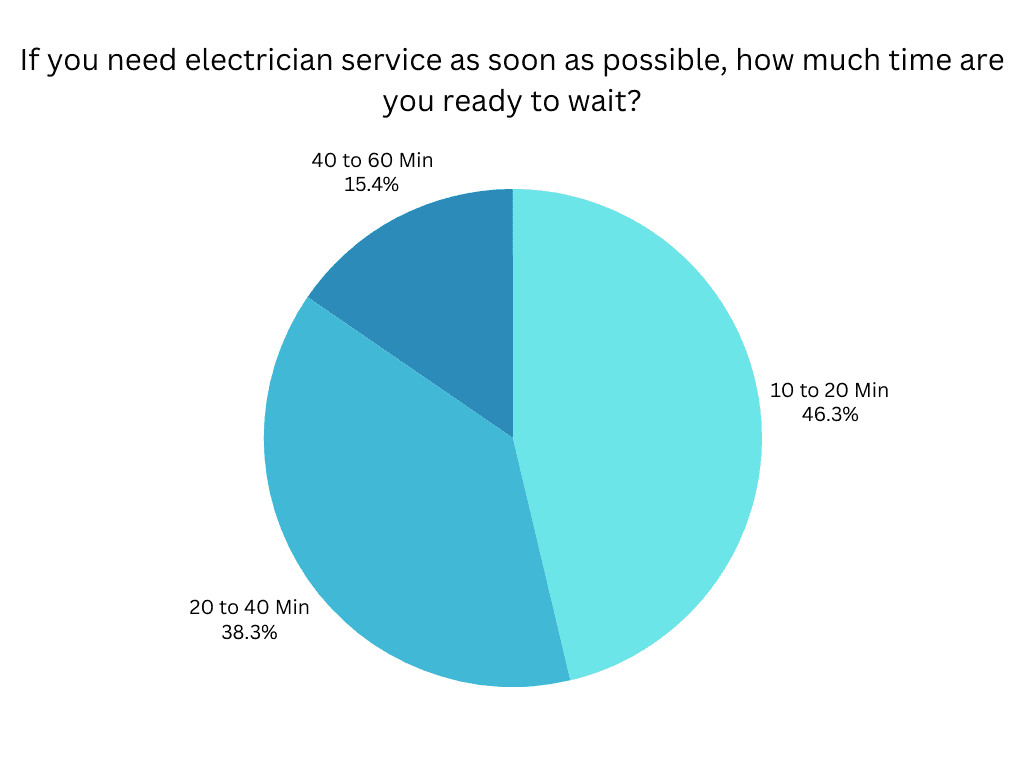
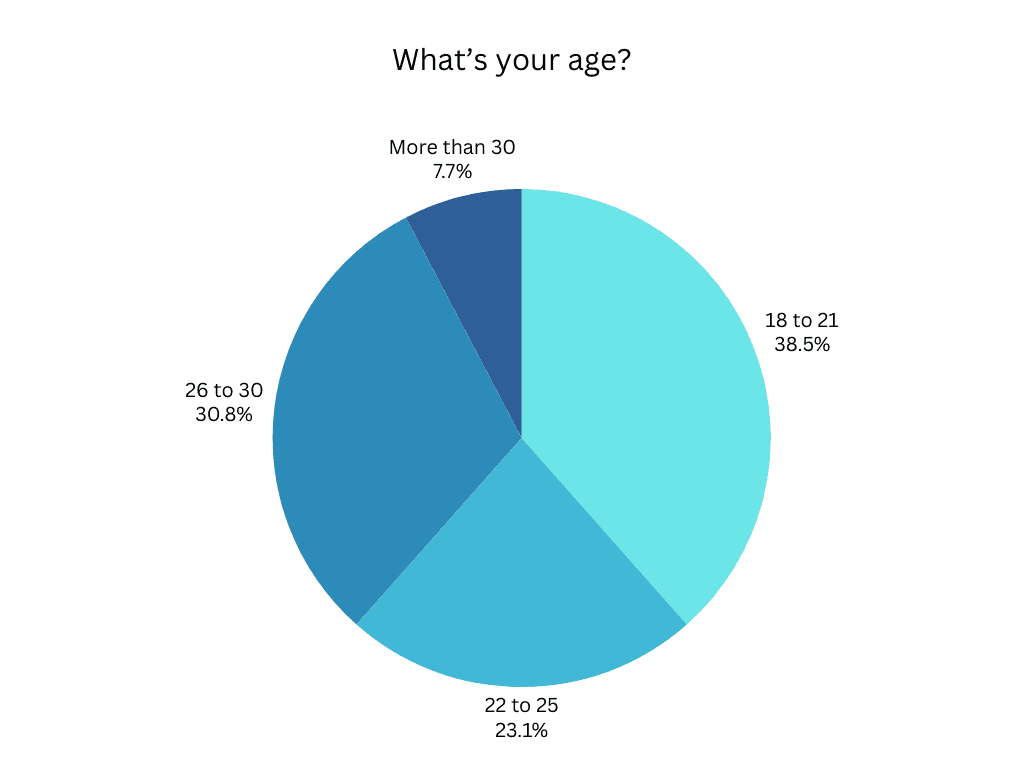
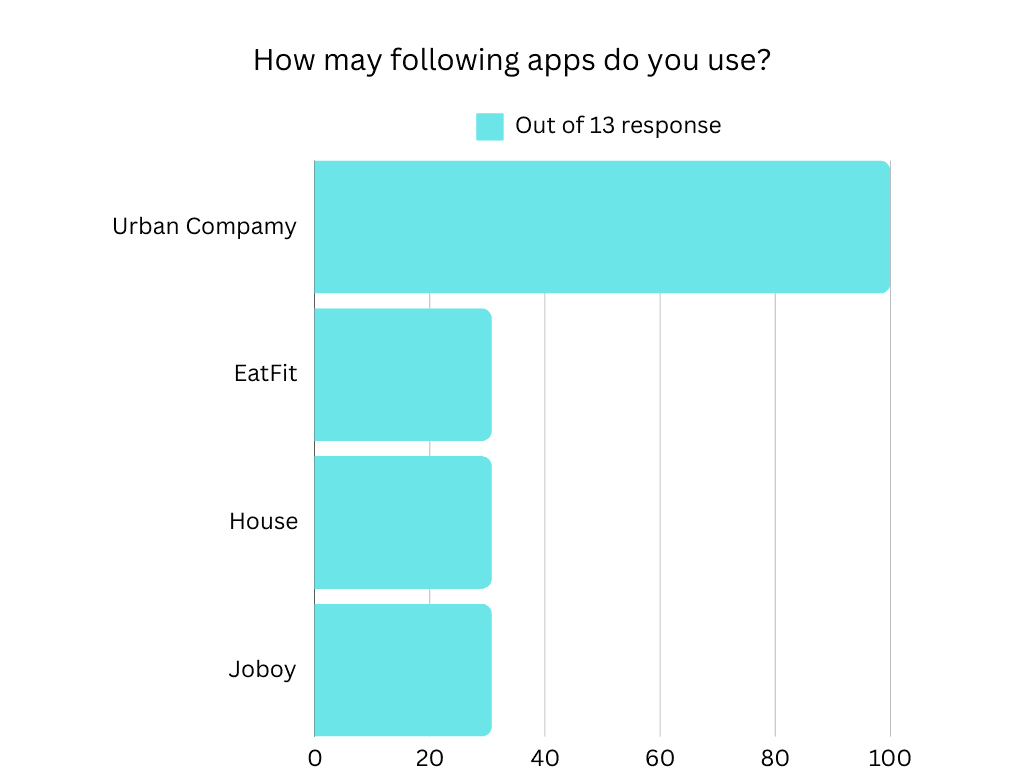
We fielded a tightly-focused questionnaire with 43 early adopters—students and young professionals—capturing hard numbers on trust, speed, and pricing pain-points.
Interview

We spoke with 12 students and solo professionals who recently relocated, uncovering key struggles with trust, speed, and managing daily services. These insights shaped our problem statement and guided early design decisions.

Competitive Analysis

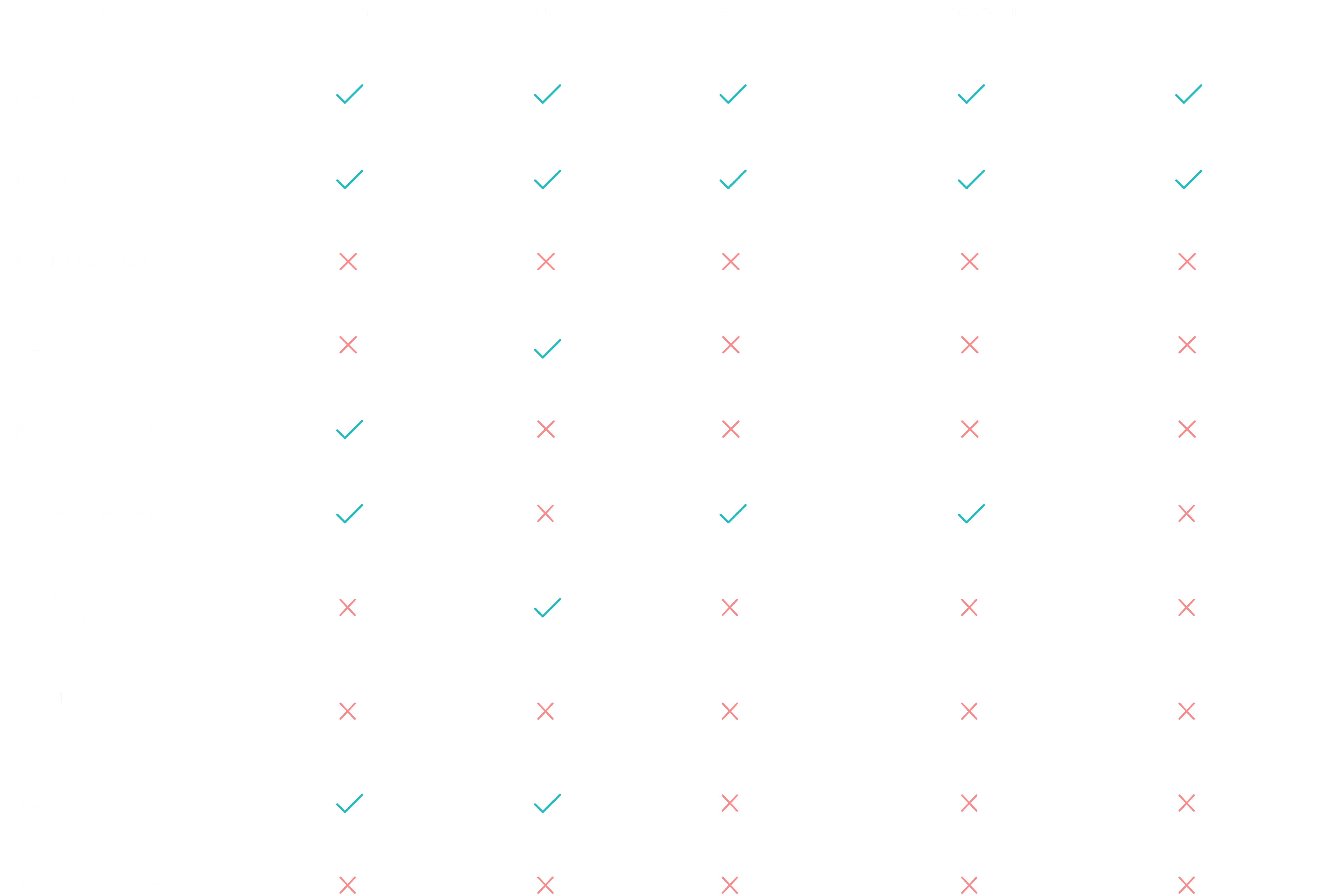
We reviewed five service apps to evaluate features, usability, and gaps. Most lacked an all-in-one solution and struggled with speed, trust, or convenience—highlighting clear opportunities for HomeBliss to stand out.
02 Define

Persona

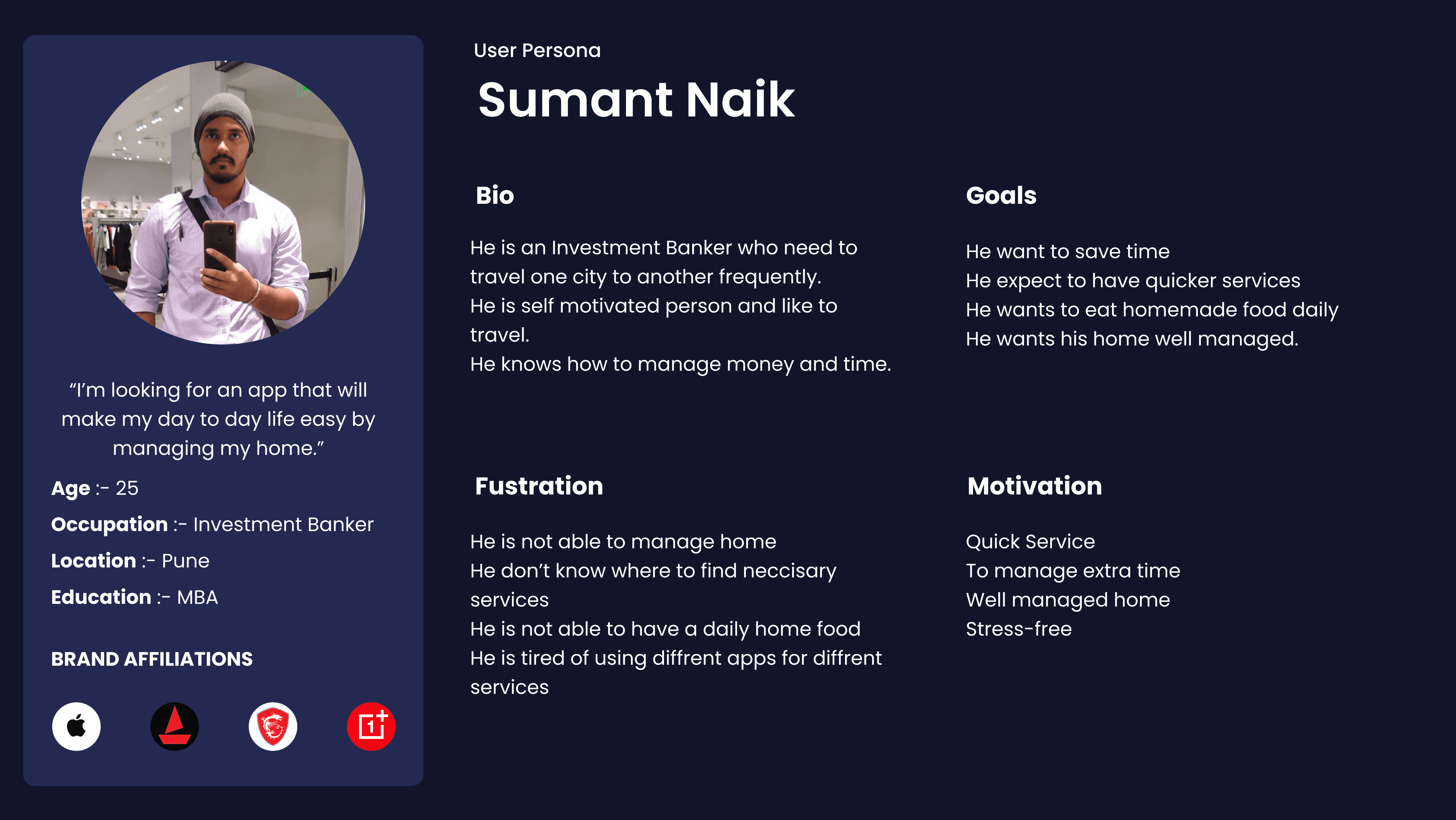
We created personas like Sumant, a busy professional, and Saurabh, a student living away from home, to reflect real user struggles—managing daily services, finding trusted help, and saving time. These profiles guided key design decisions throughout the project.

Empathy Map

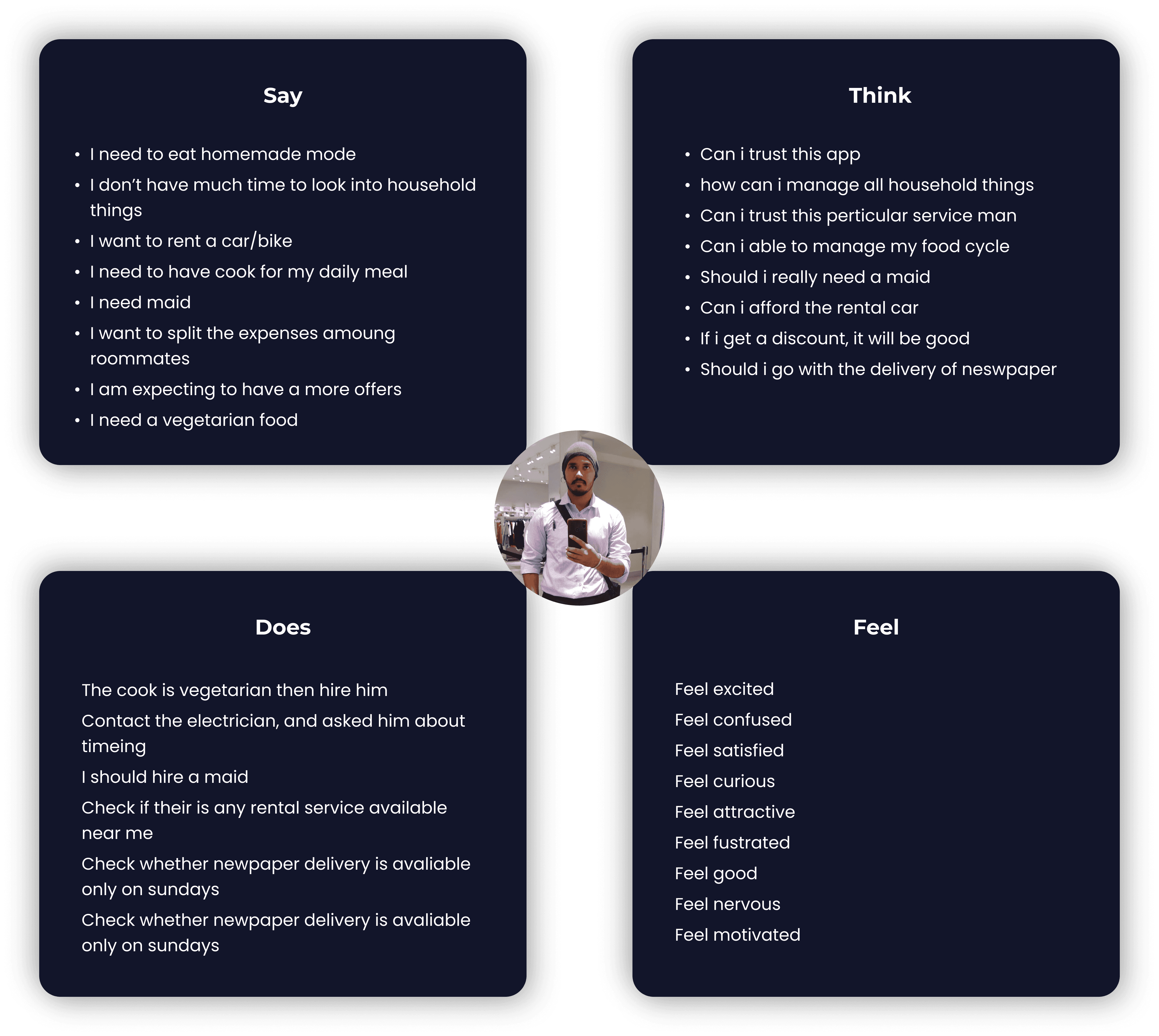
Mapping user thoughts, actions, and emotions revealed pain points like delays, trust issues, and app fatigue—shaping a faster, simpler experience.

User Scenario

Saurabh, a 24-year-old postgraduate student, recently moved to Pune and struggles with managing daily needs like food, cleaning, and home services. Tired of trying multiple apps without reliable results, he was often left frustrated and short on time.

After a friend recommended HomeBliss, Saurabh registered and quickly found a vegetarian cook, daily maid, and access to other trusted services—all in one place. The app's quick booking and reliable service flow eased his daily stress, letting him focus on his studies with peace of mind.
03 Ideate

Card Sorting

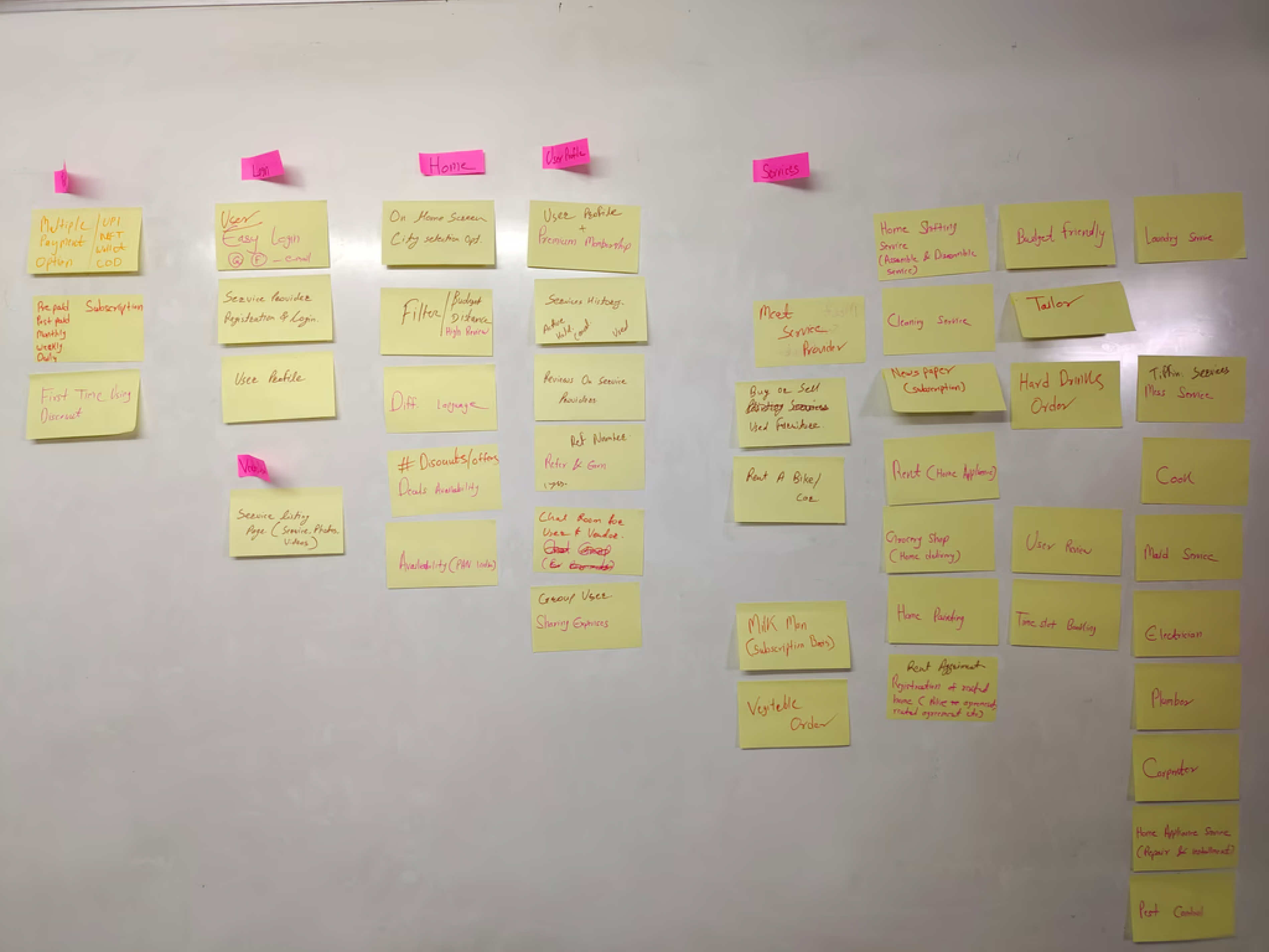
I conducted a card sorting exercise to understand how users group services. It helped me design a clear and intuitive app structure.

  • Daily Needs

  • Food

  • Housing

  • Maid services

  • Cook booking

  • Mess food delivery

  • Repair help

  • Rental services

  • Relocation assistance

  • Newspaper delivery

  • Grocery ordering

  • Laundry services

User Flow

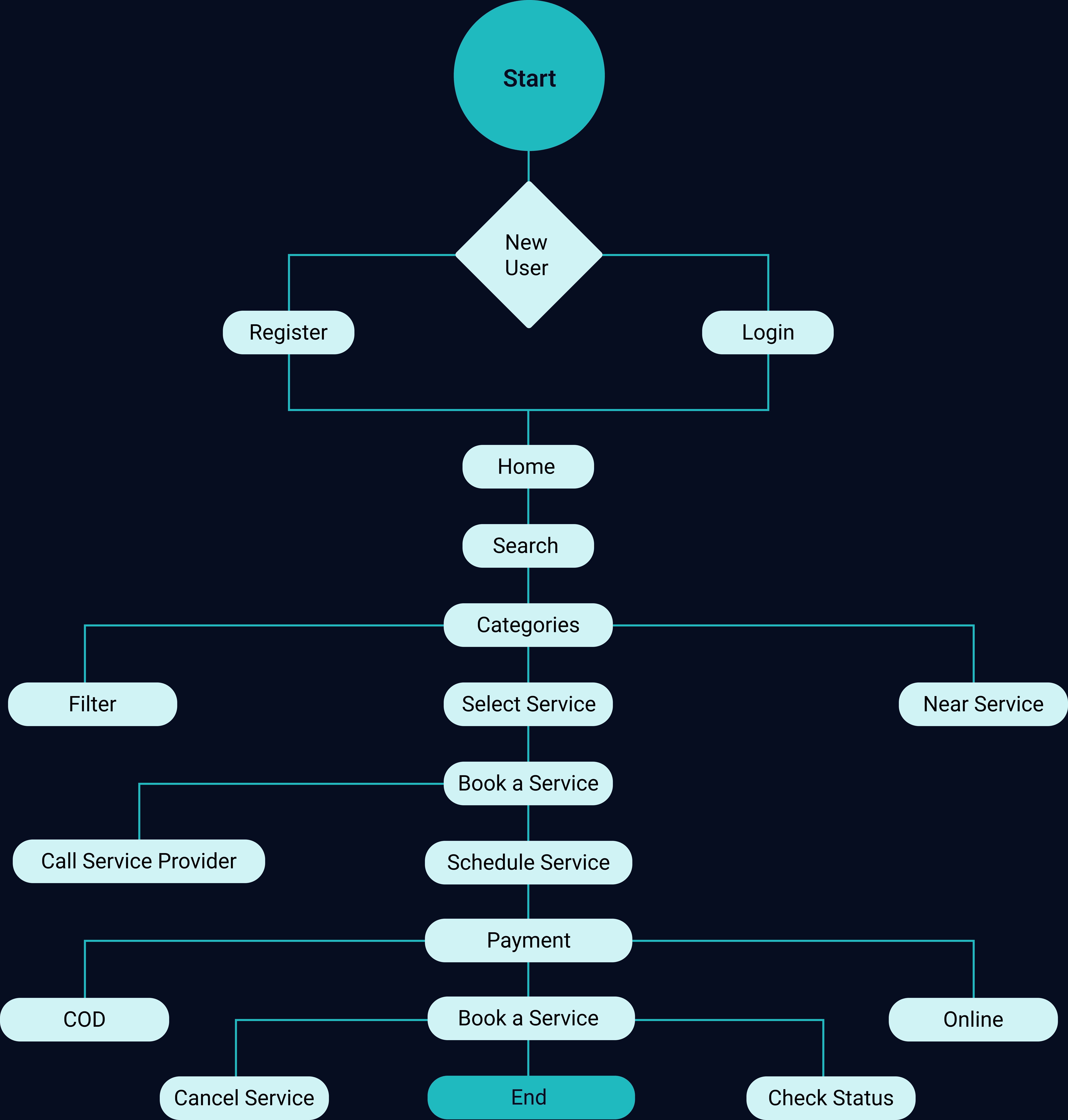
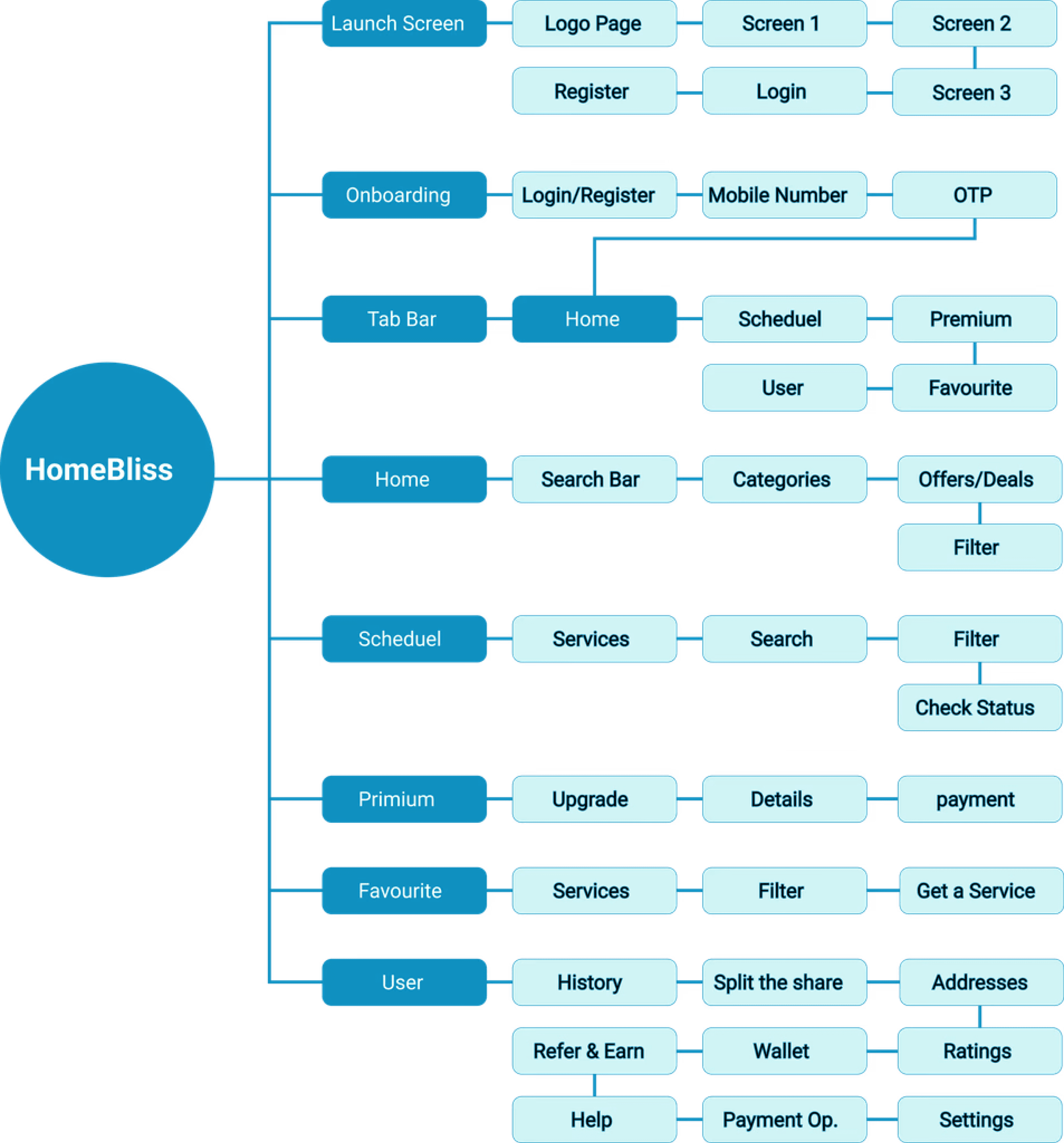
I designed a simple, task-focused user flow that guides users from onboarding to booking and managing services. It keeps key actions—like scheduling or payment—quick and accessible in just a few taps.

Information Architecture

I structured the app into clear categories like Food, Daily Needs, and Housing, based on user research and card sorting, ensuring quick and intuitive navigation.

  • Onboarding

  • Home

  • Categories

  • Services

  • Booking

  • Schedule

  • Payments

  • History

  • Schedule

  • Onboarding

  • Login

  • Home

  • Explore

  • Select Service

  • Schedule

  • Confirm Booking

  • Payment

  • Track

  • History

04 Design

Visual Style

Primary Typography

Aa

Inter

Medium, Bold

Aa

Noto Sans

Regular, Bold

Secondary Typography

Brand Colors

#0B759D

#1EBABF

#D0F4F5

#000000

#F6FFFC

Wireframes

User Interface

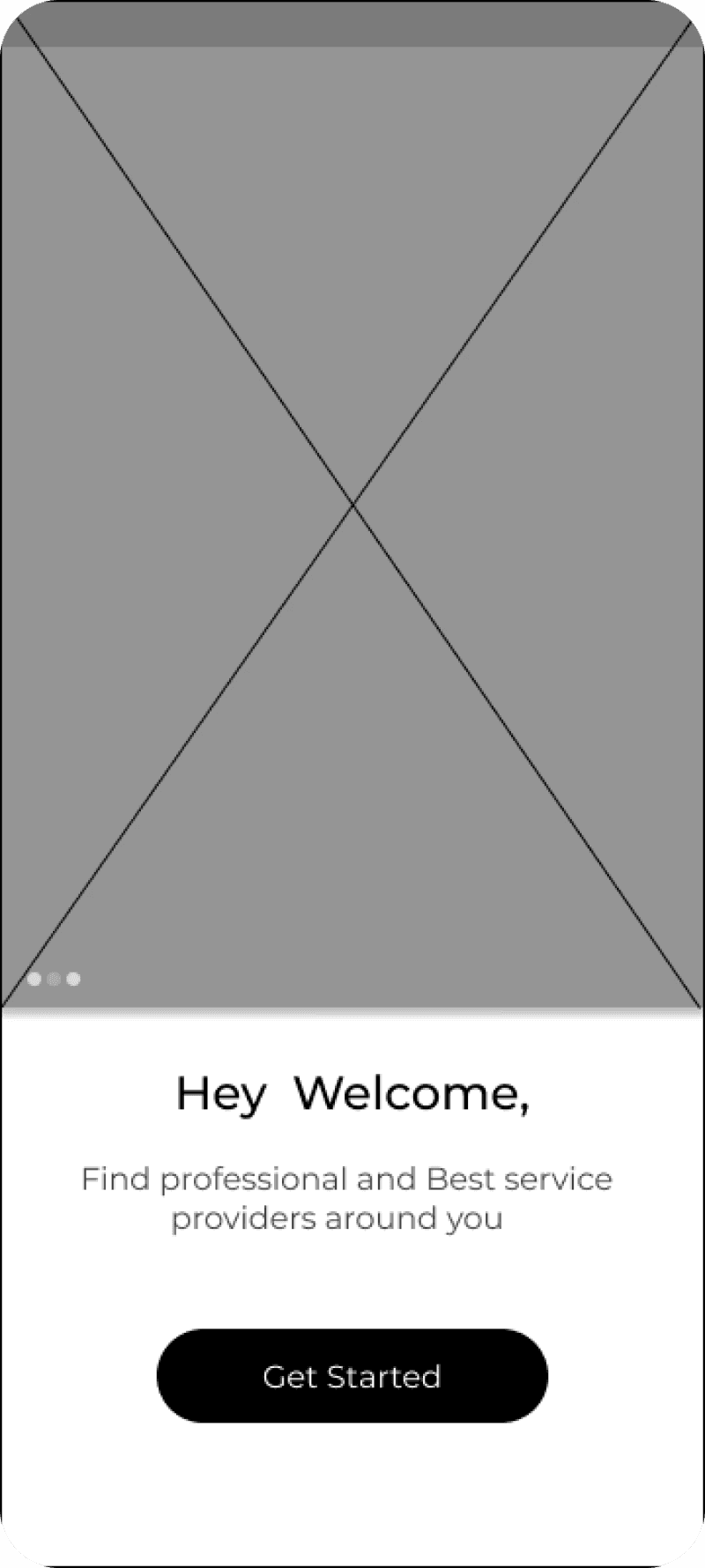
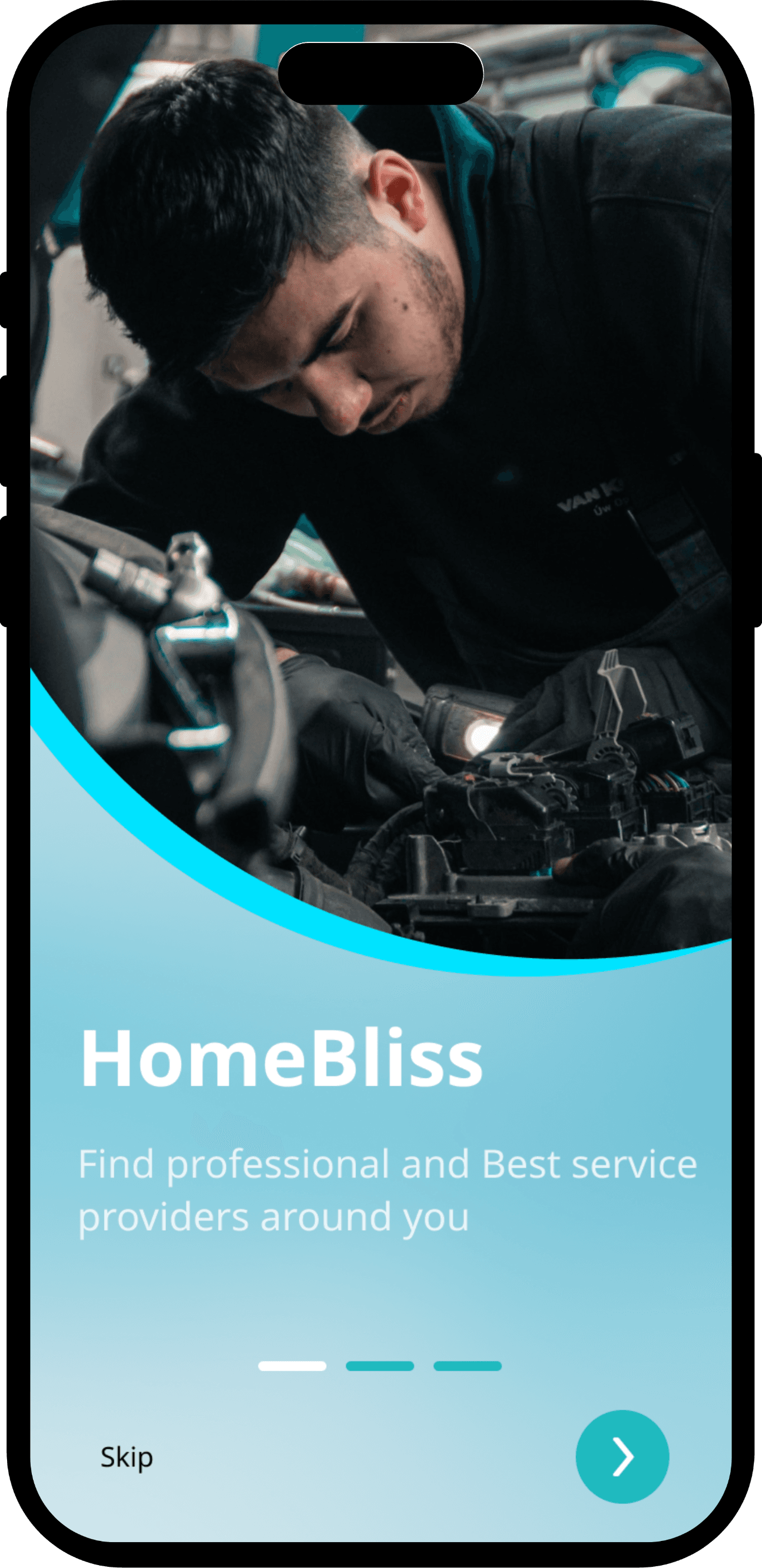
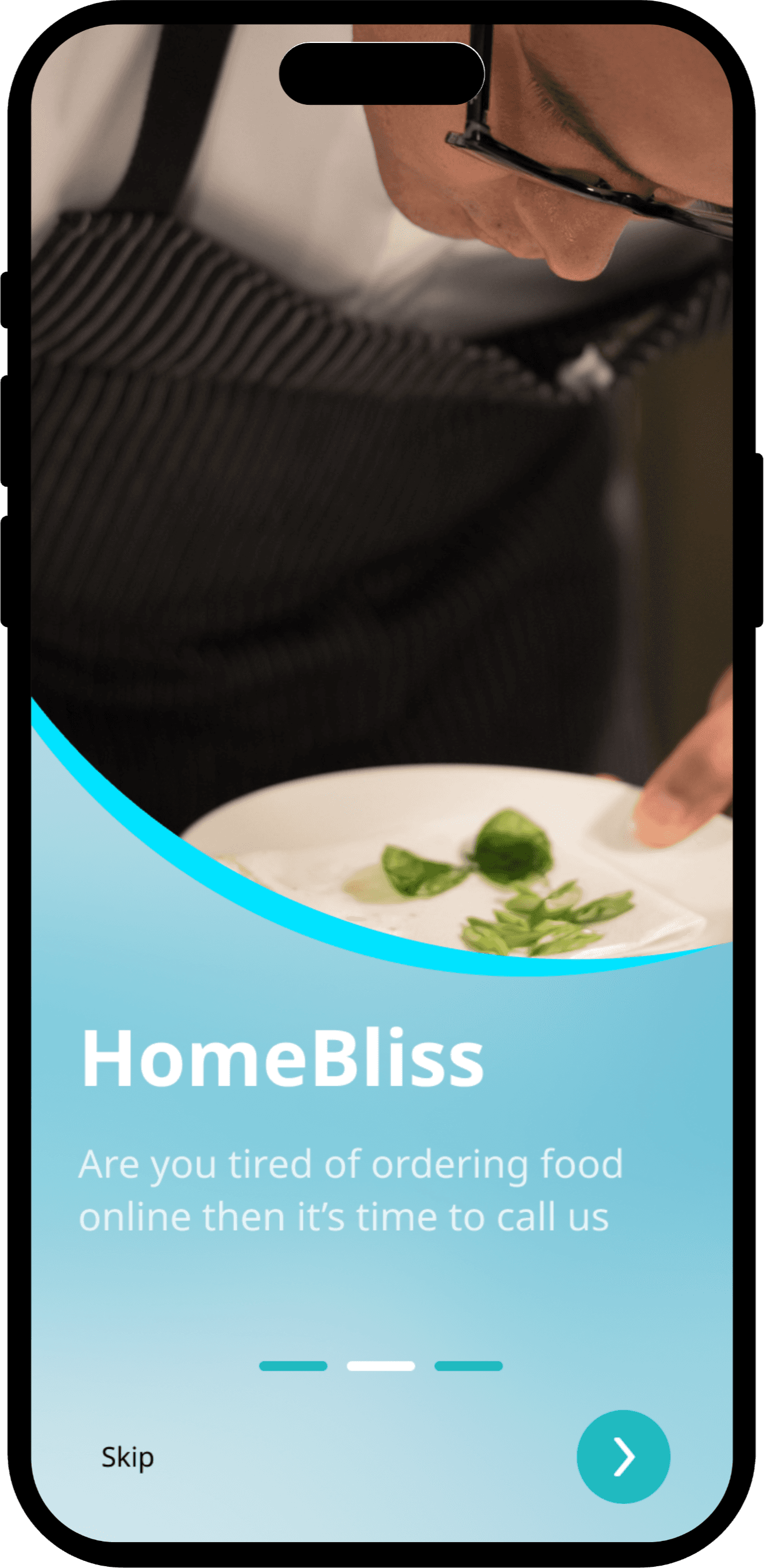
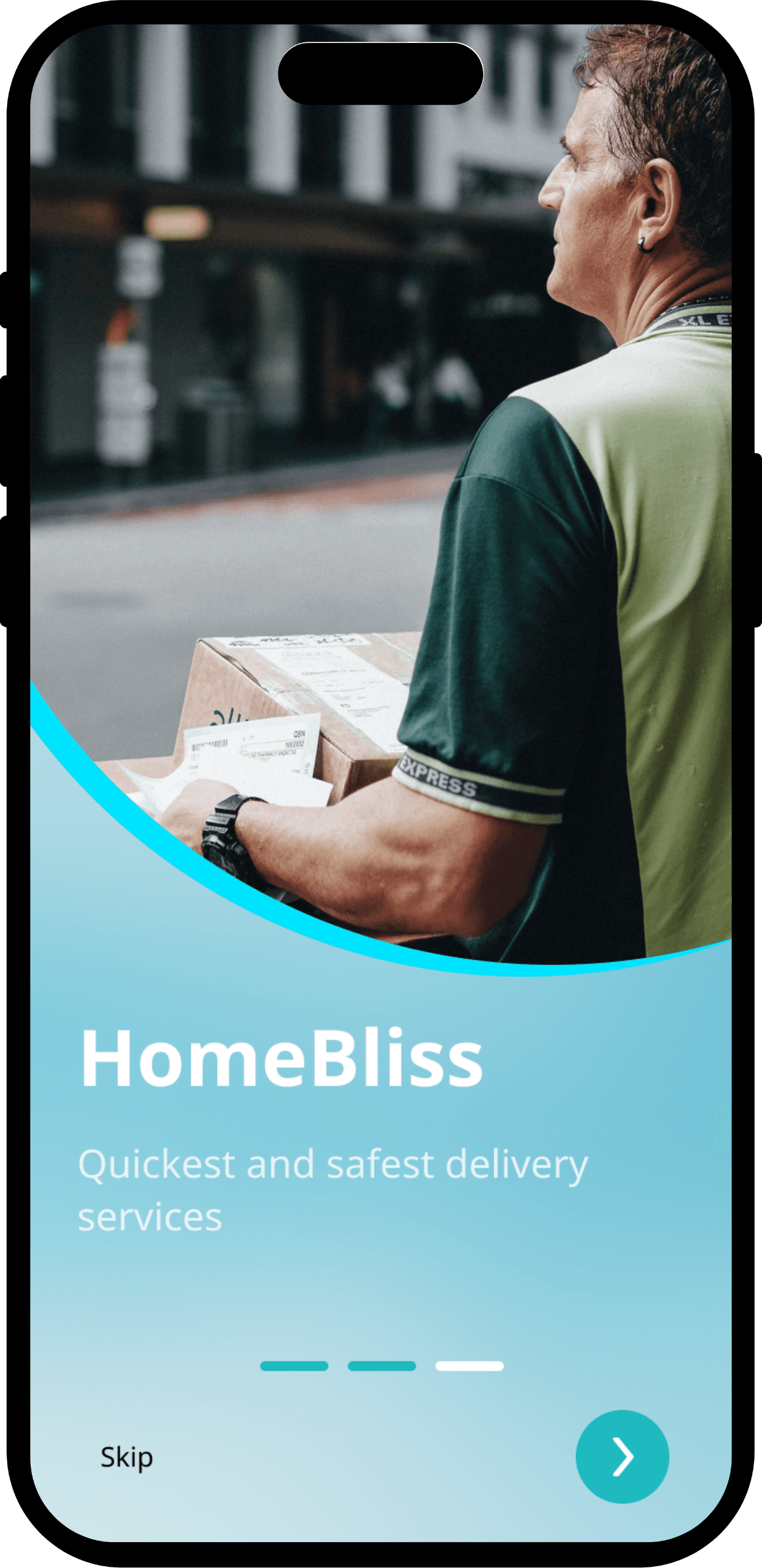
Onboarding Screen

I chose a straightforward, modern typeface to complement the flat, minimalistic look of the app.
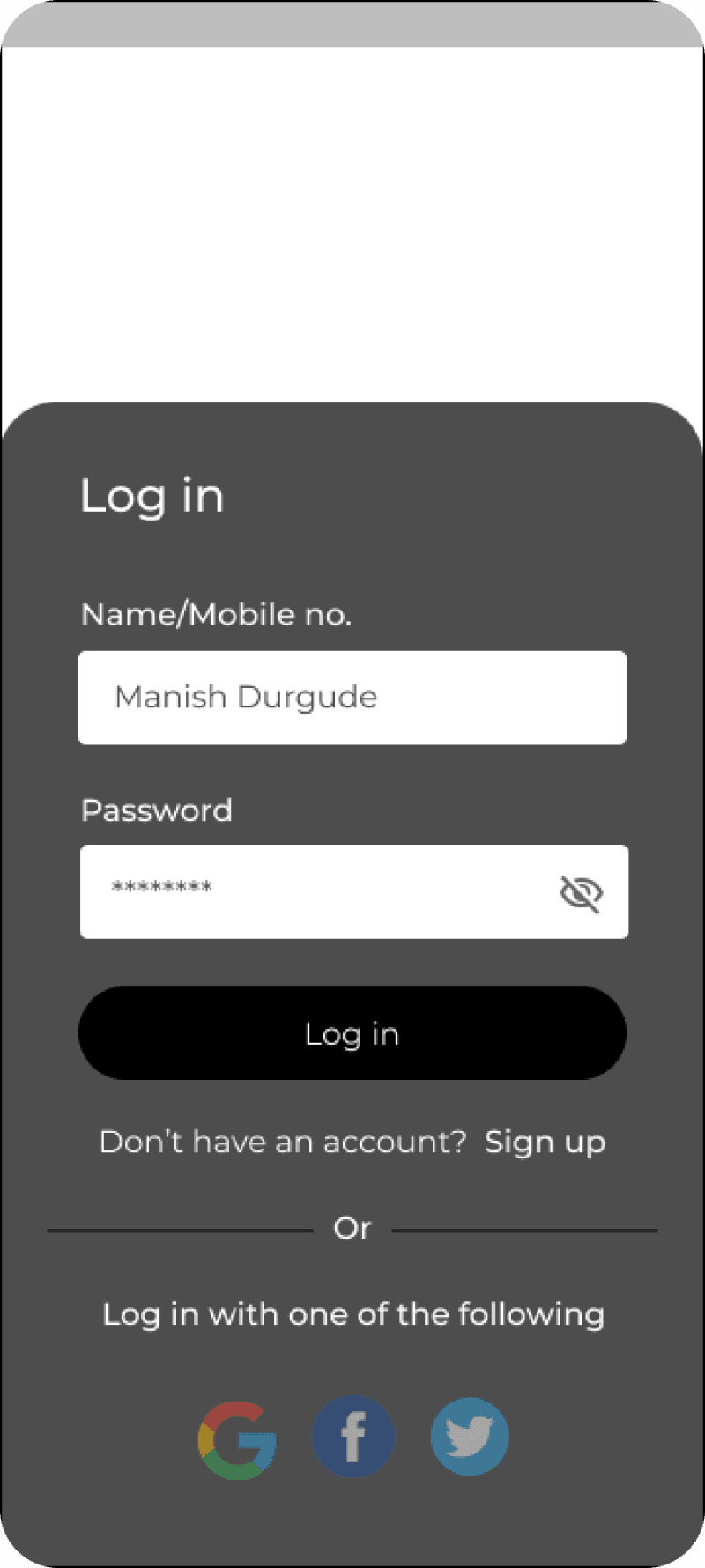
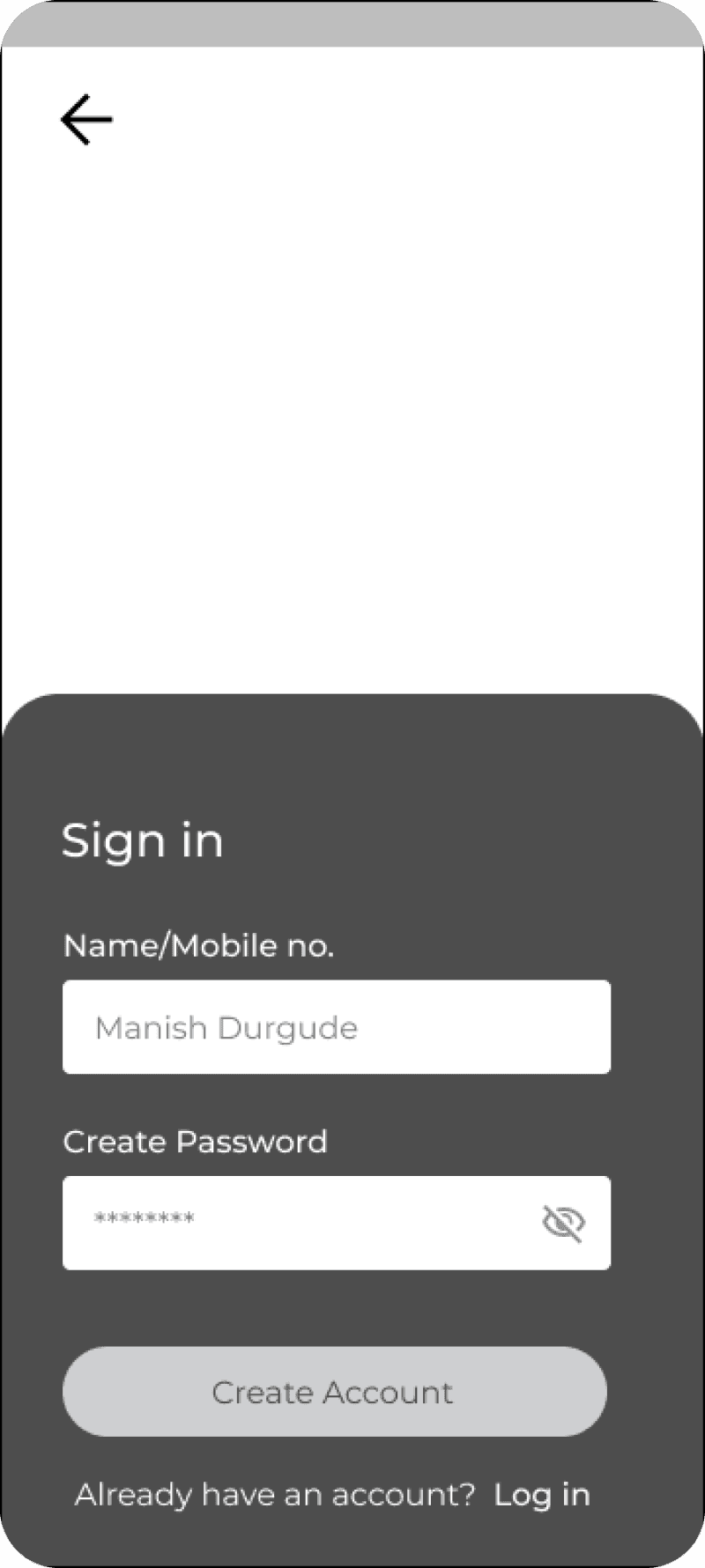
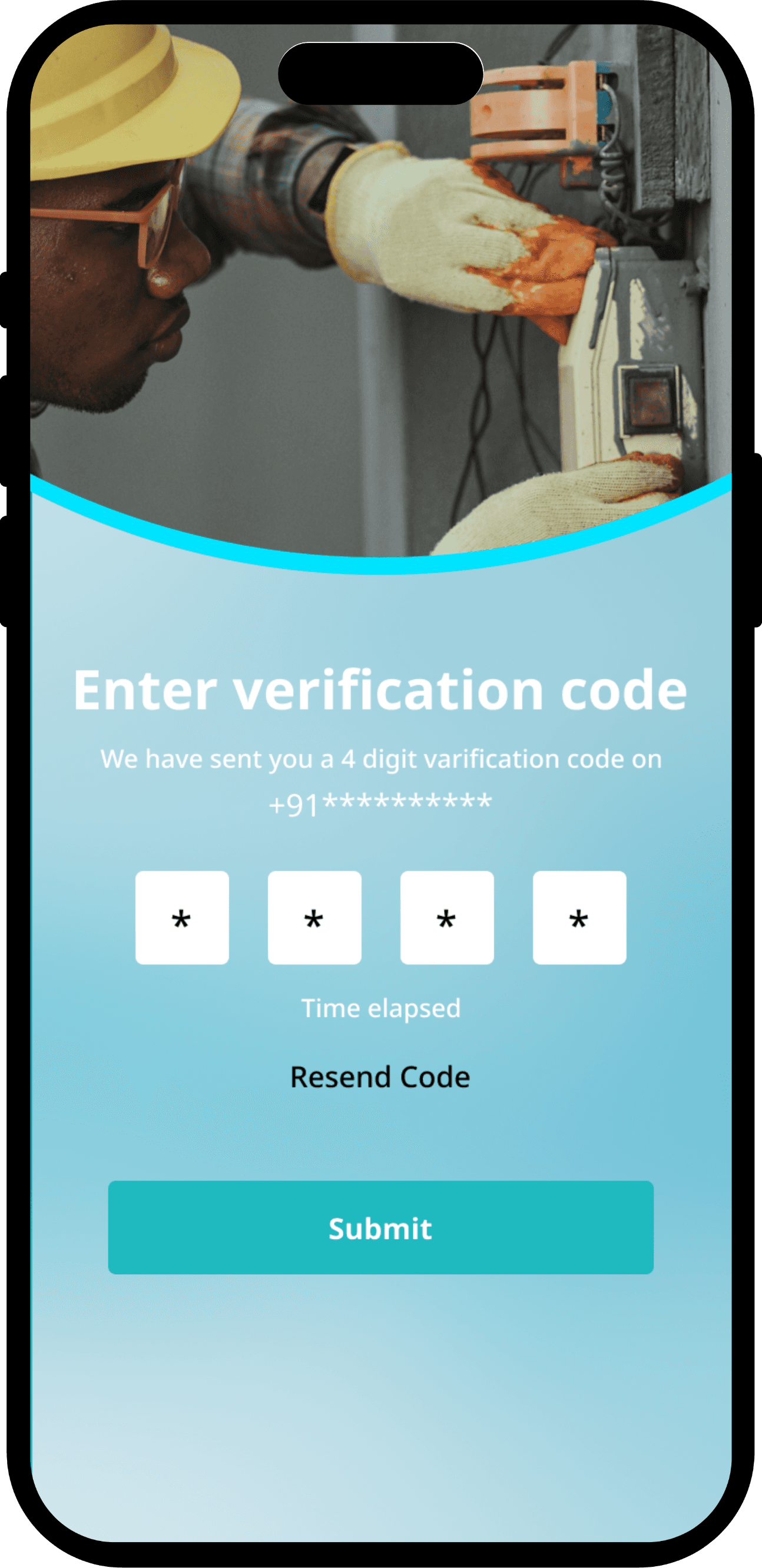
Sign In/Sign Up Screens

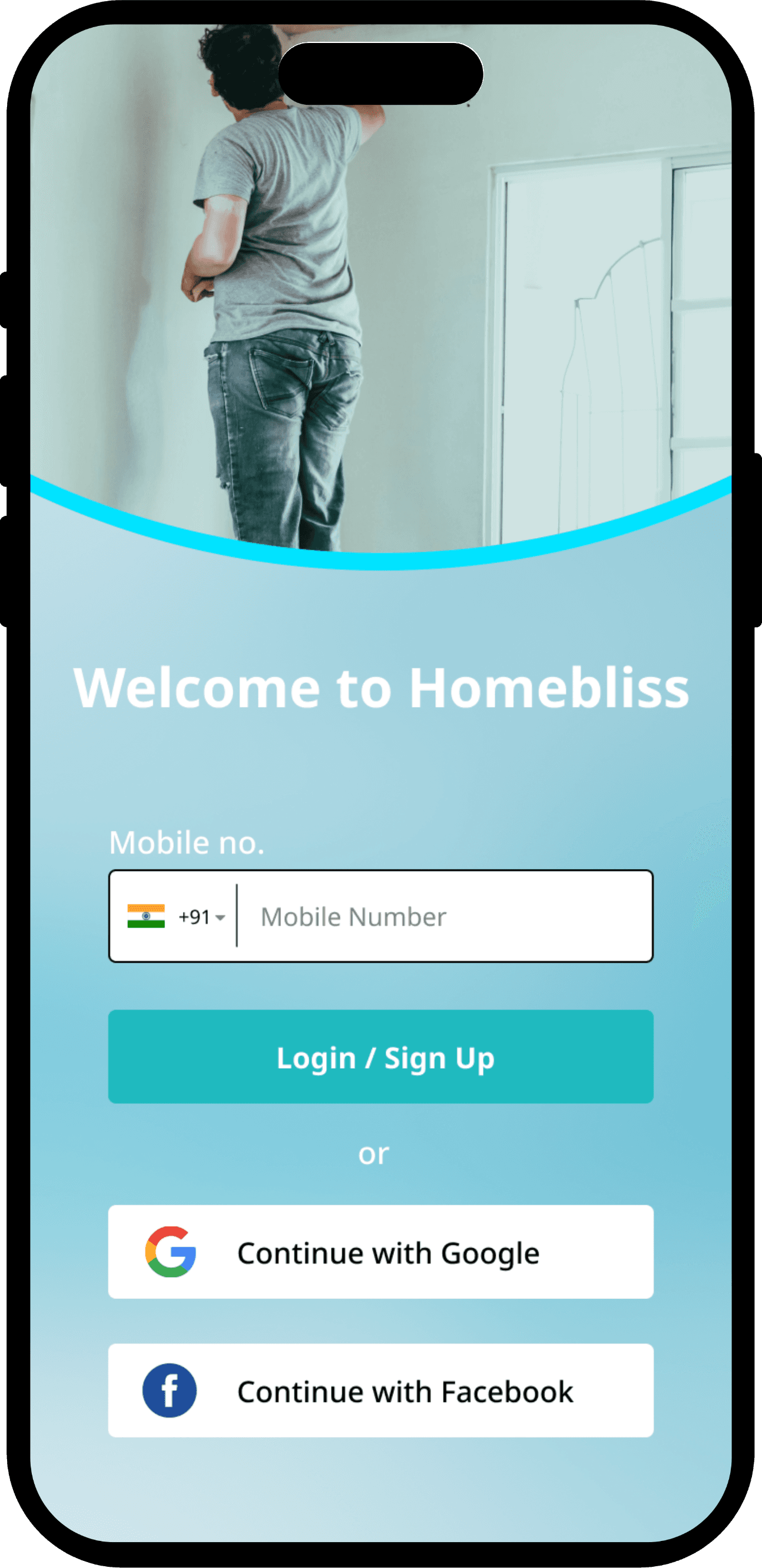
Users can sign in via social accounts or mobile OTP, enabling quick and easy authentication.
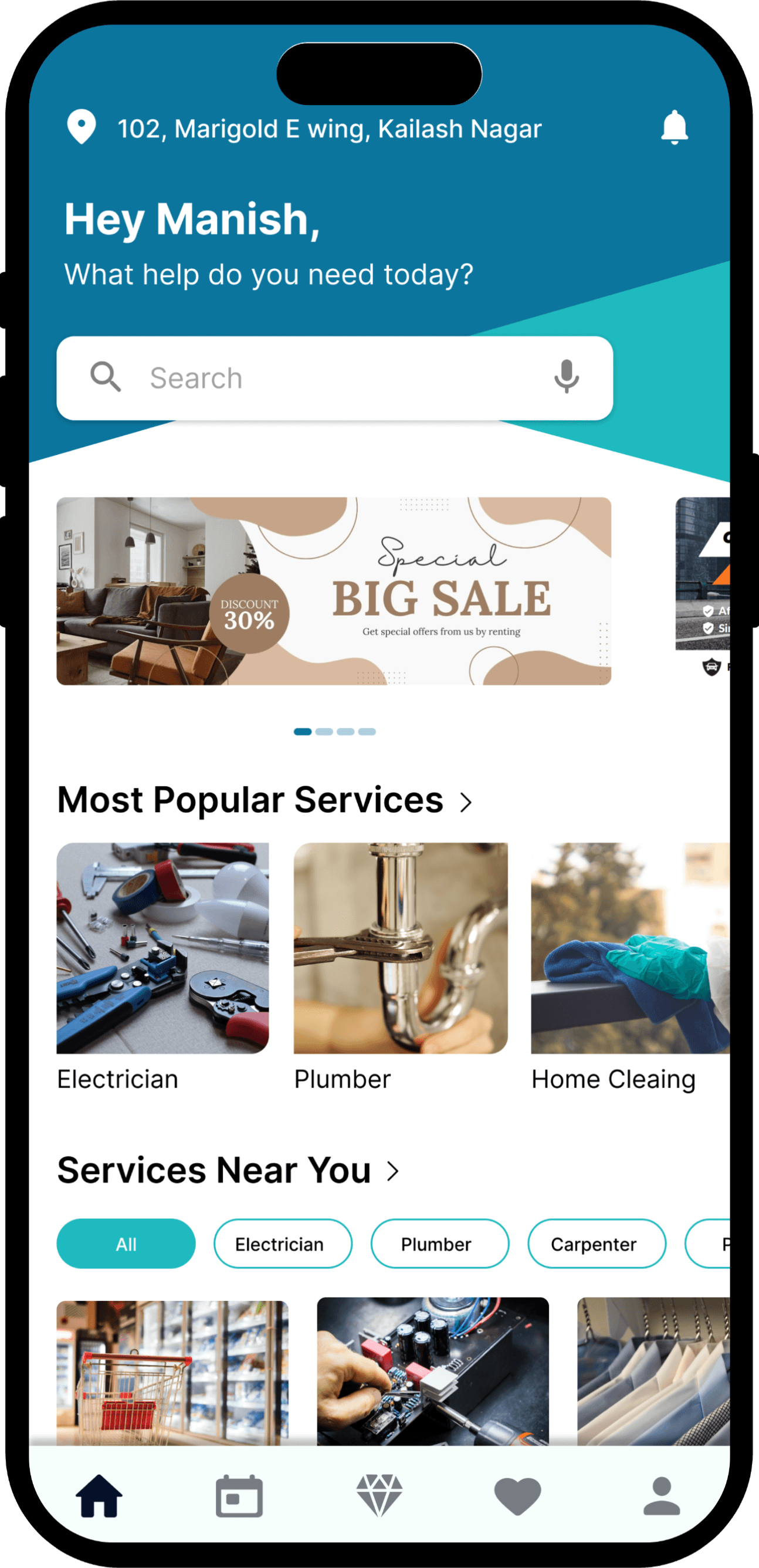
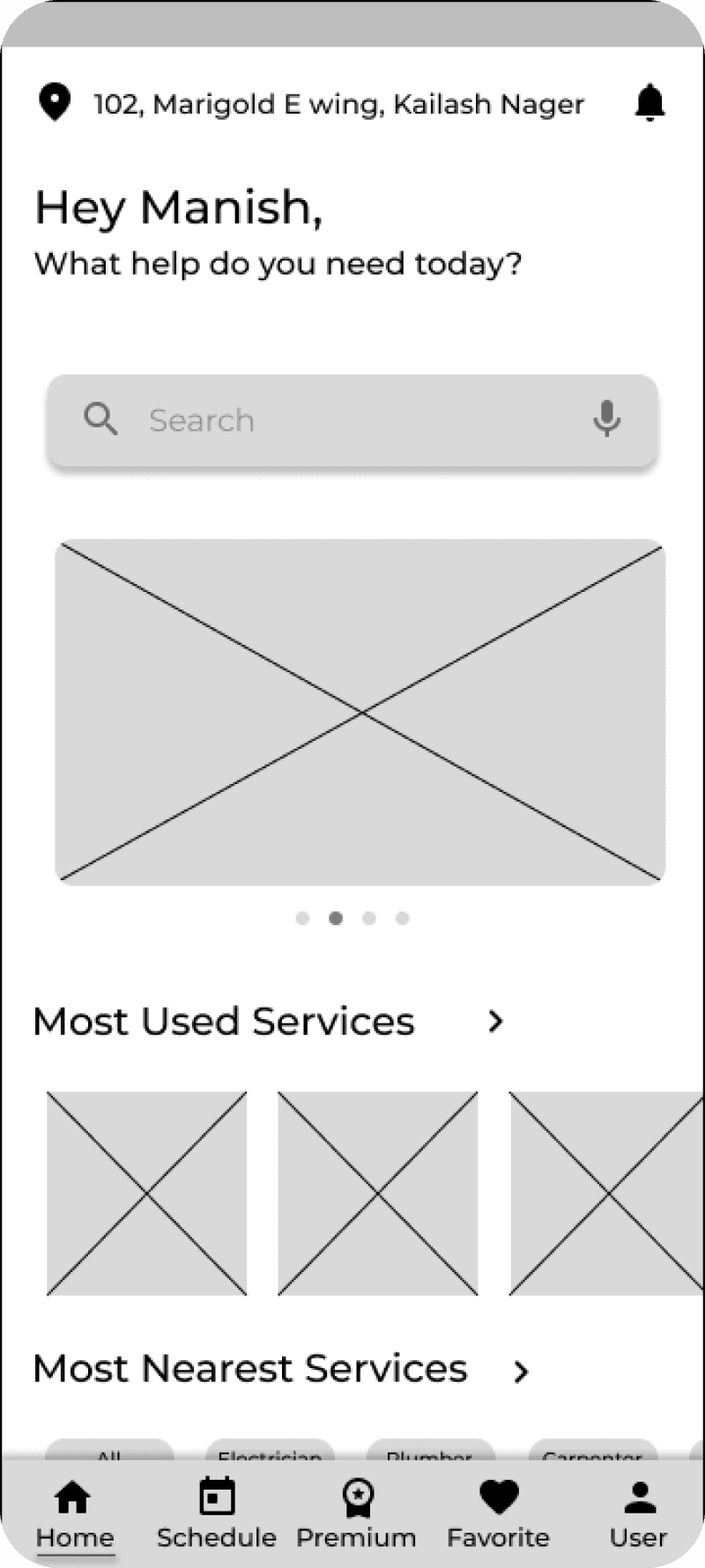
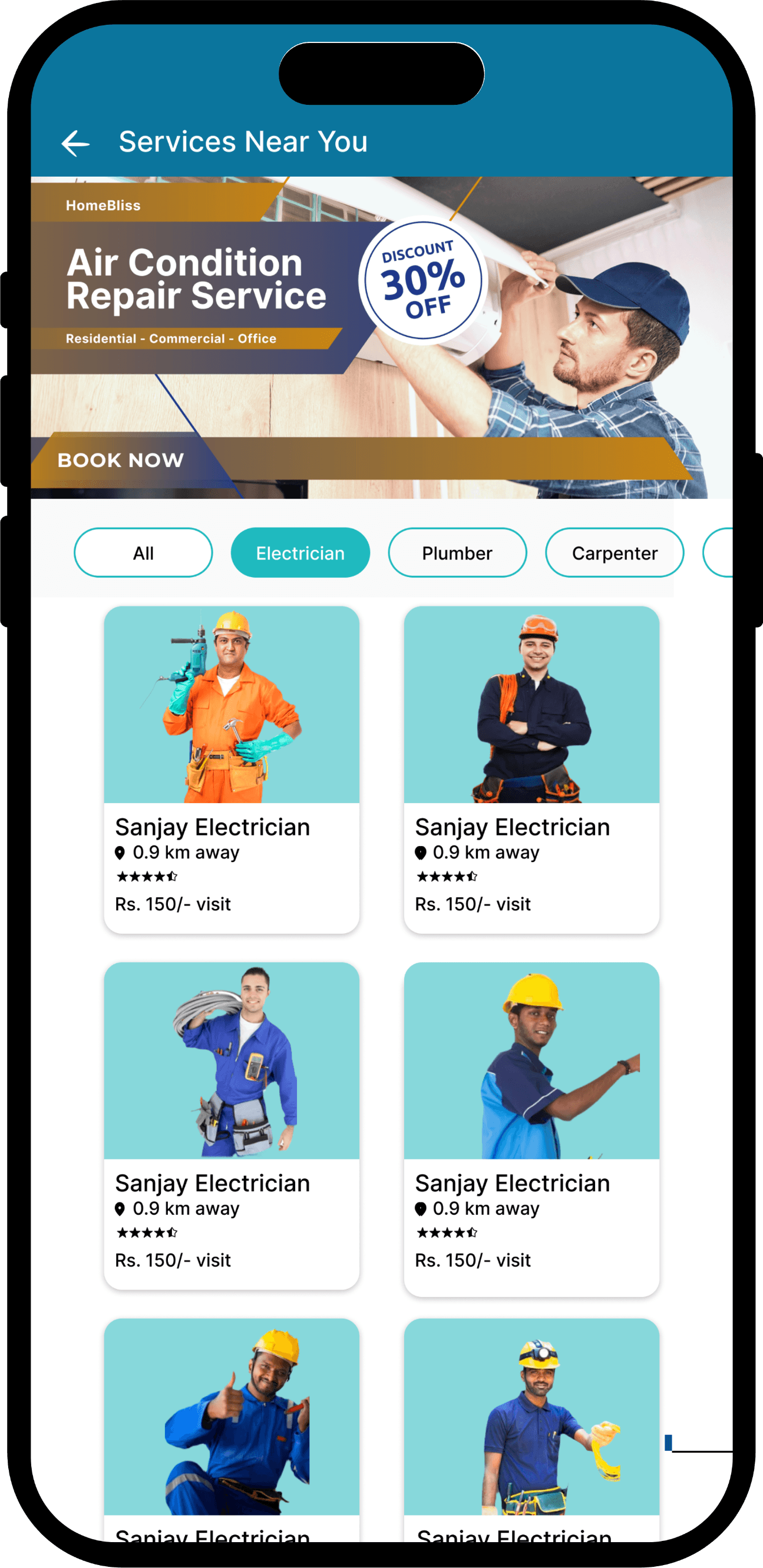
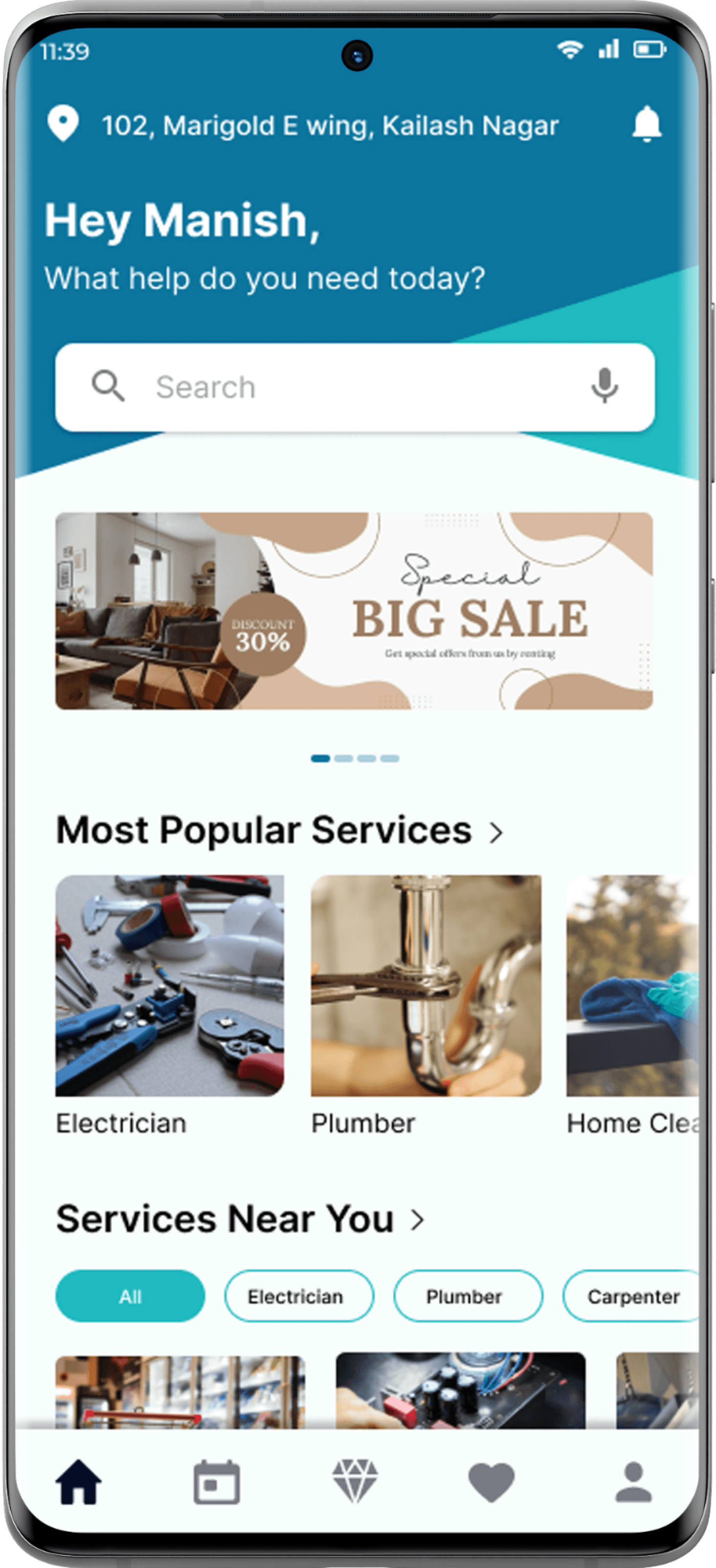
Home Screen

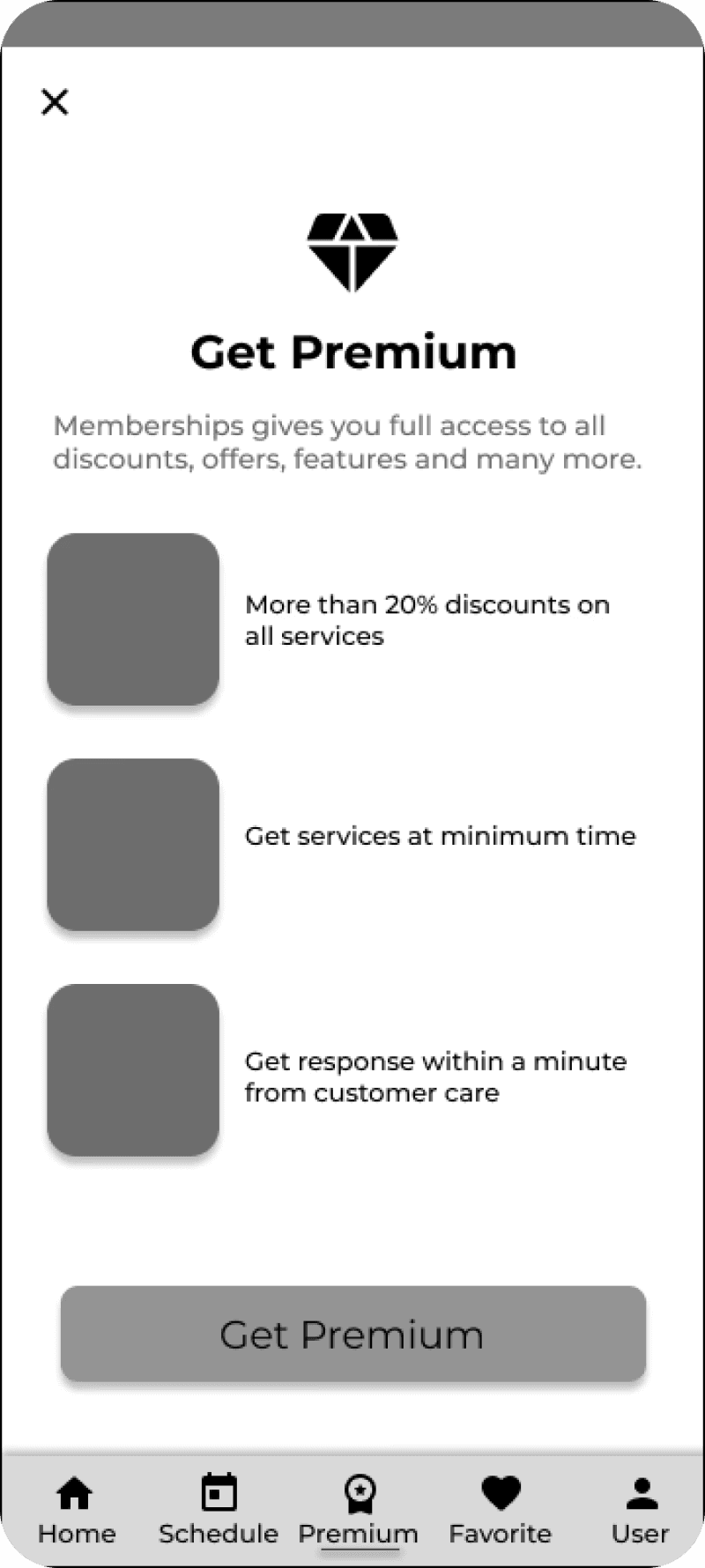
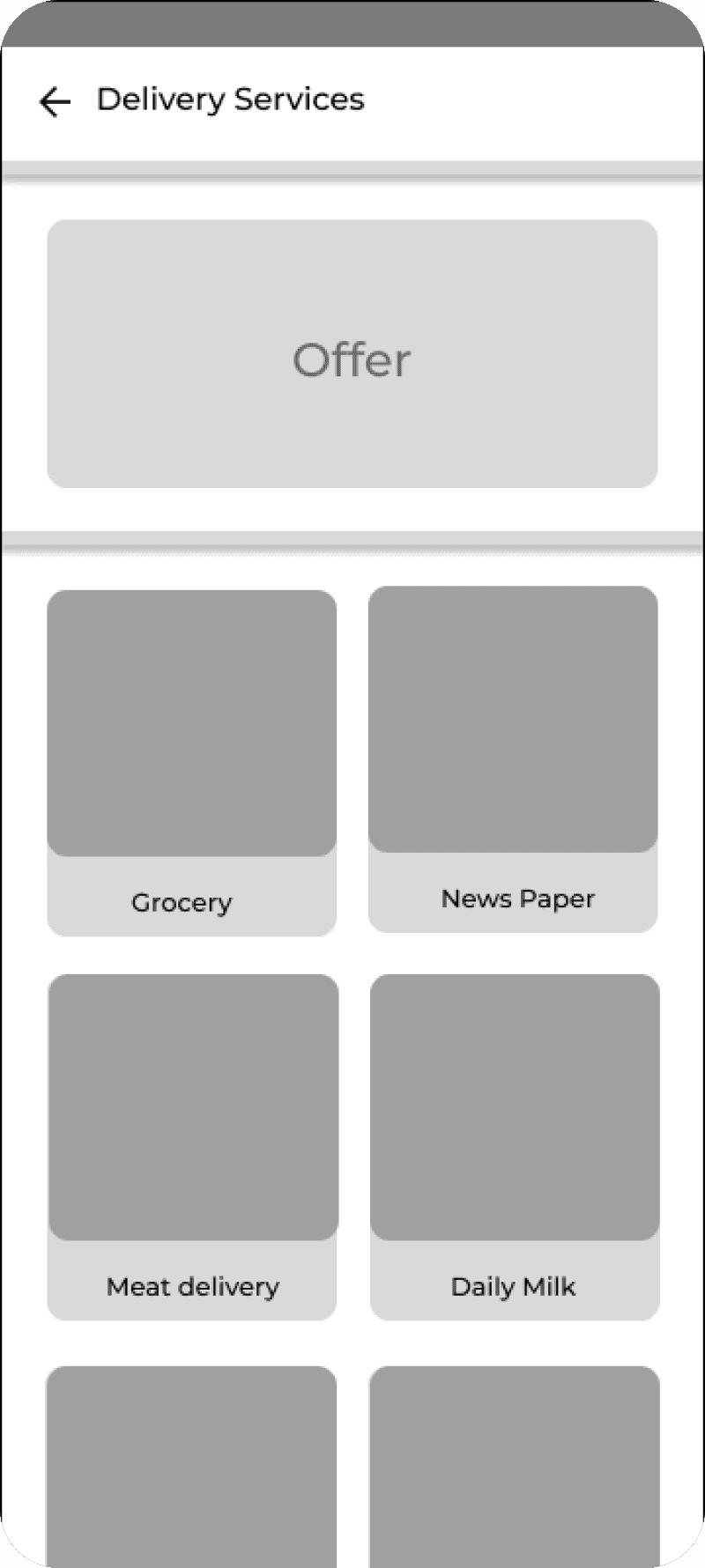
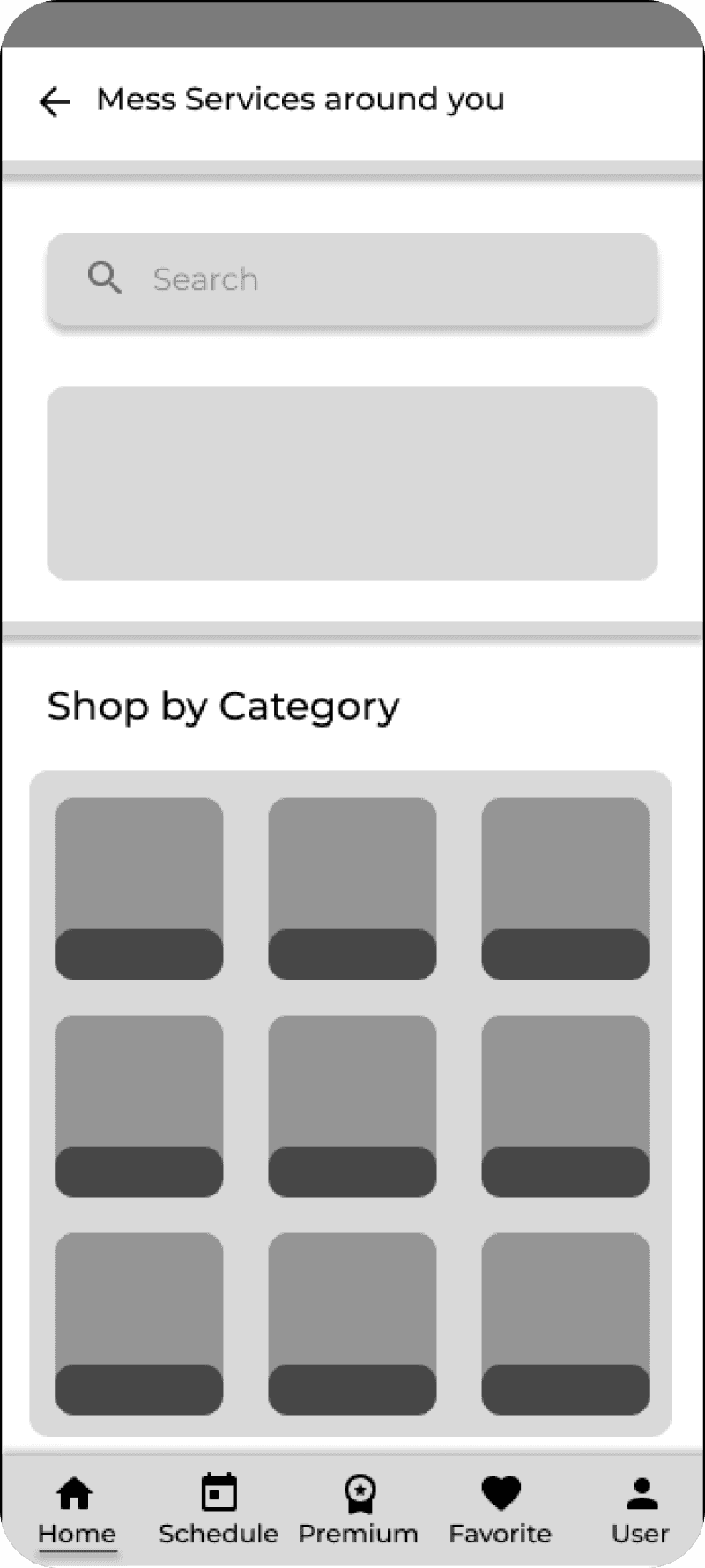
A clean, central hub with quick access to top services, smart categories, and clear icons for fast, hassle-free navigation.

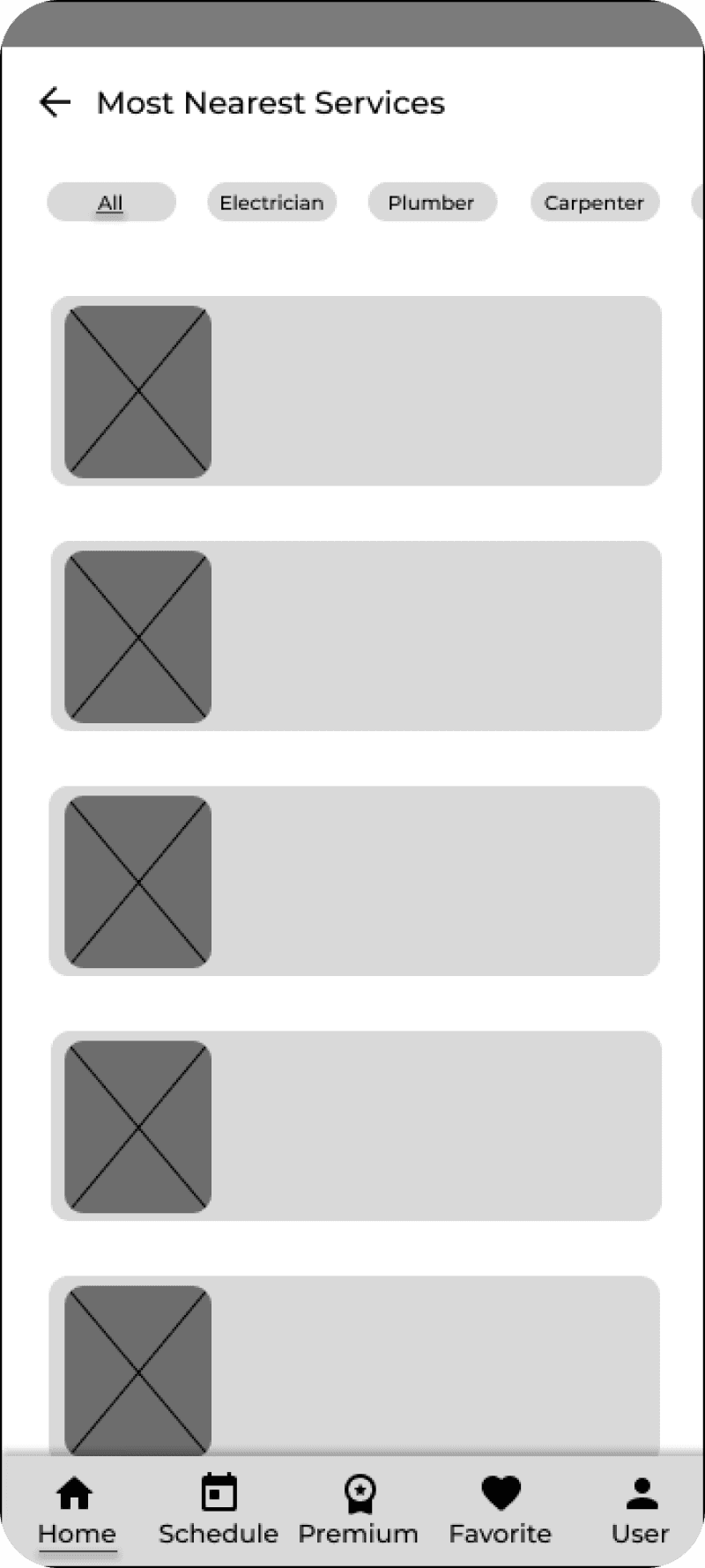
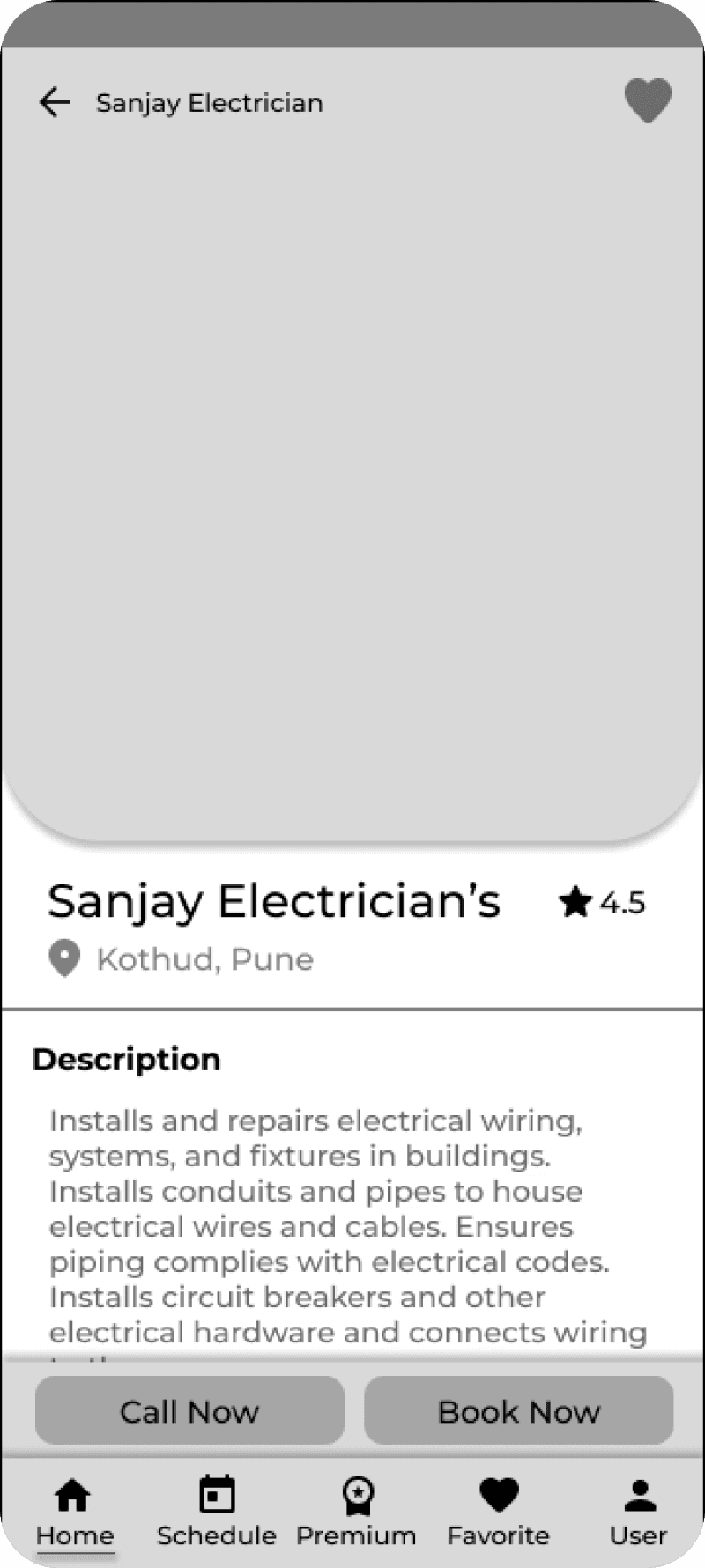
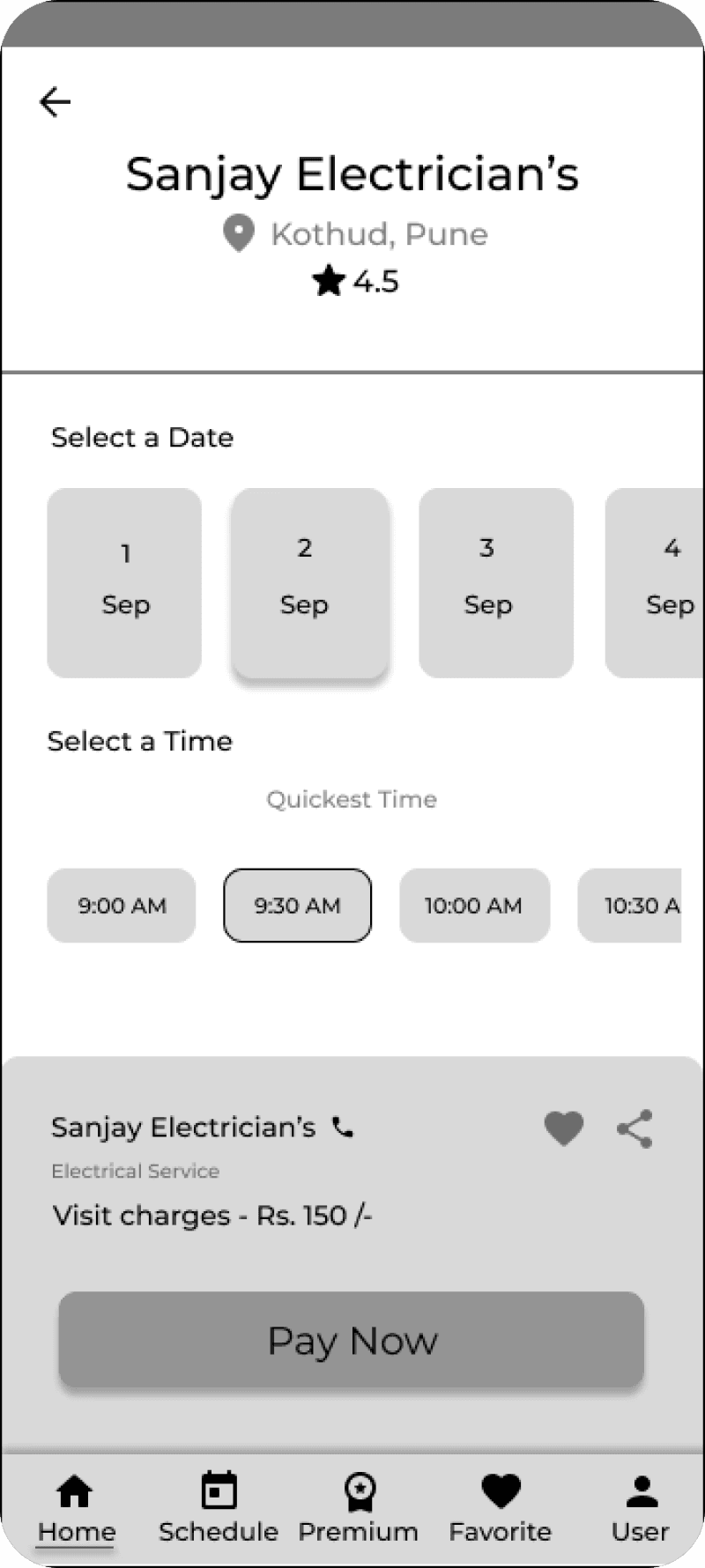
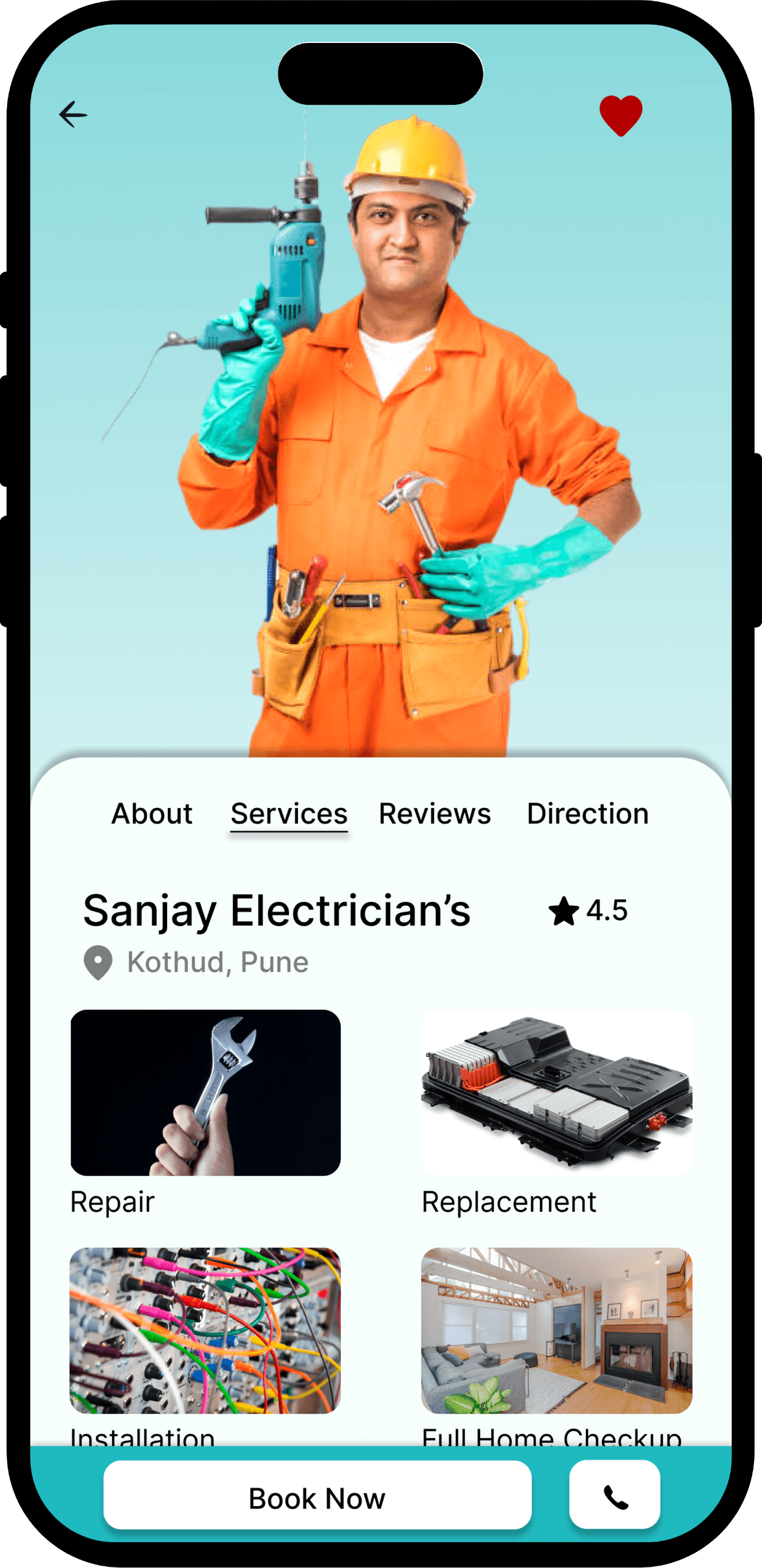
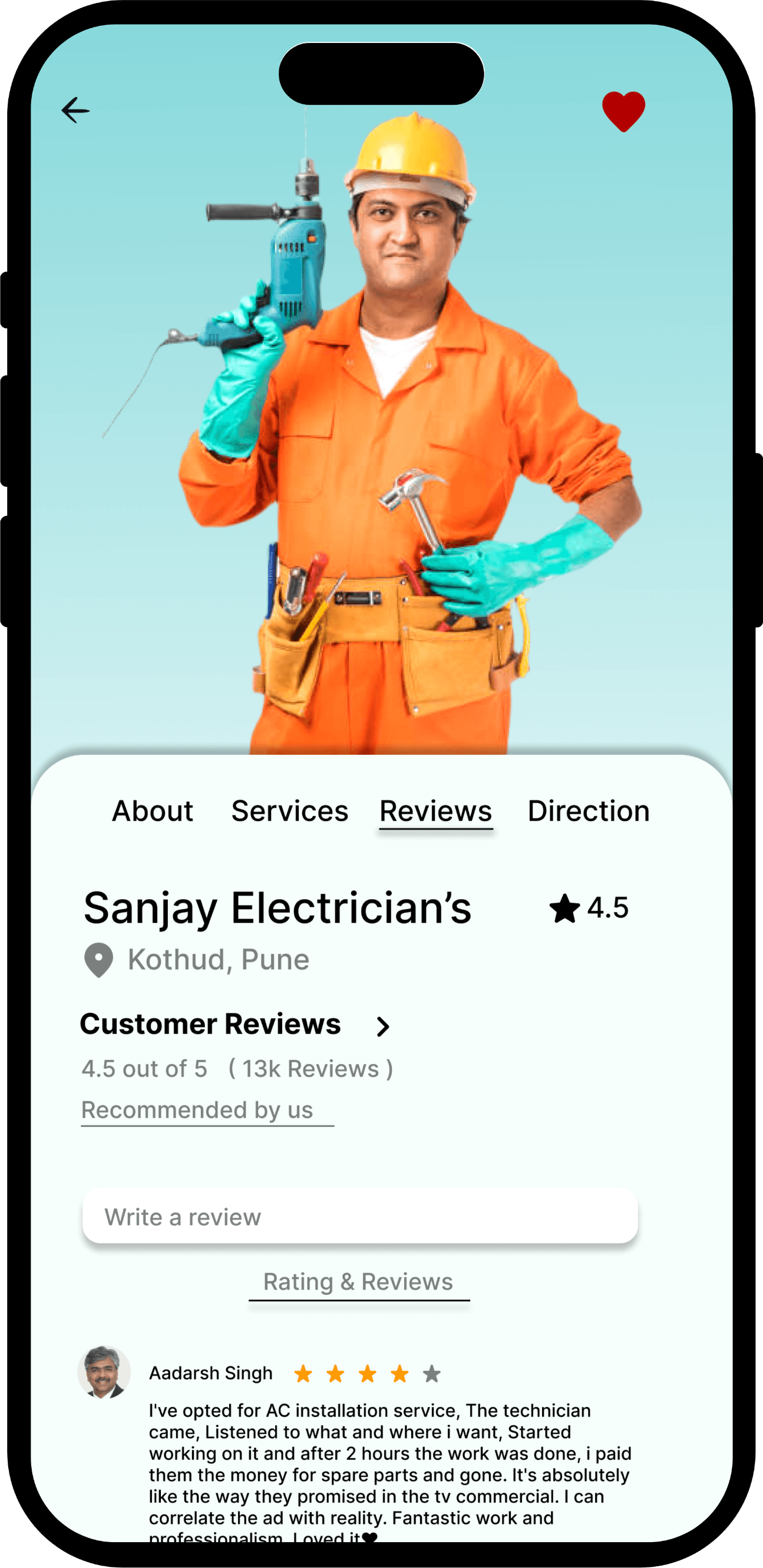
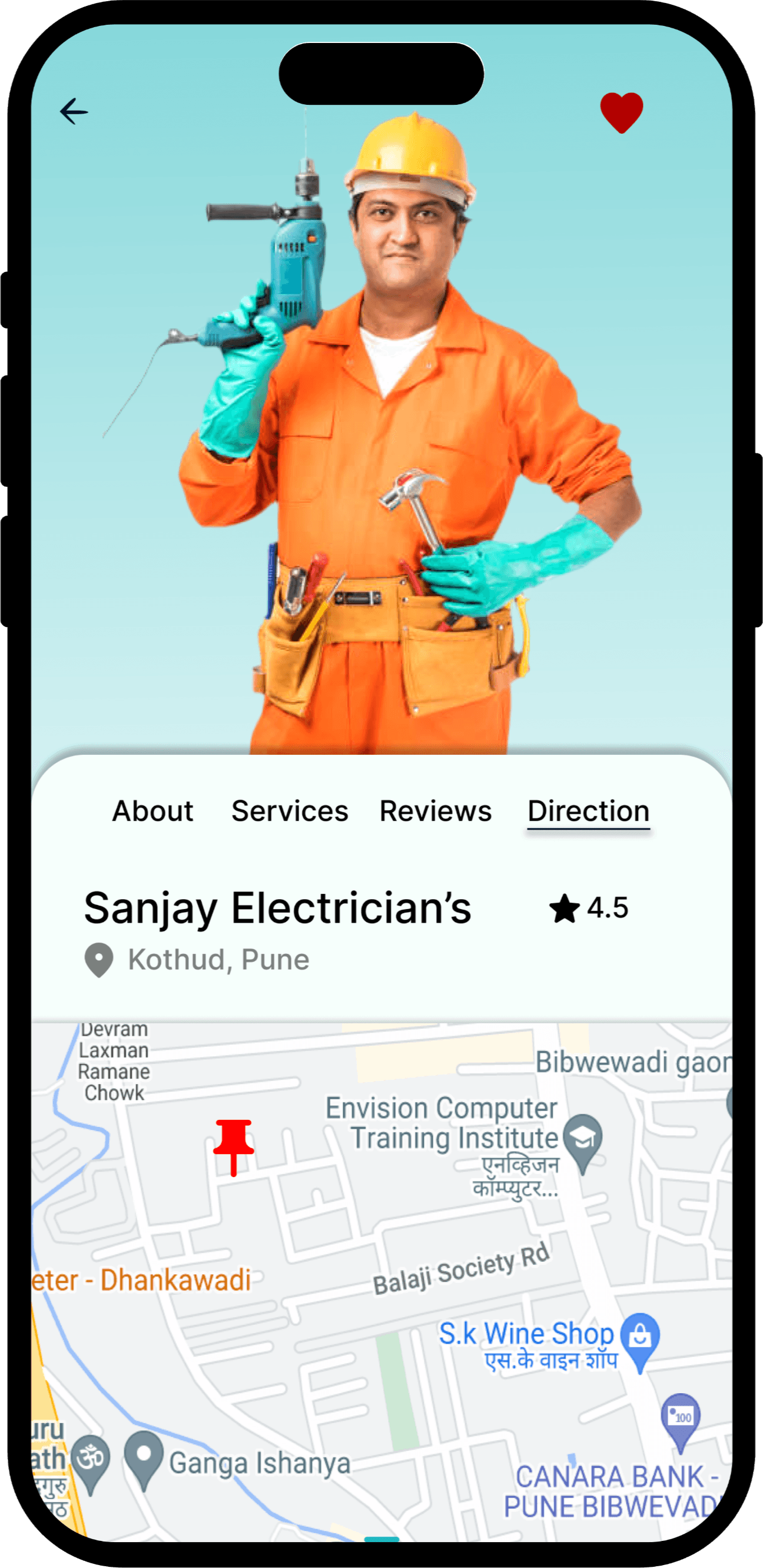
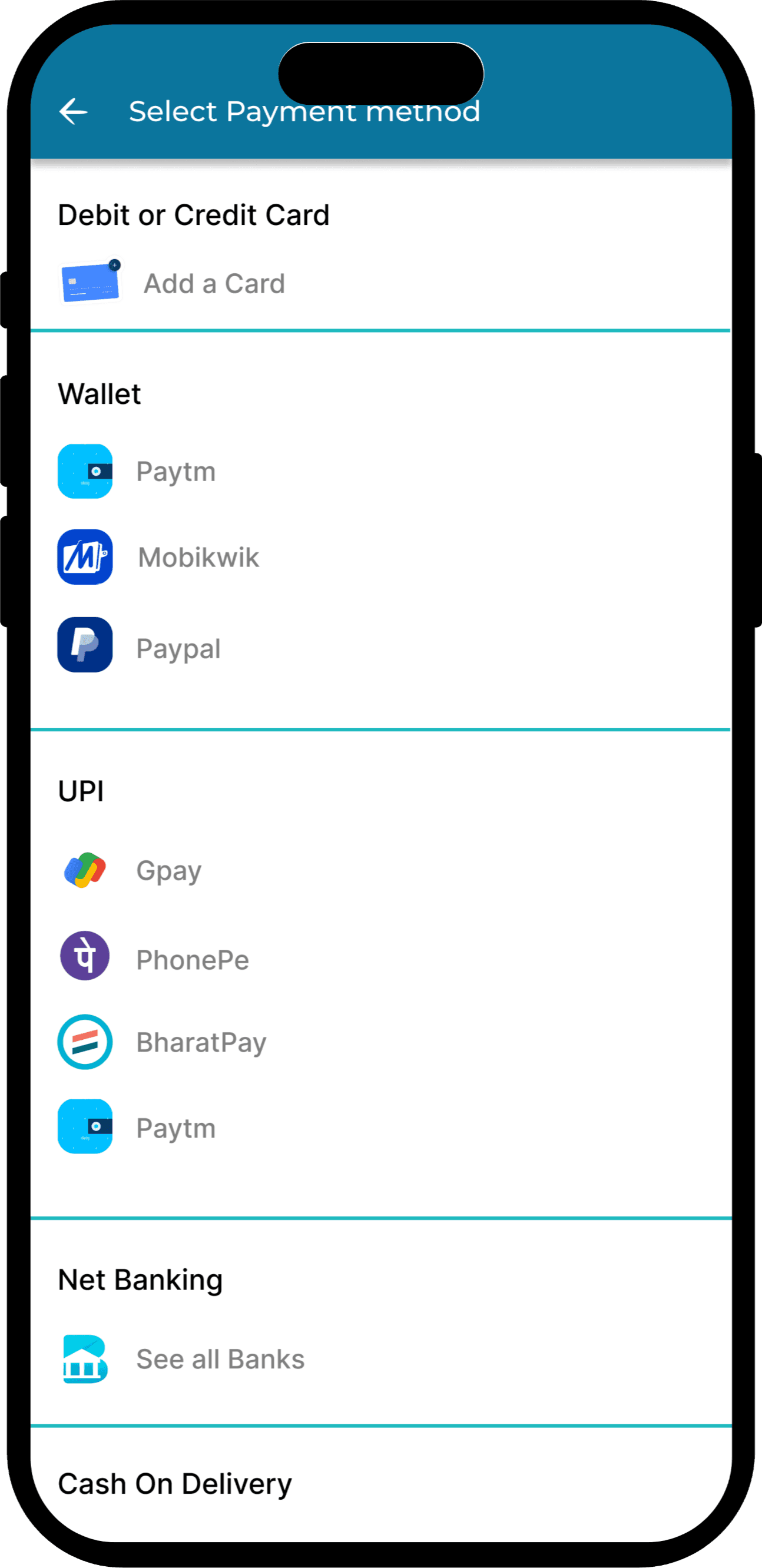
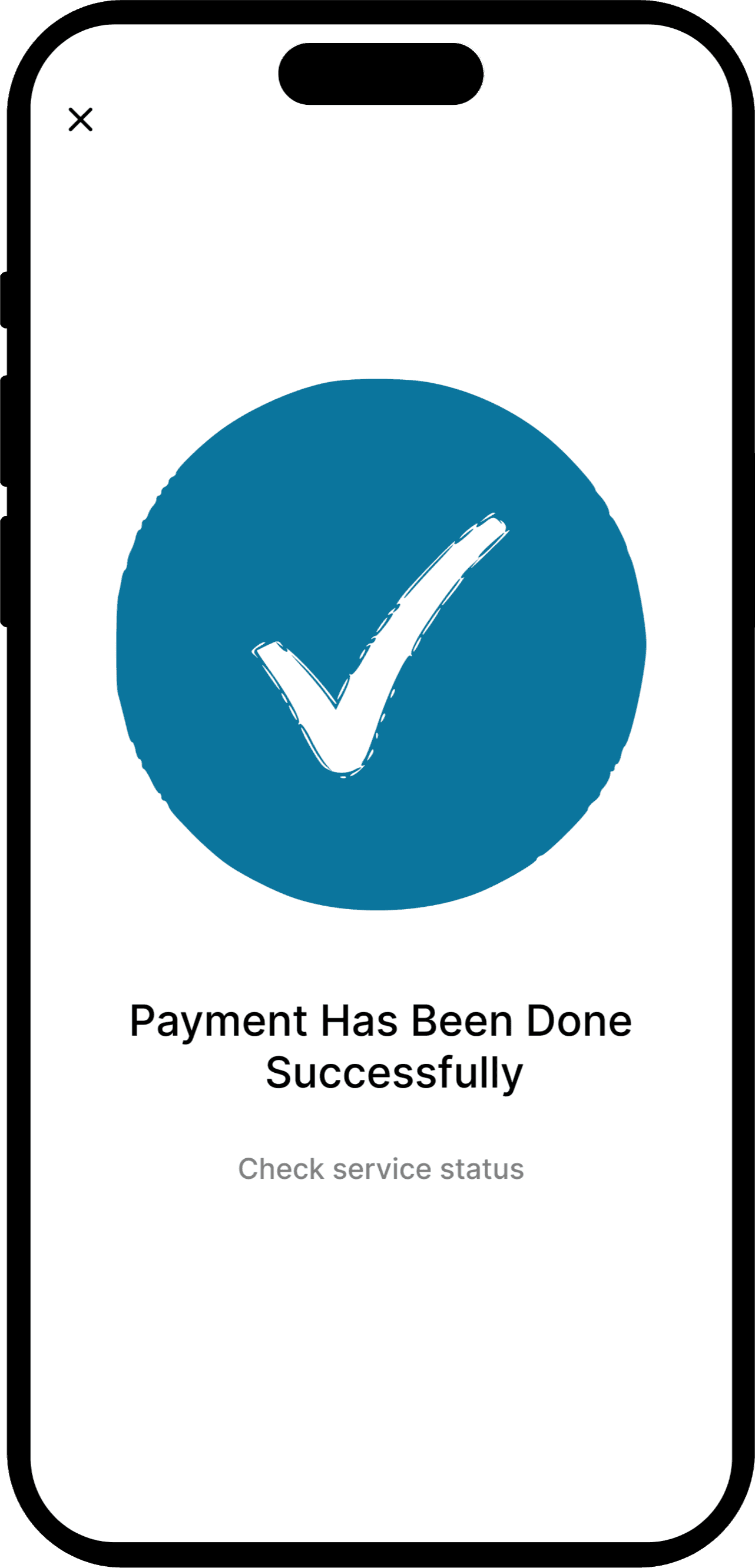
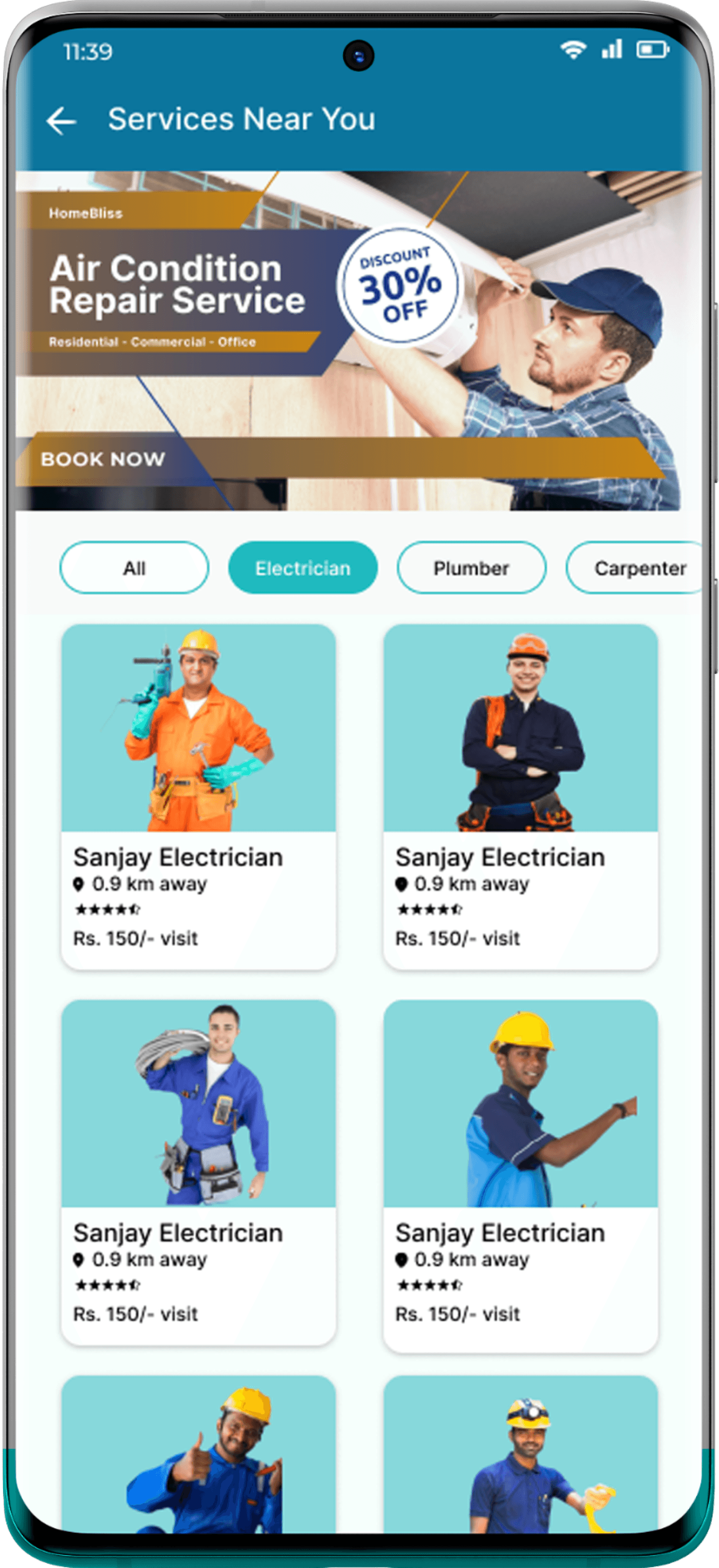
Service Booking

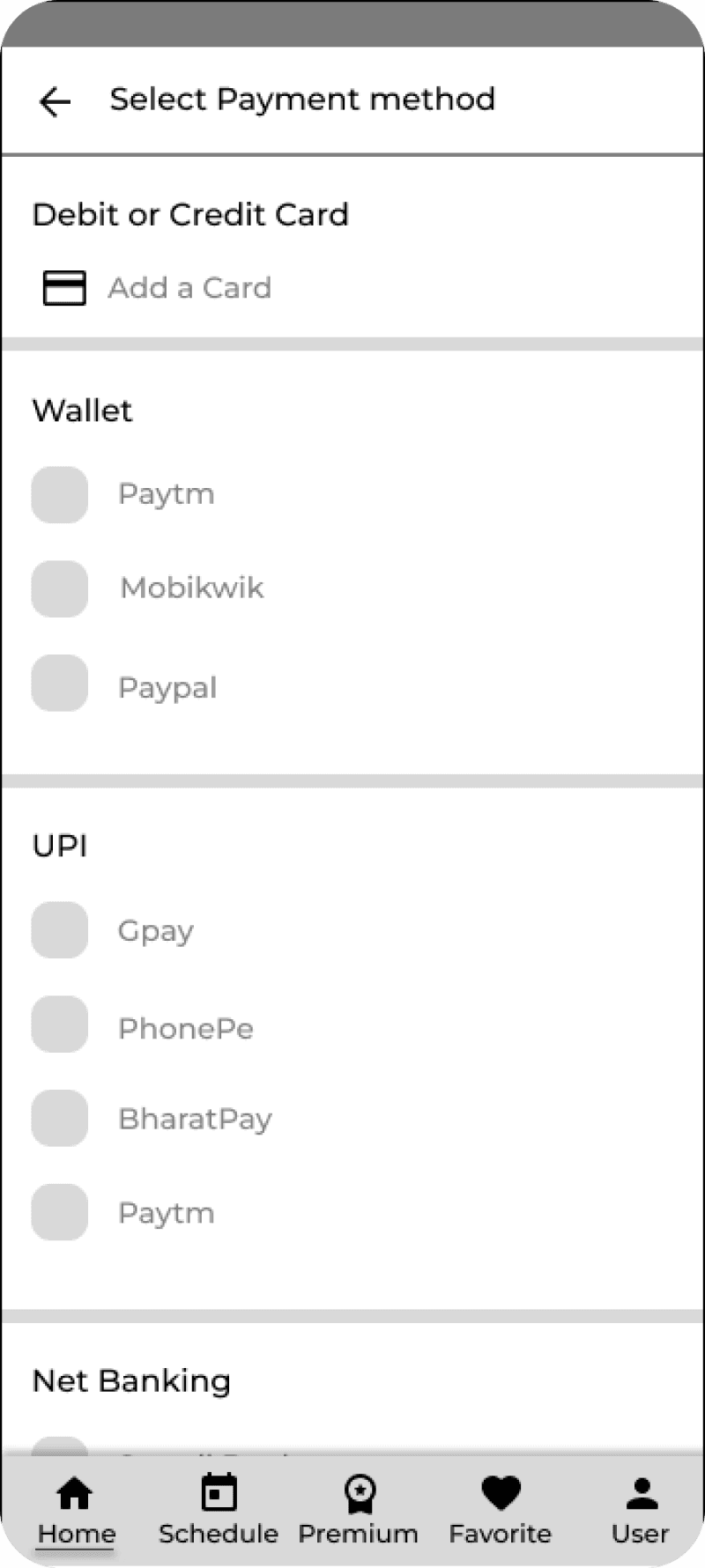
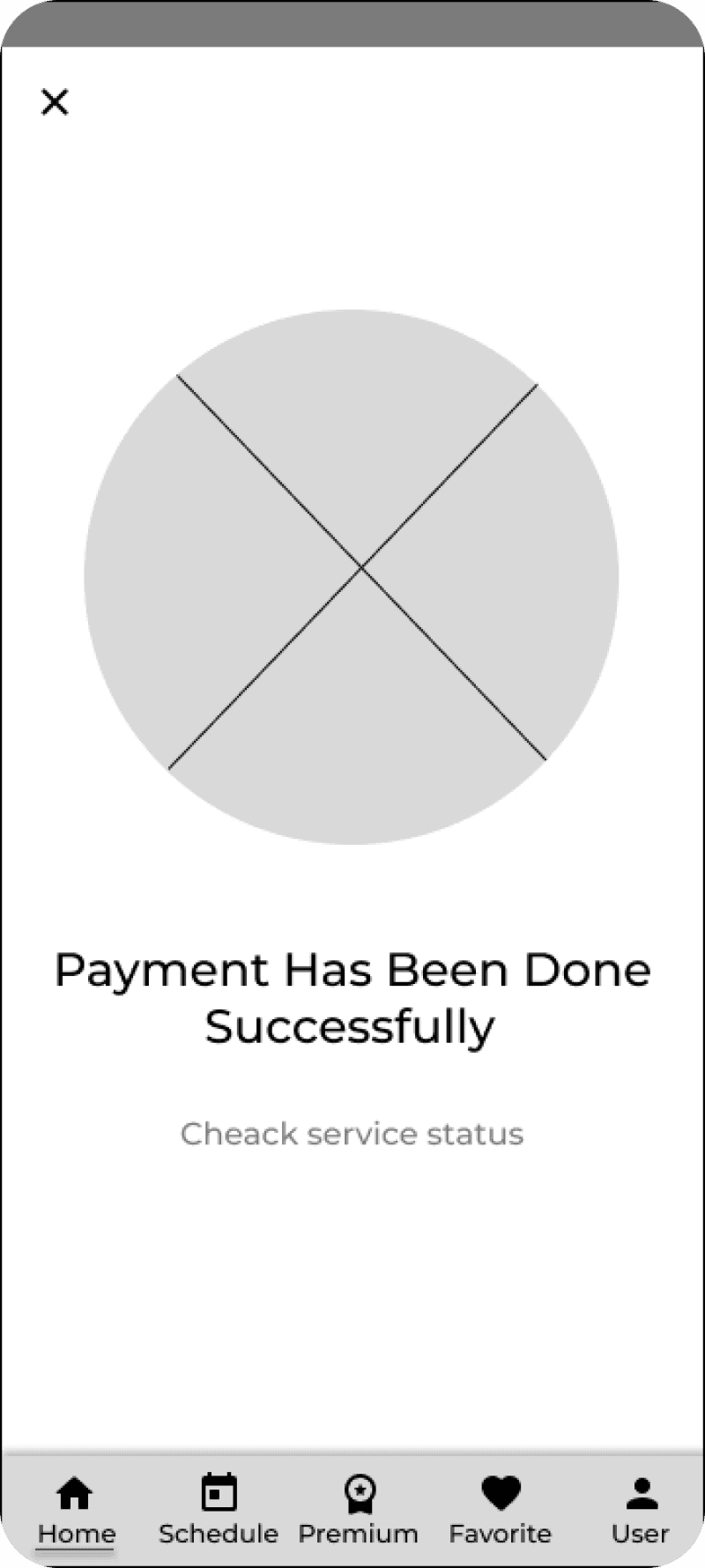
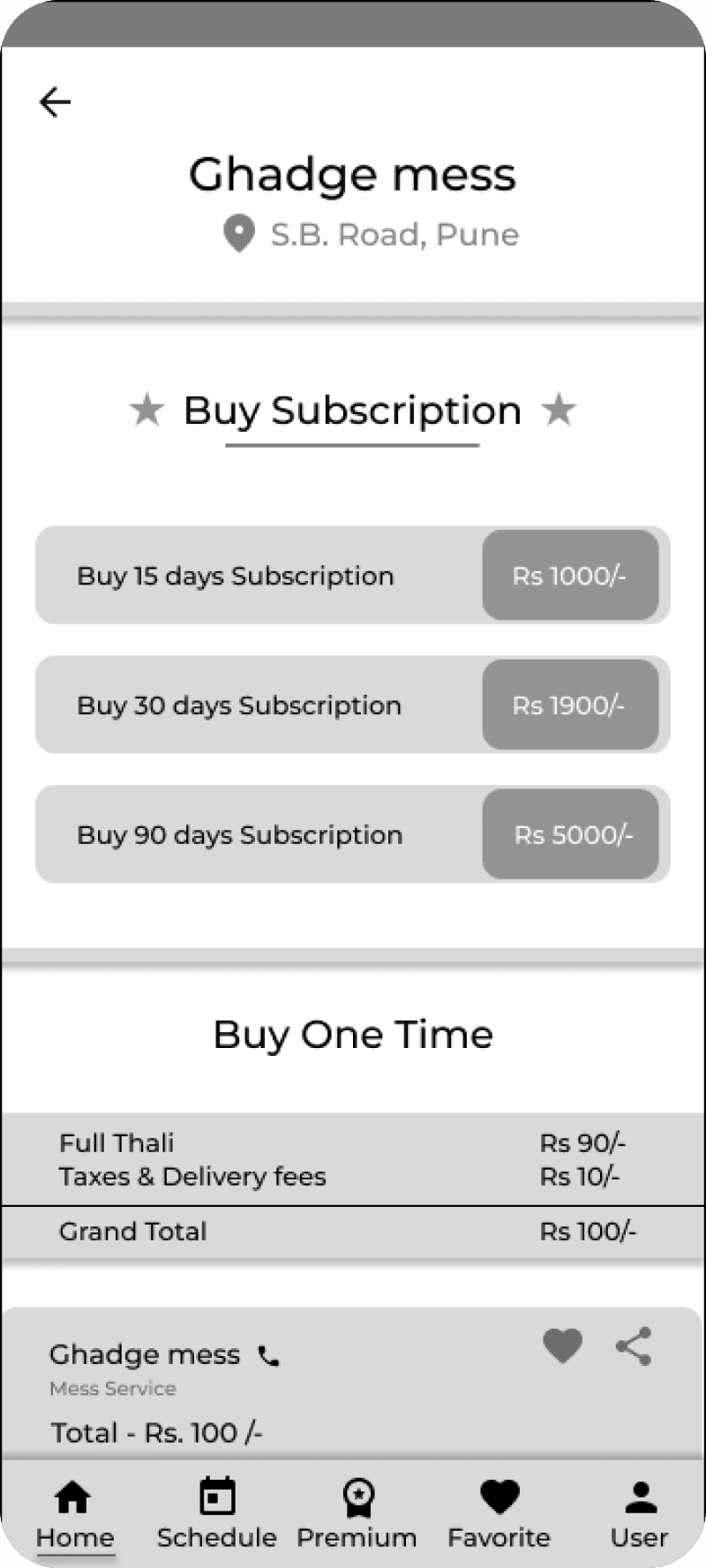
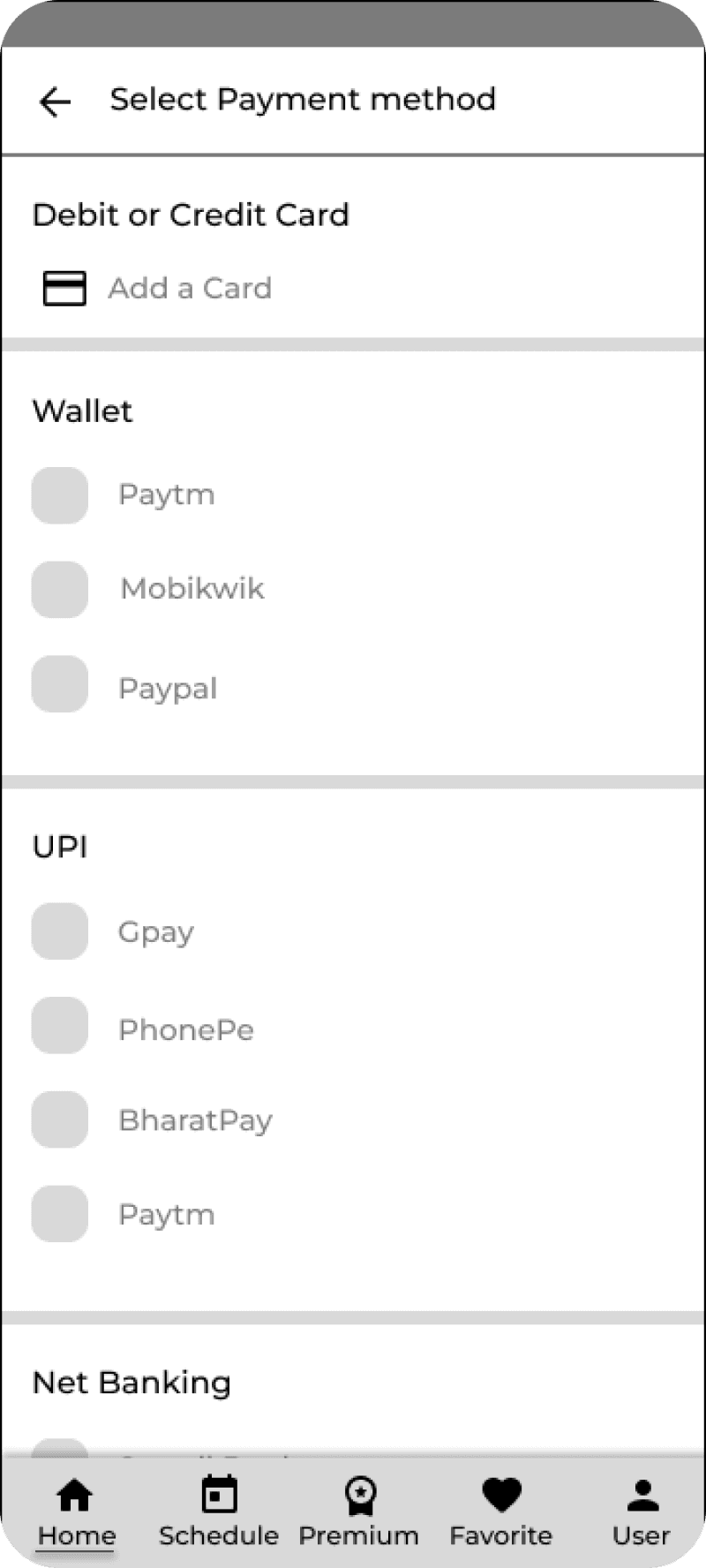
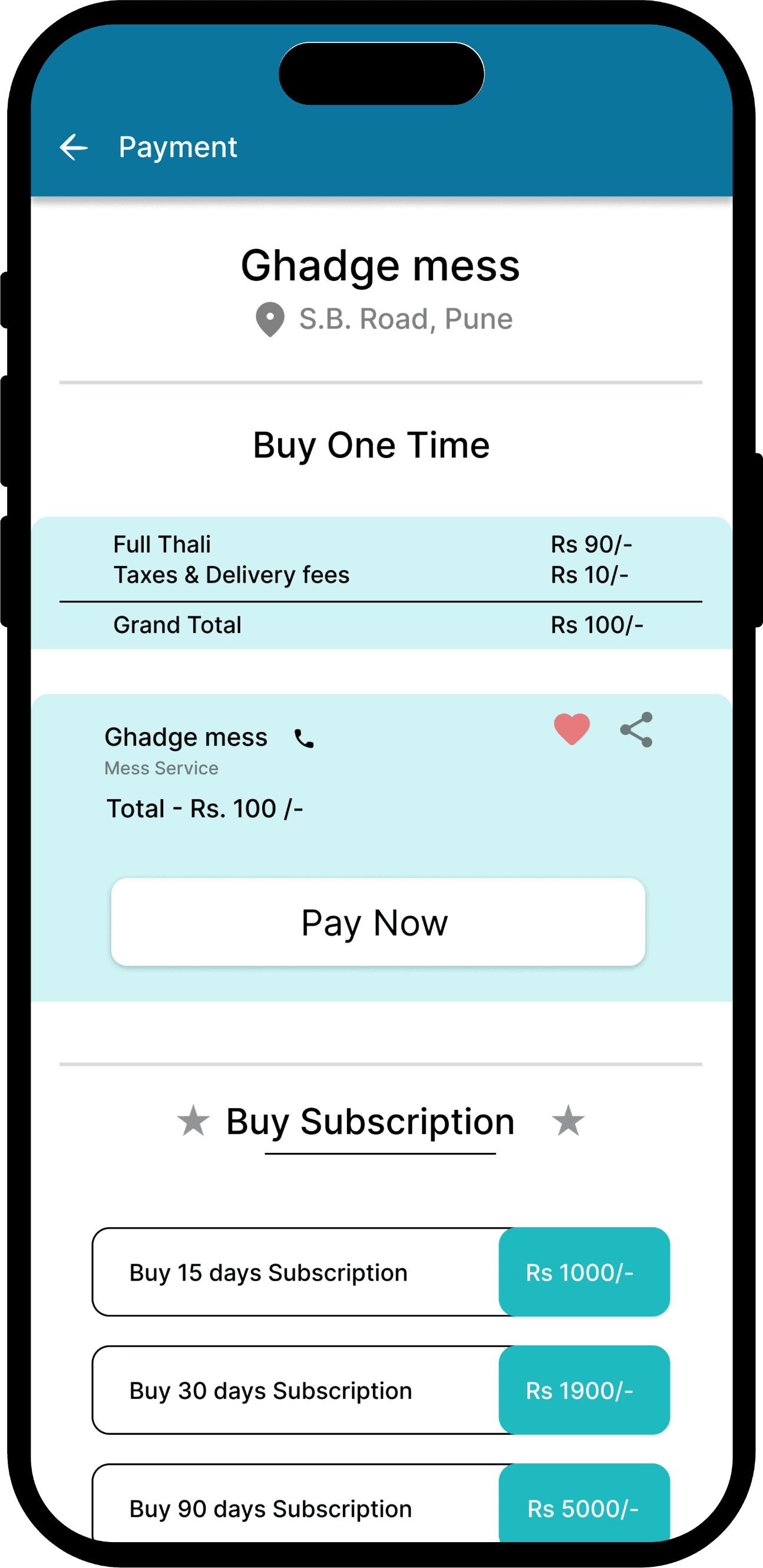
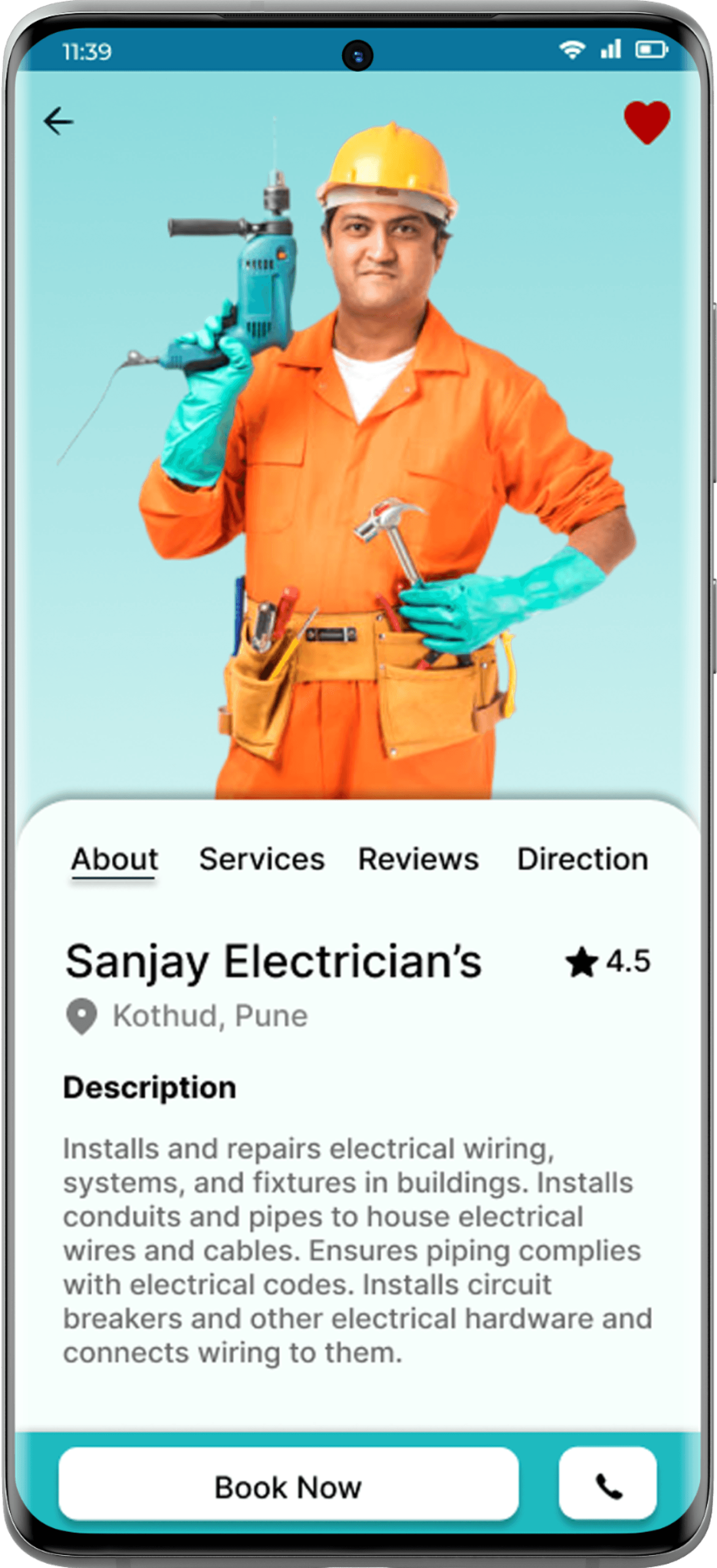
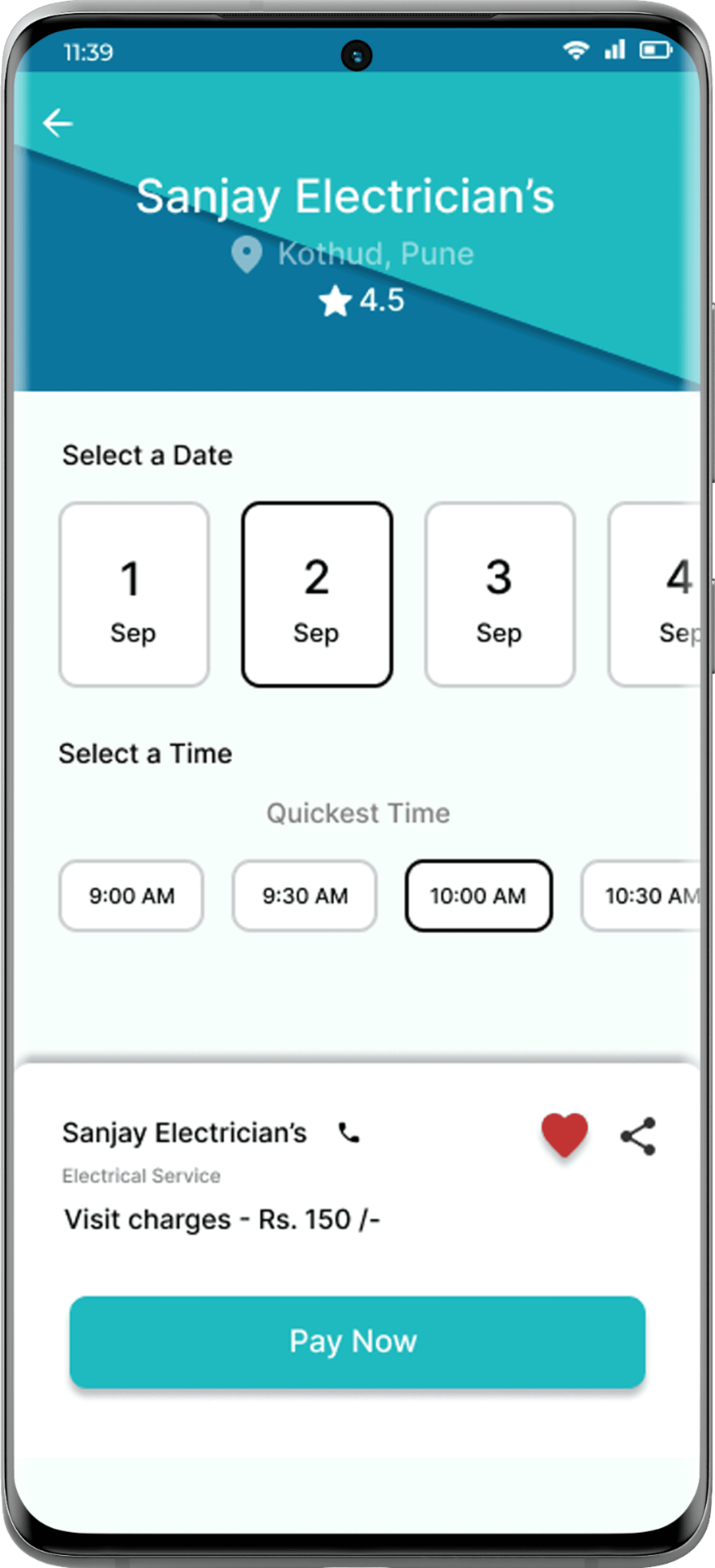
Users can quickly select a service, view provider details, choose a time slot, and complete payment—all in a few taps. The flow is simple, fast, and user-friendly

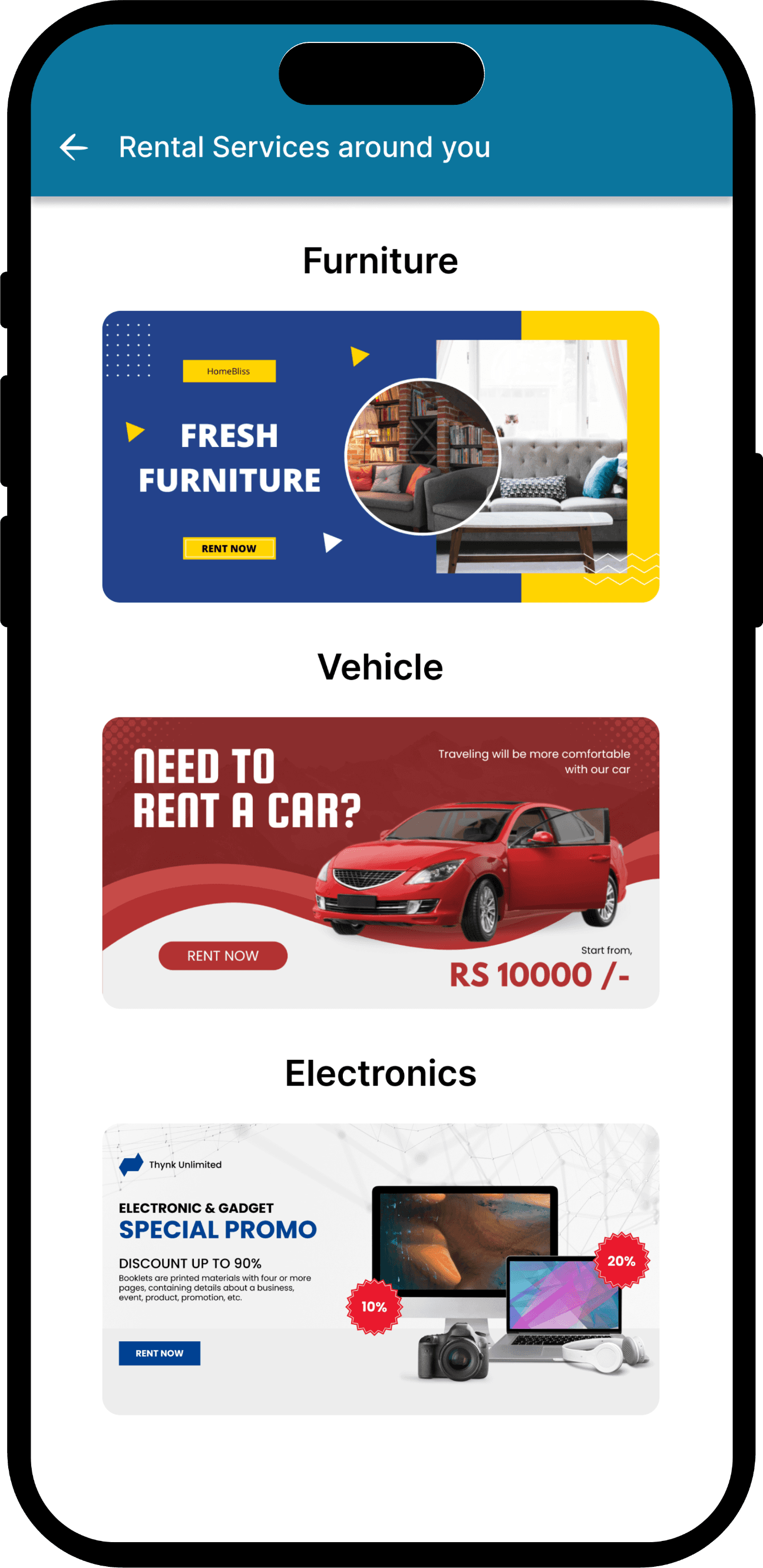
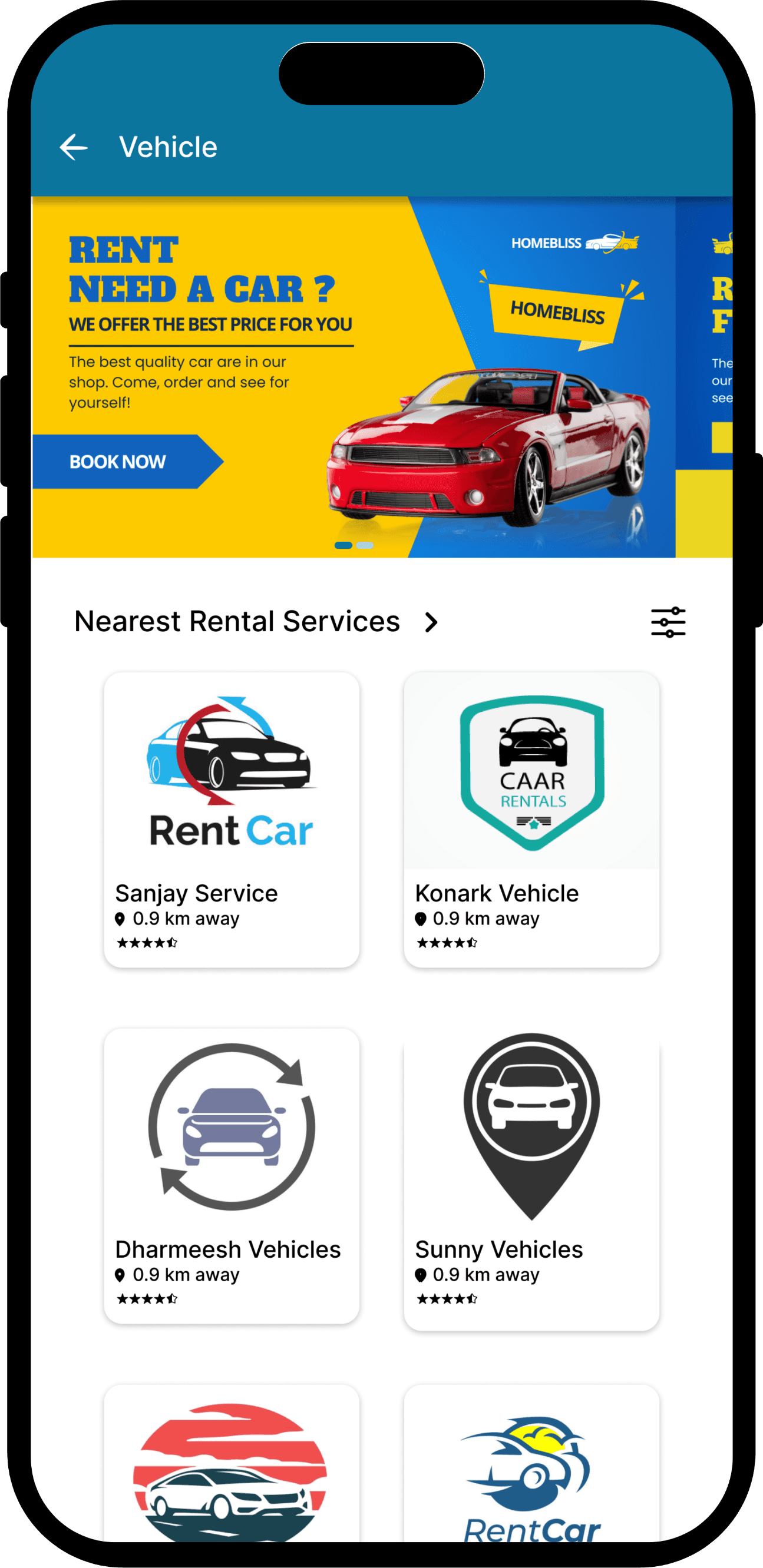
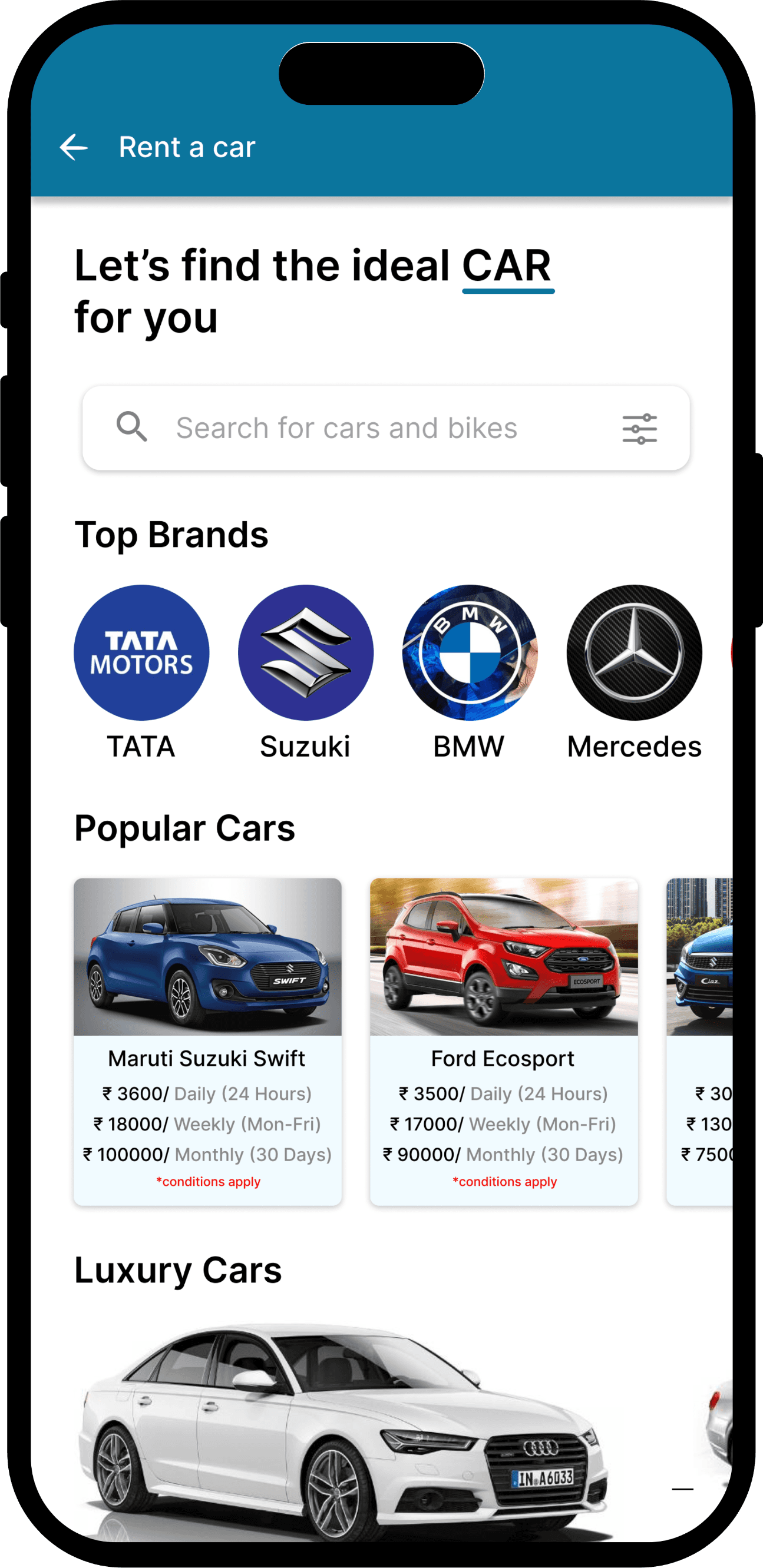
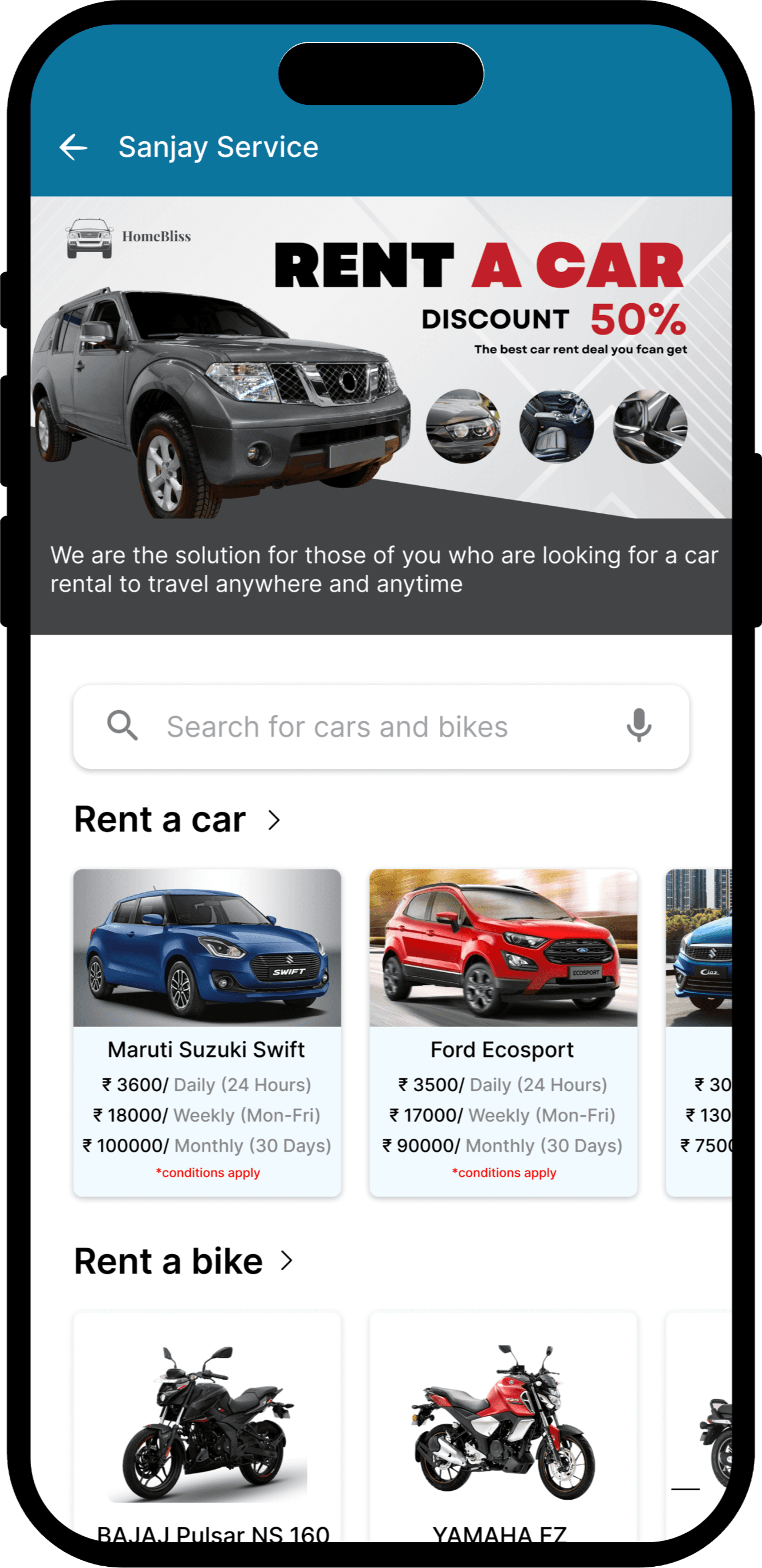
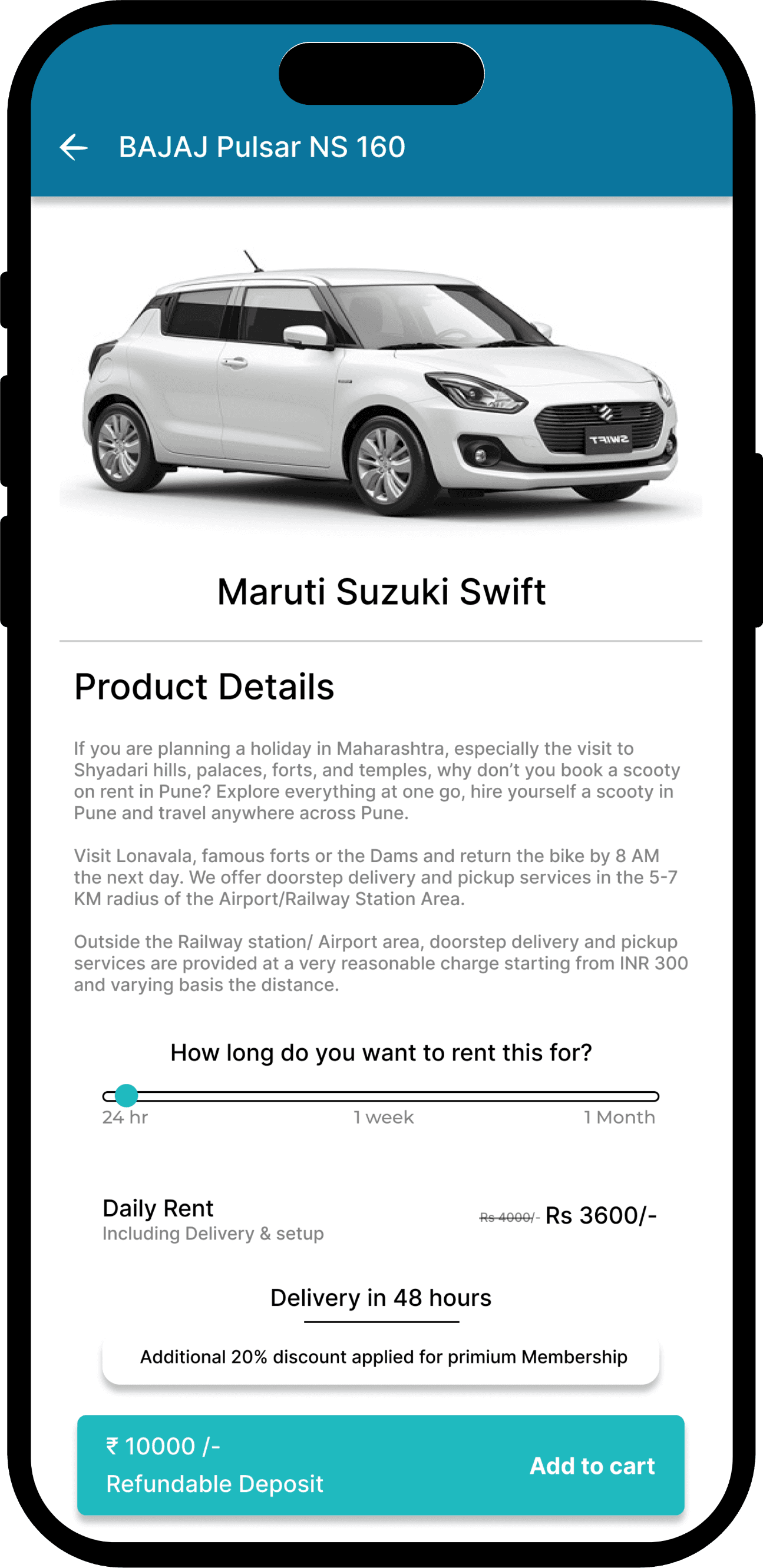
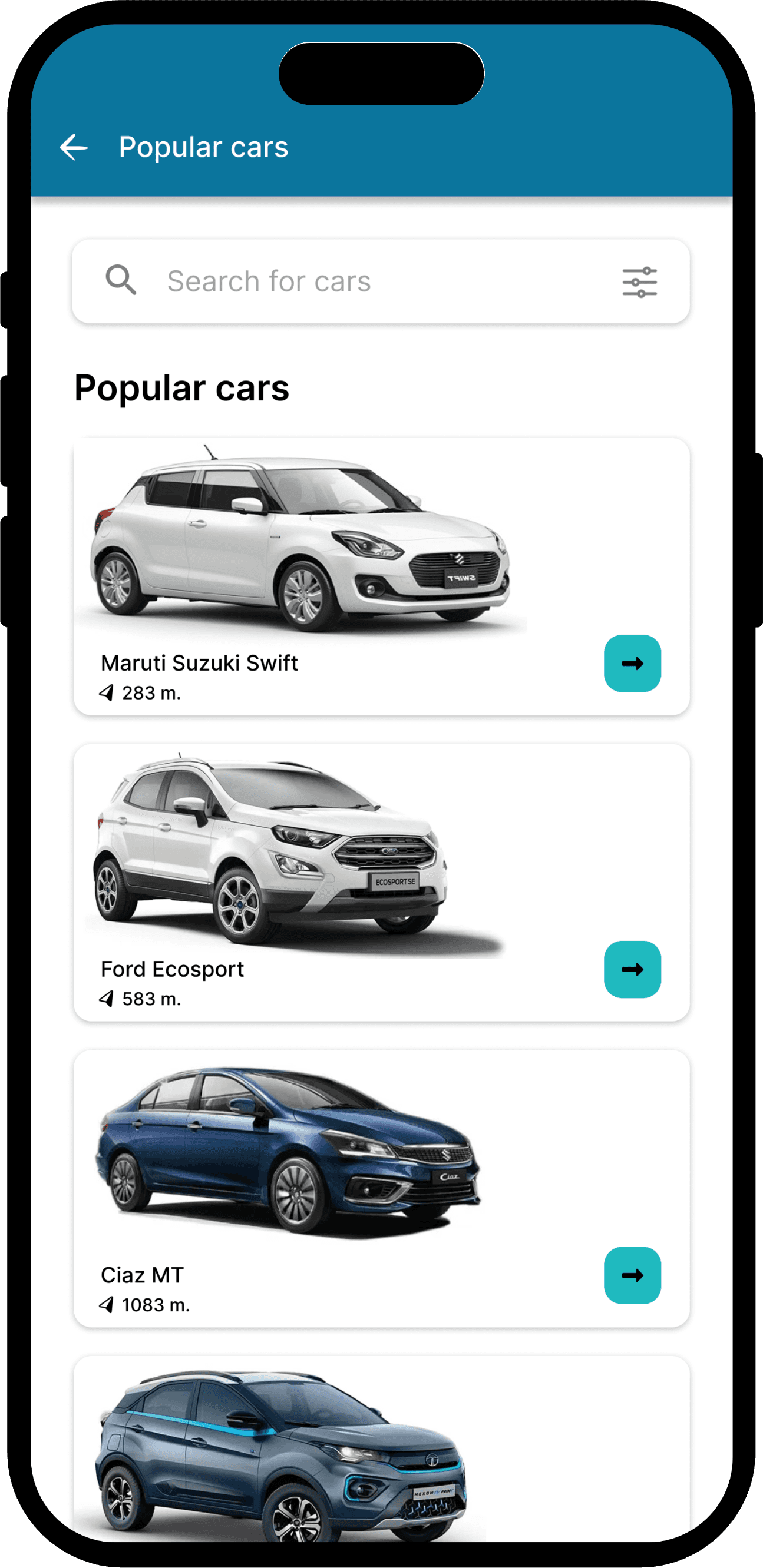
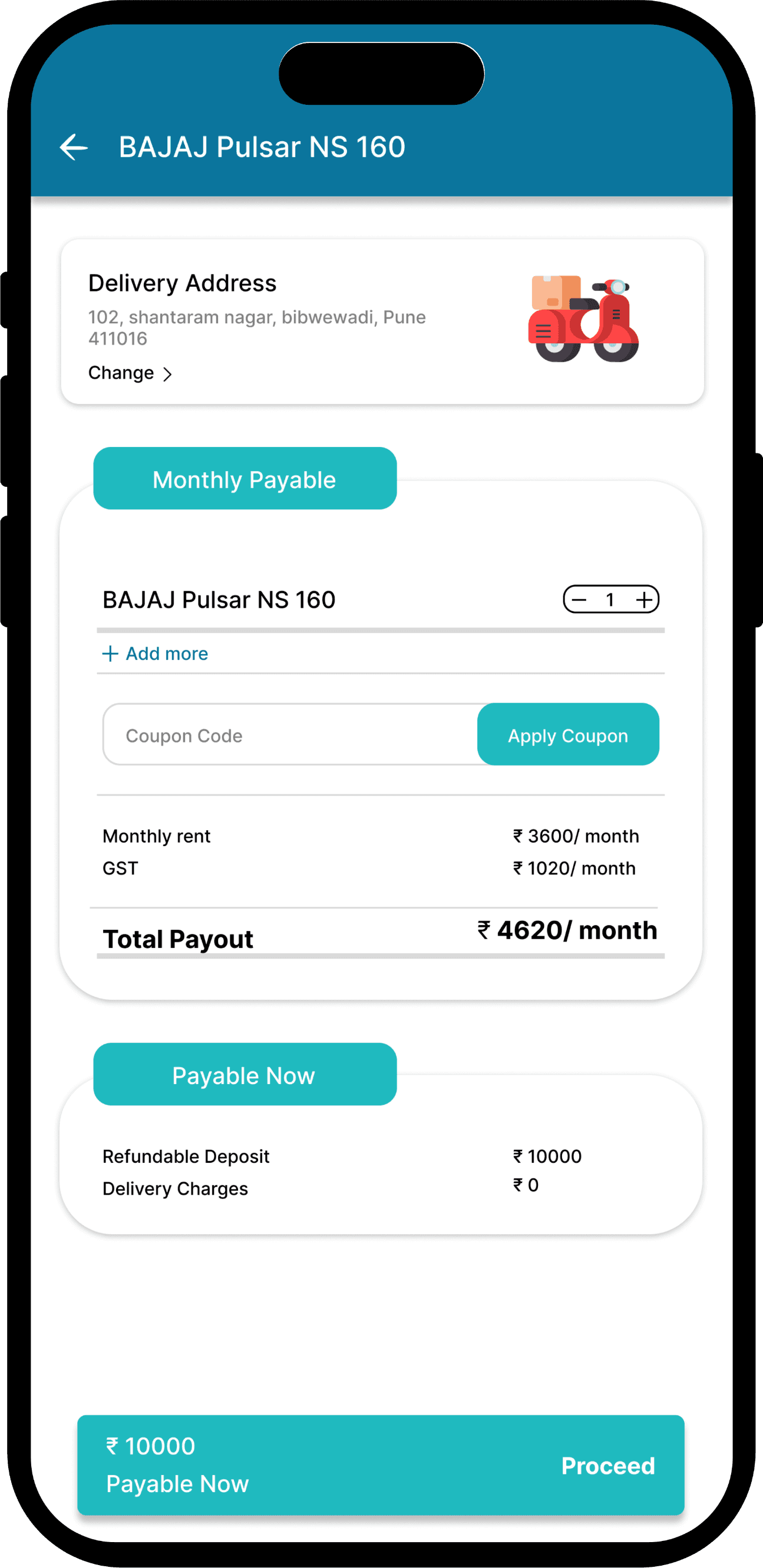
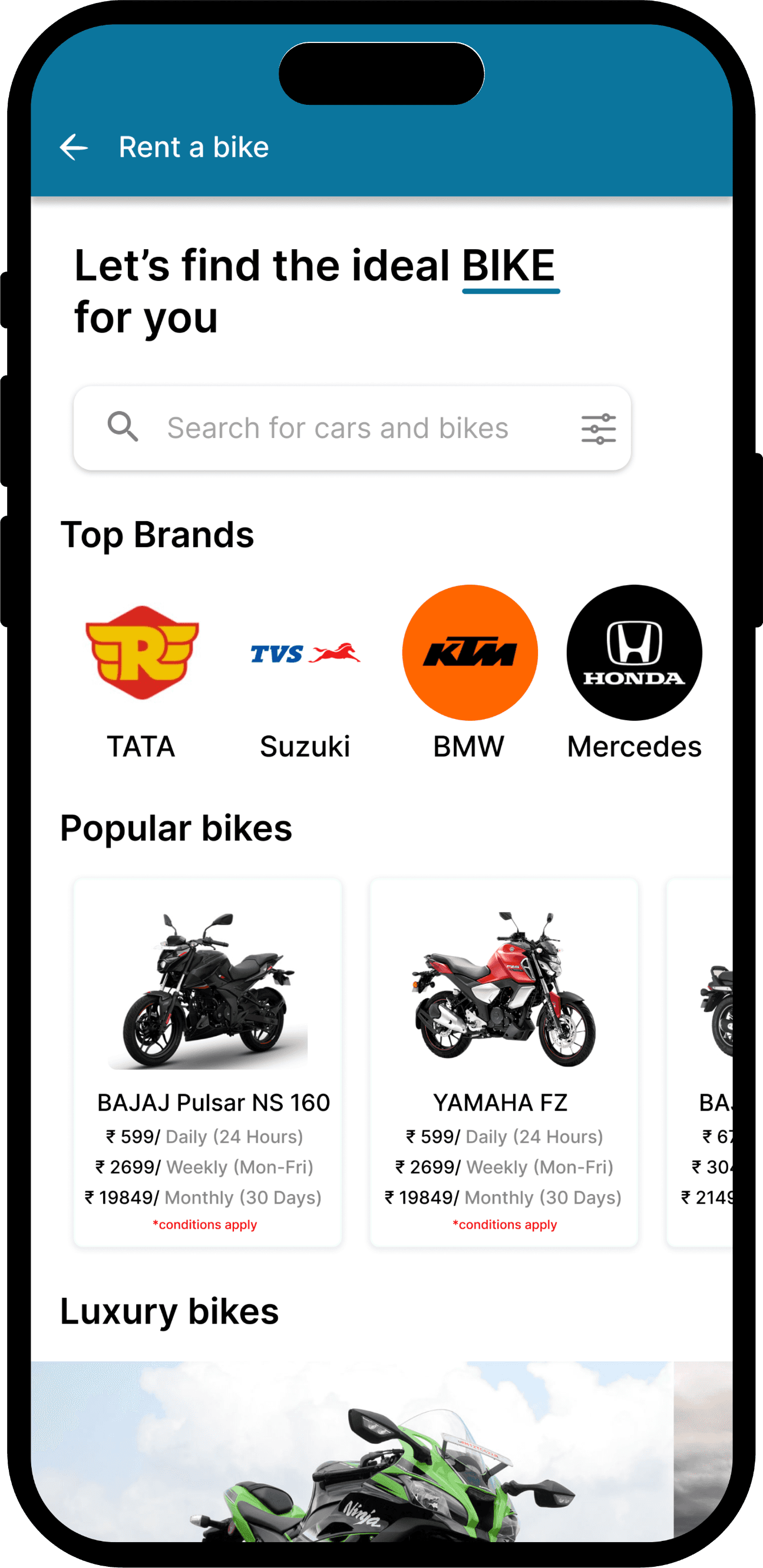
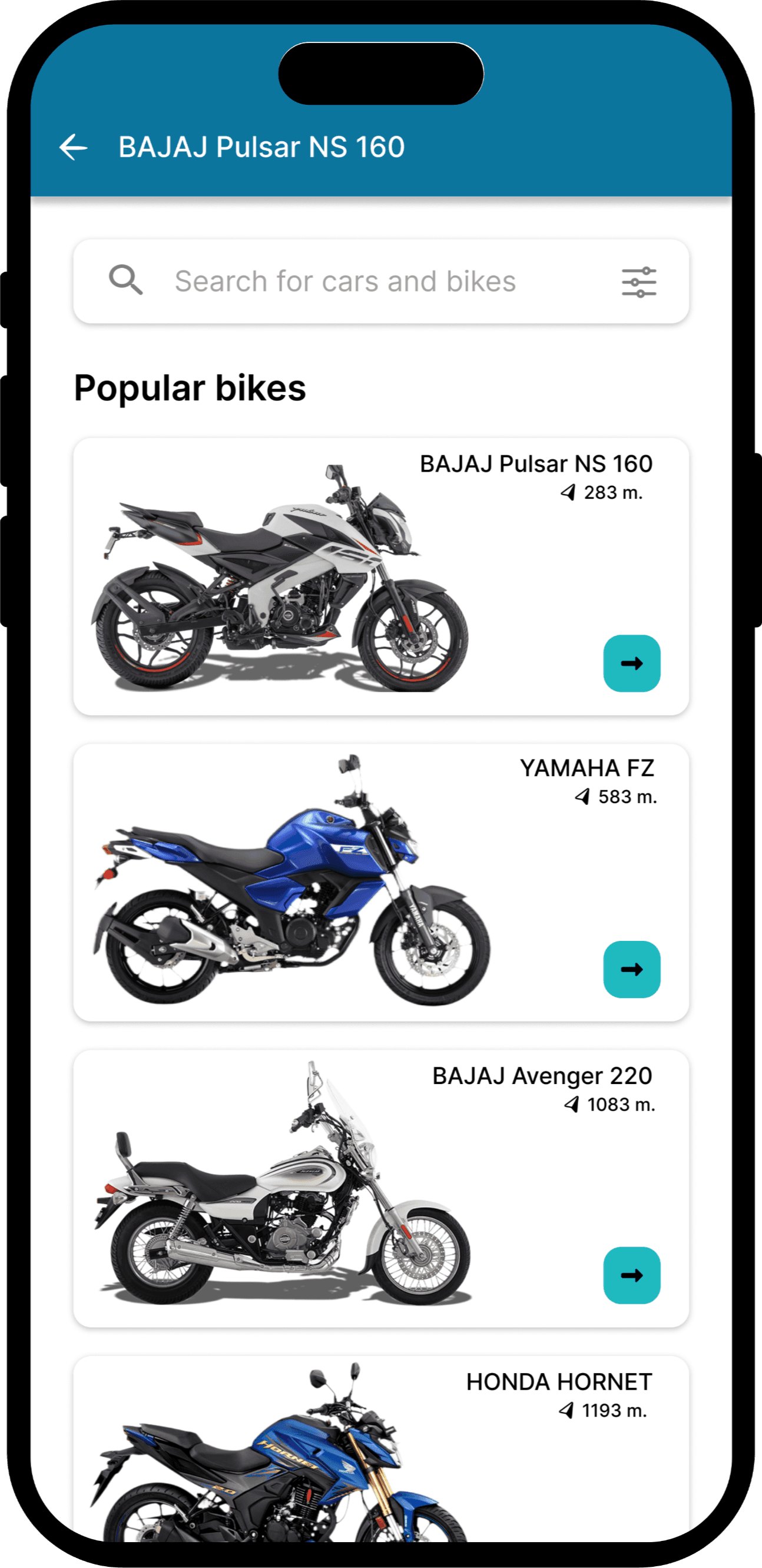
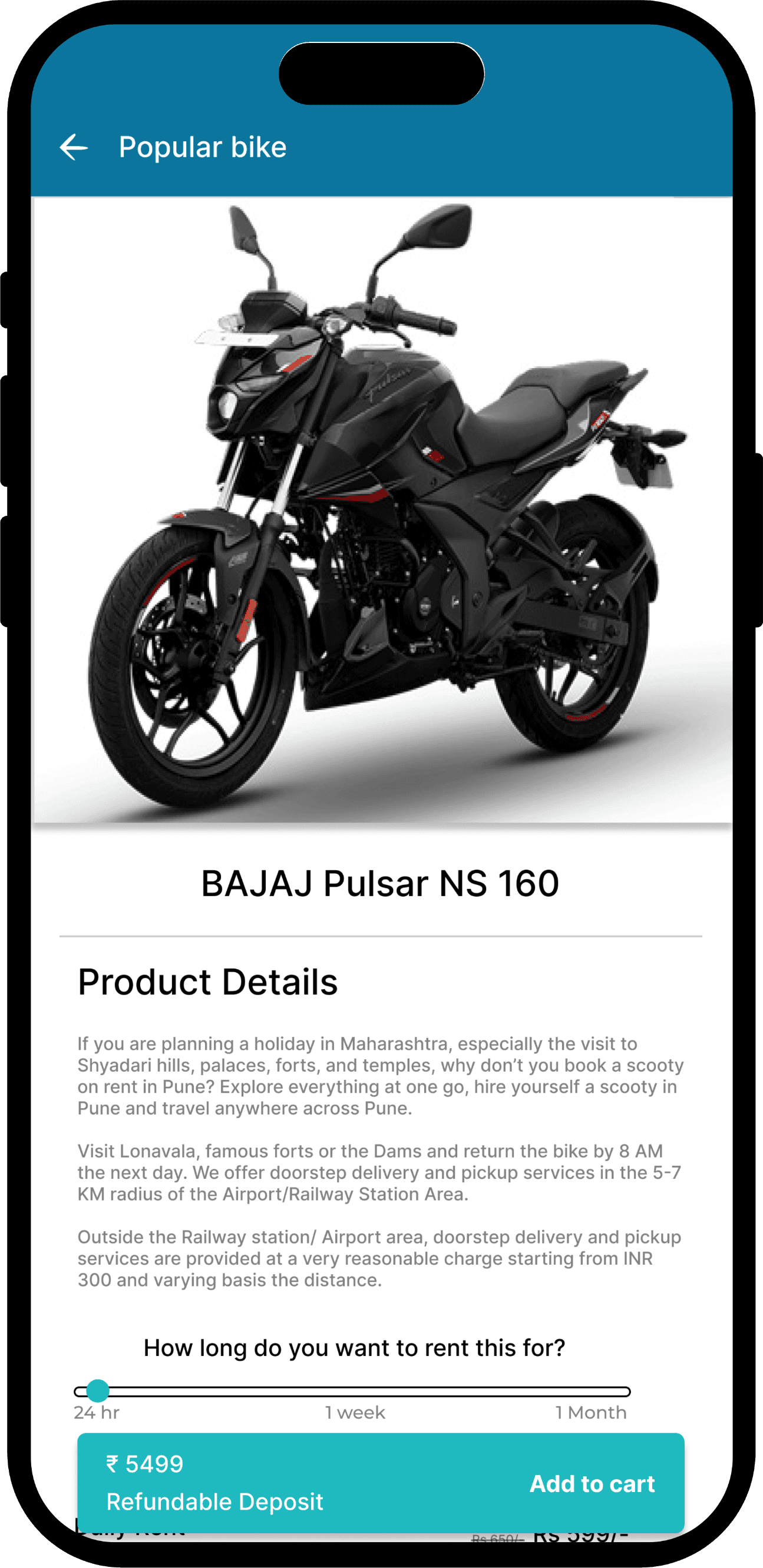
Rental Services

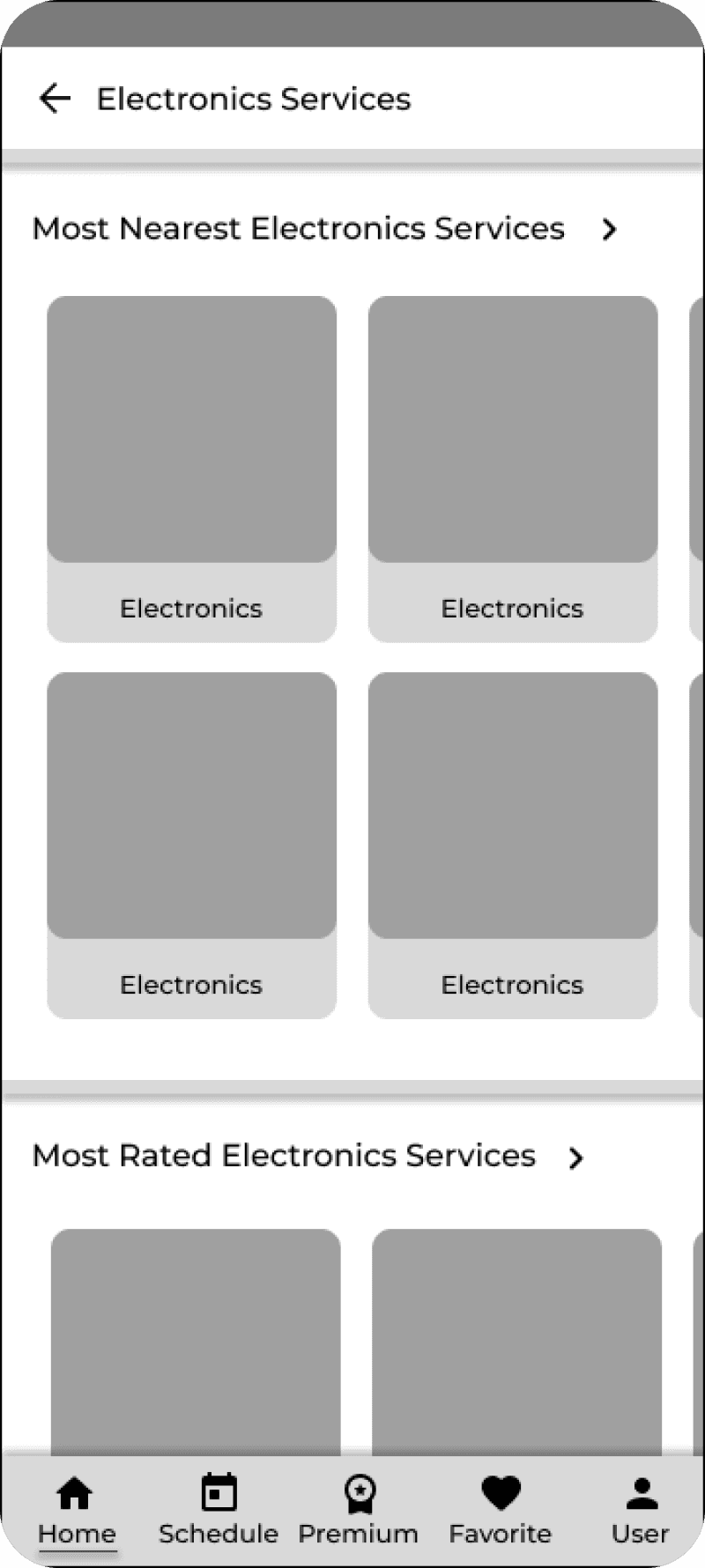
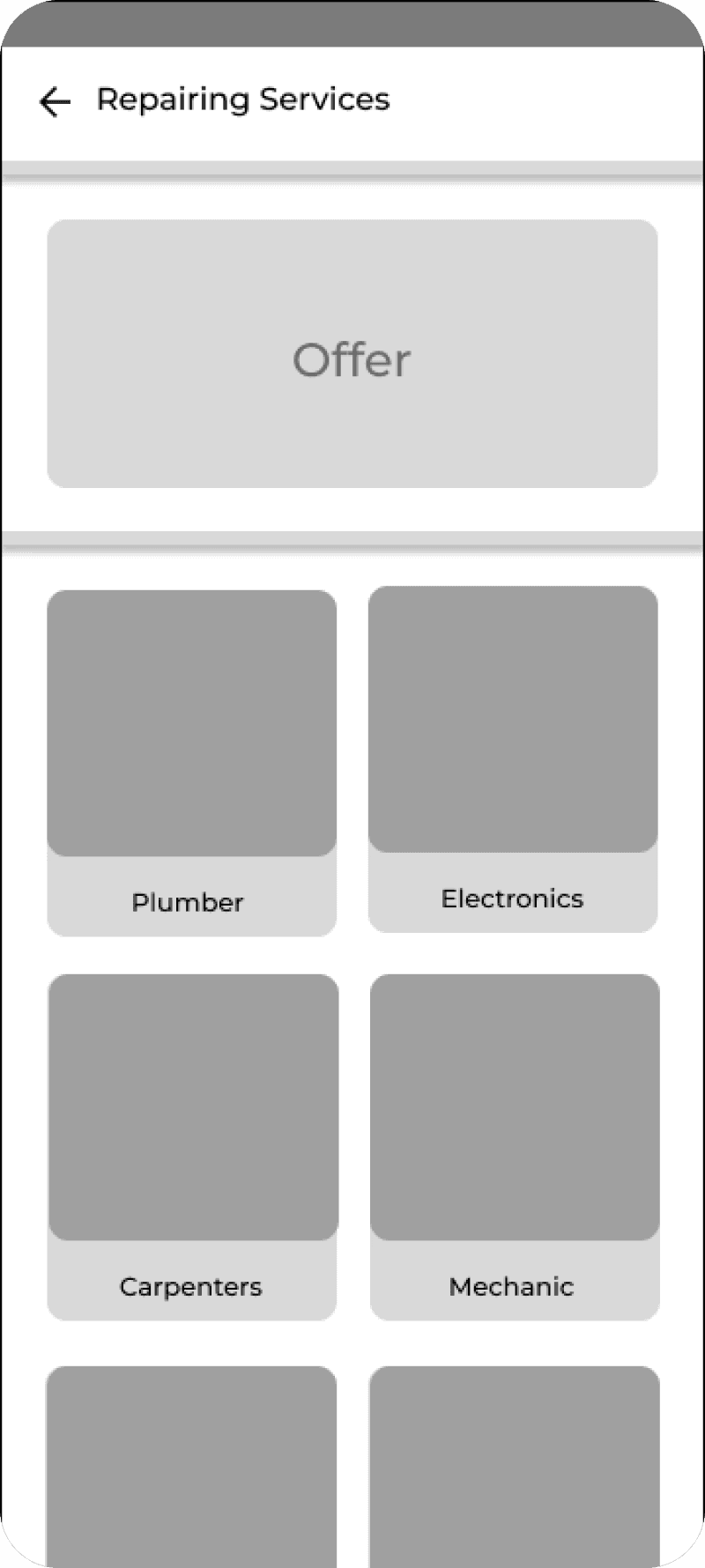
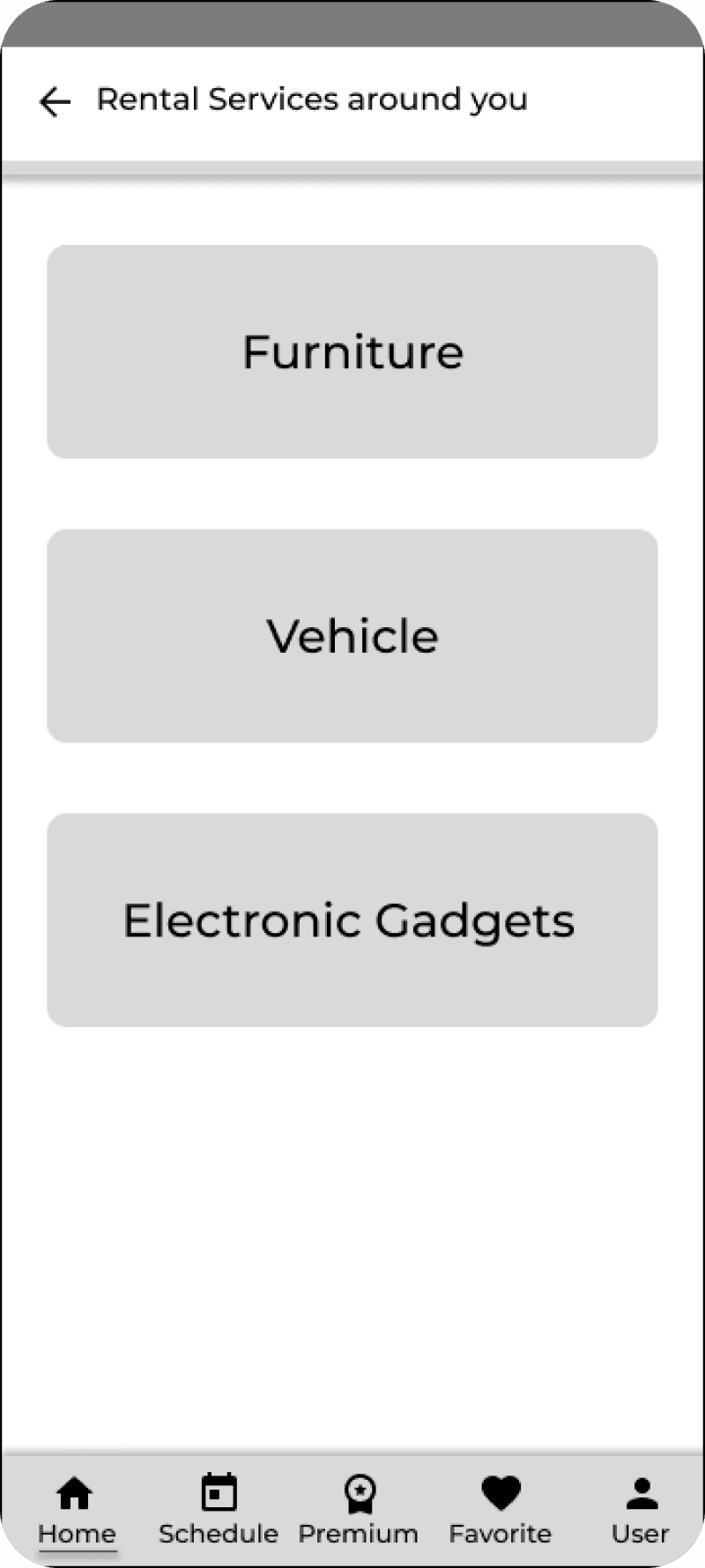
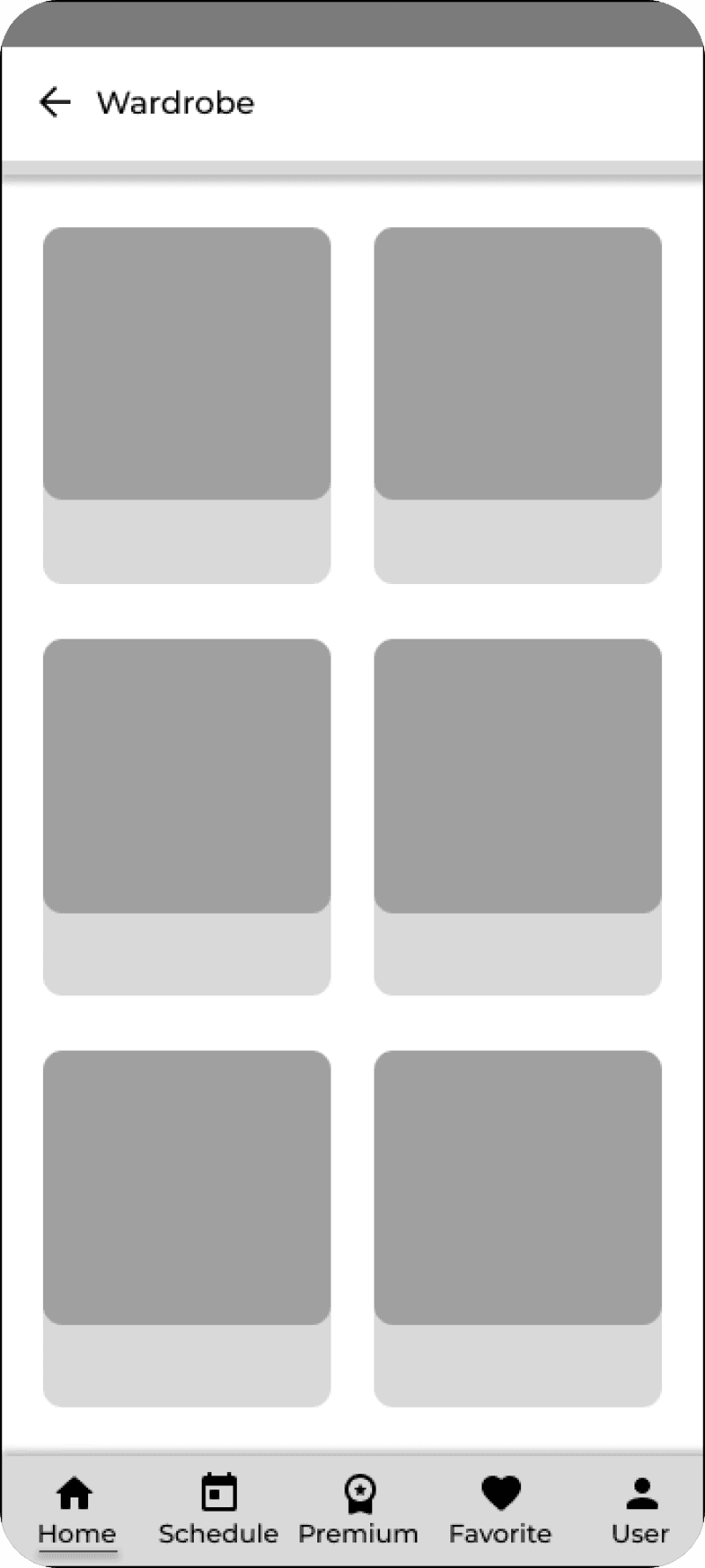
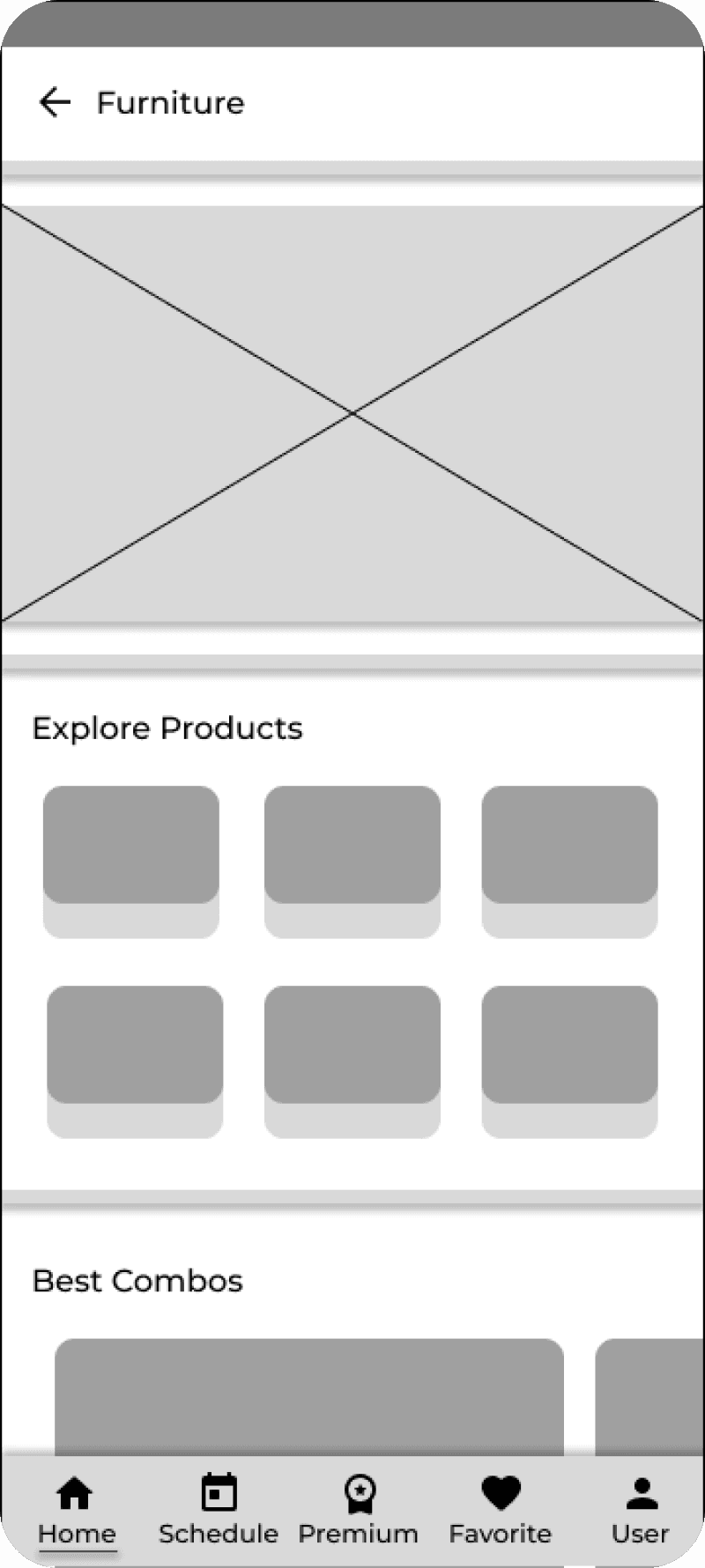
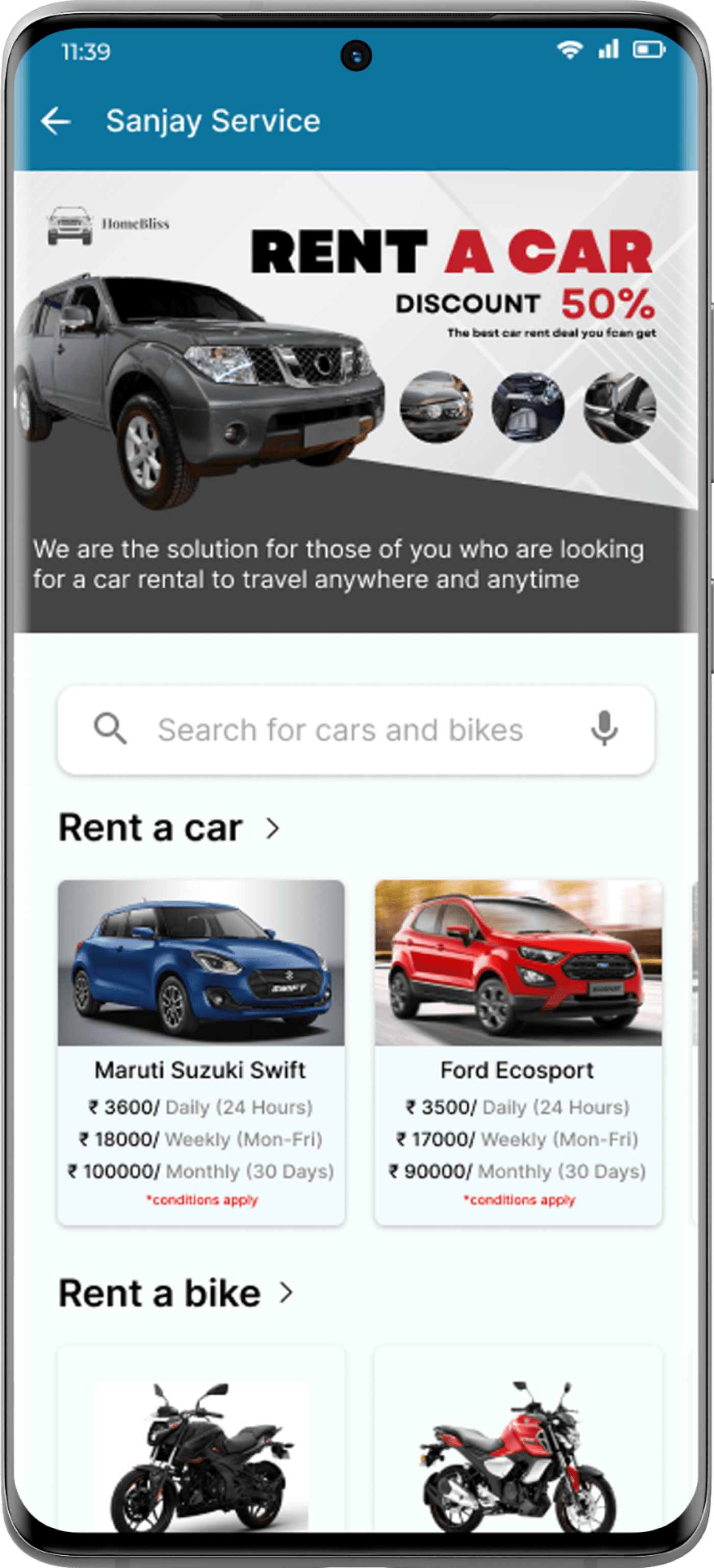
Quickly browse and book rentals with flexible plans, top brands, and easy doorstep deliveryRental

Food Service

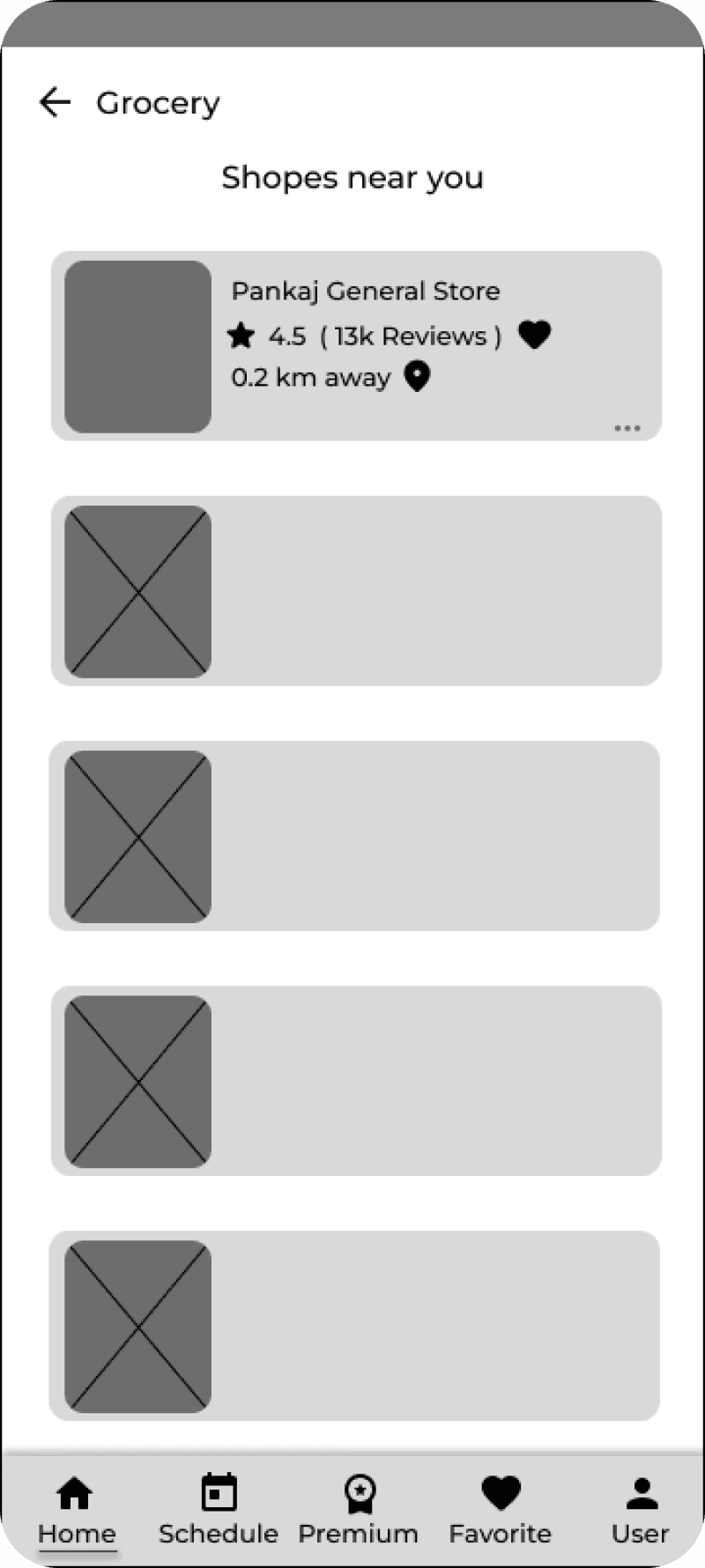
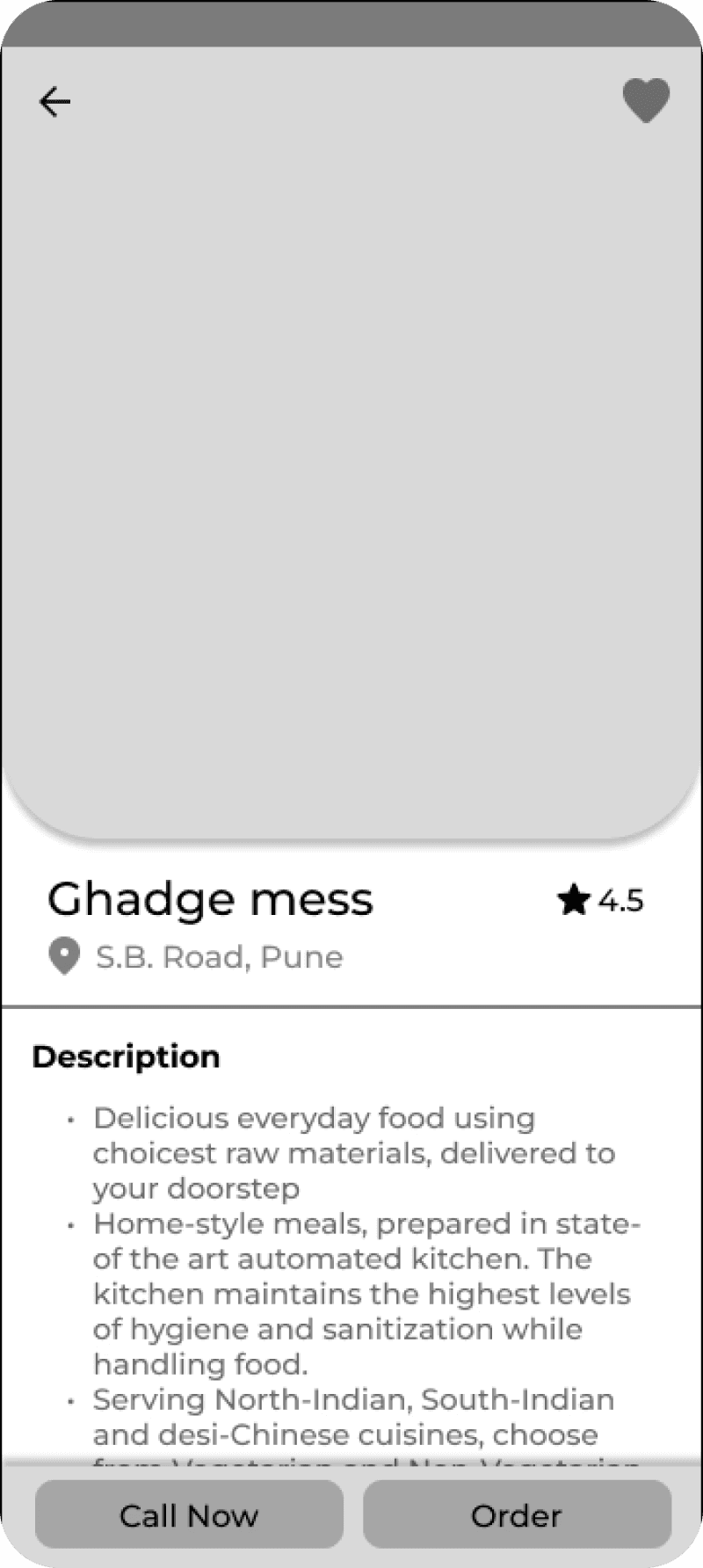
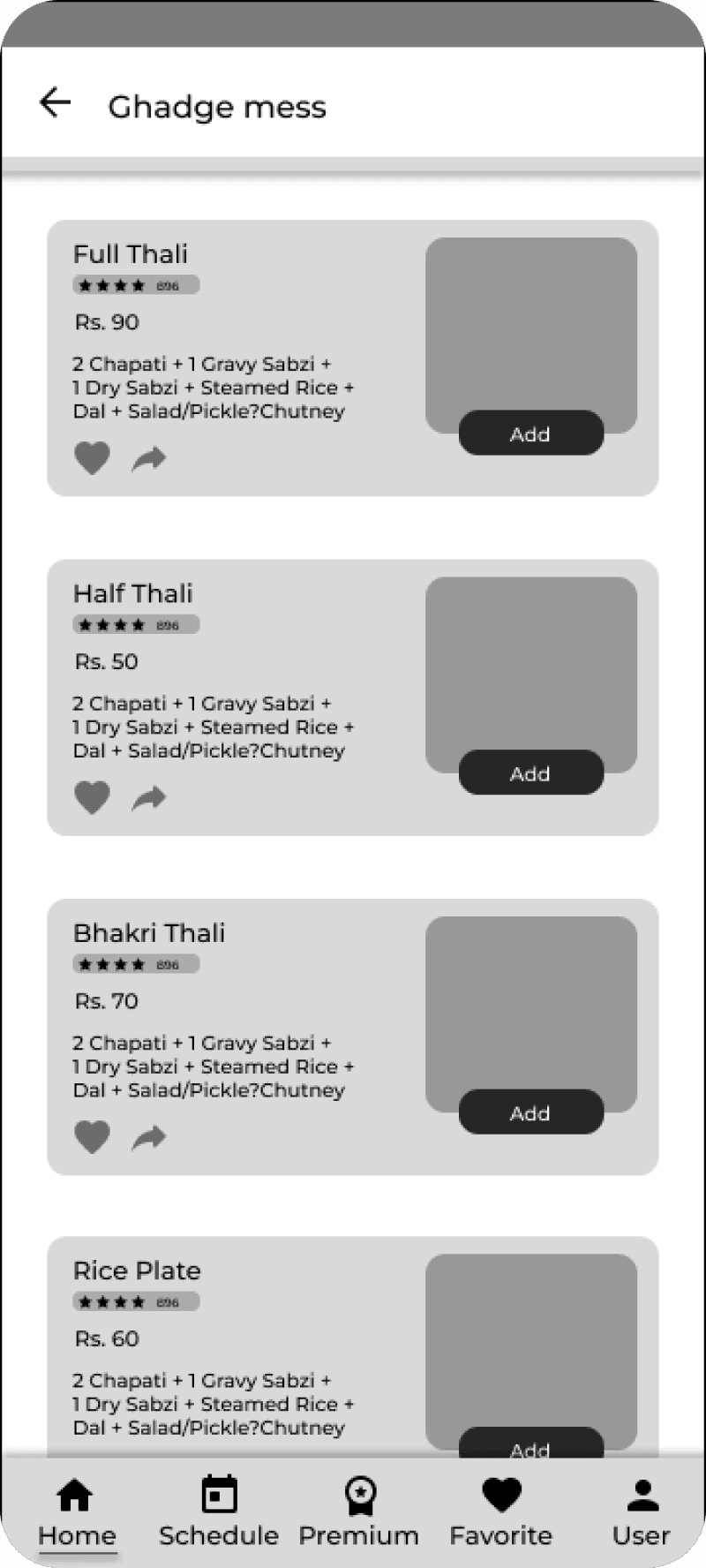
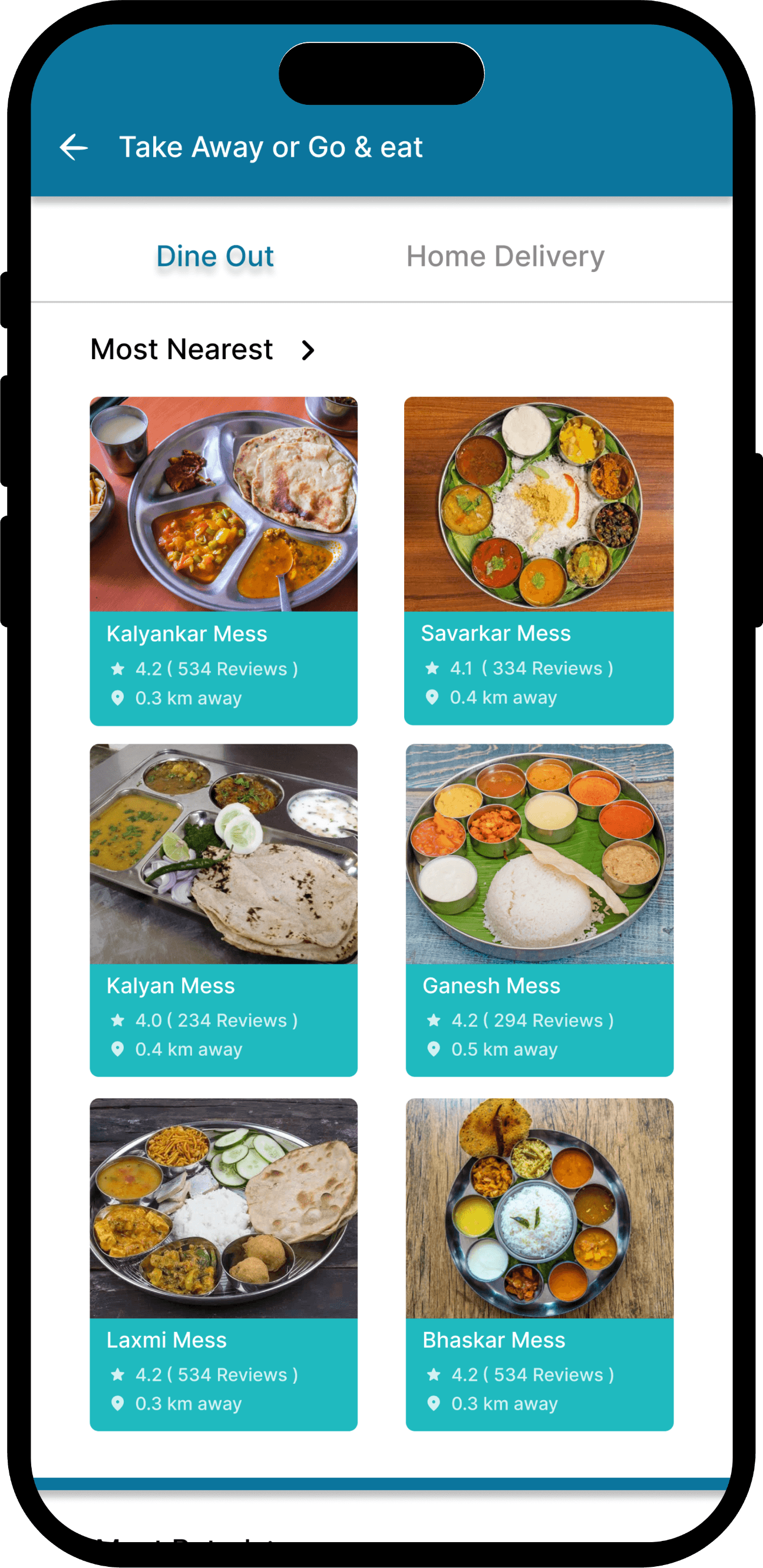
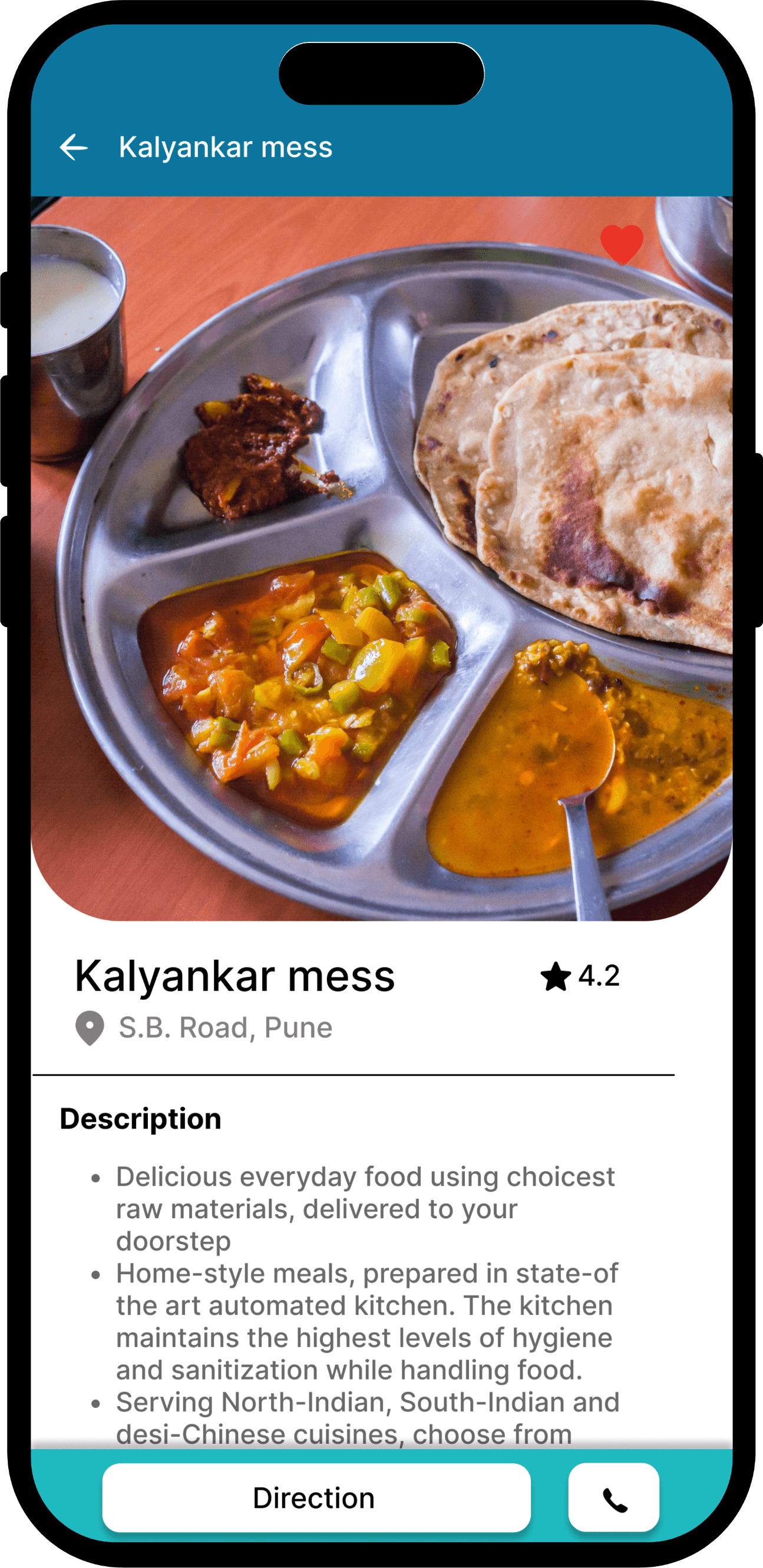
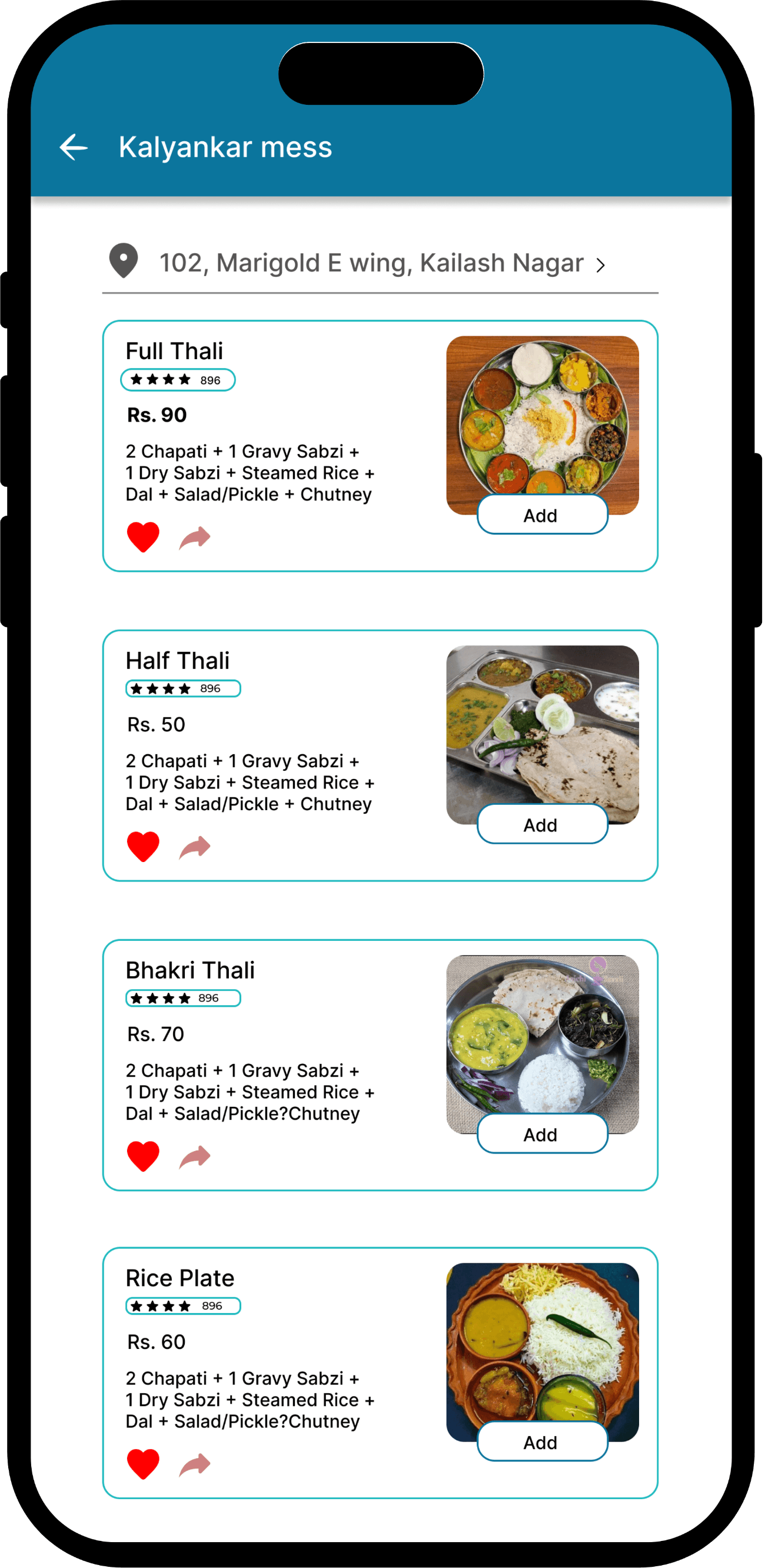
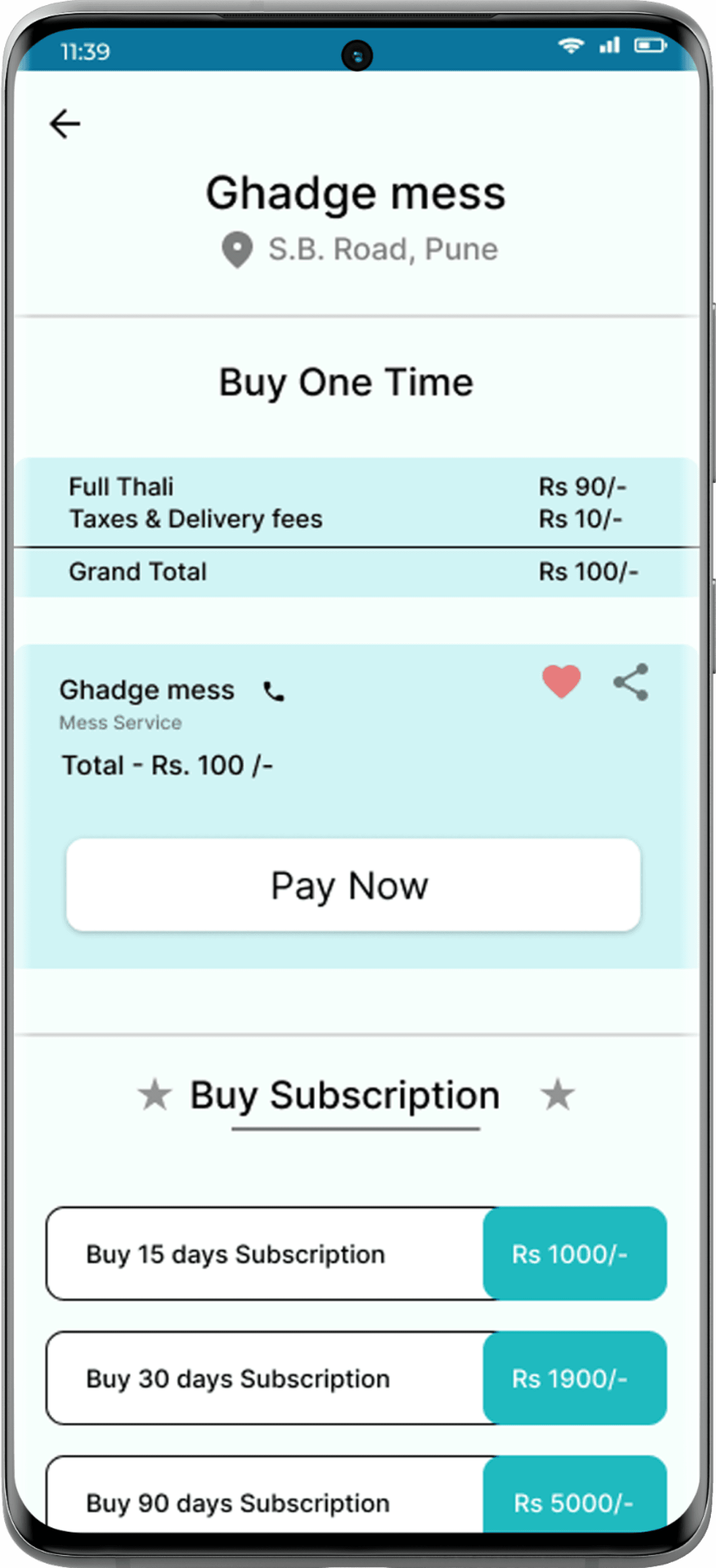
Users can easily find vegetarian cooks or mess services for daily, home-style meals—quick, reliable, and affordable.
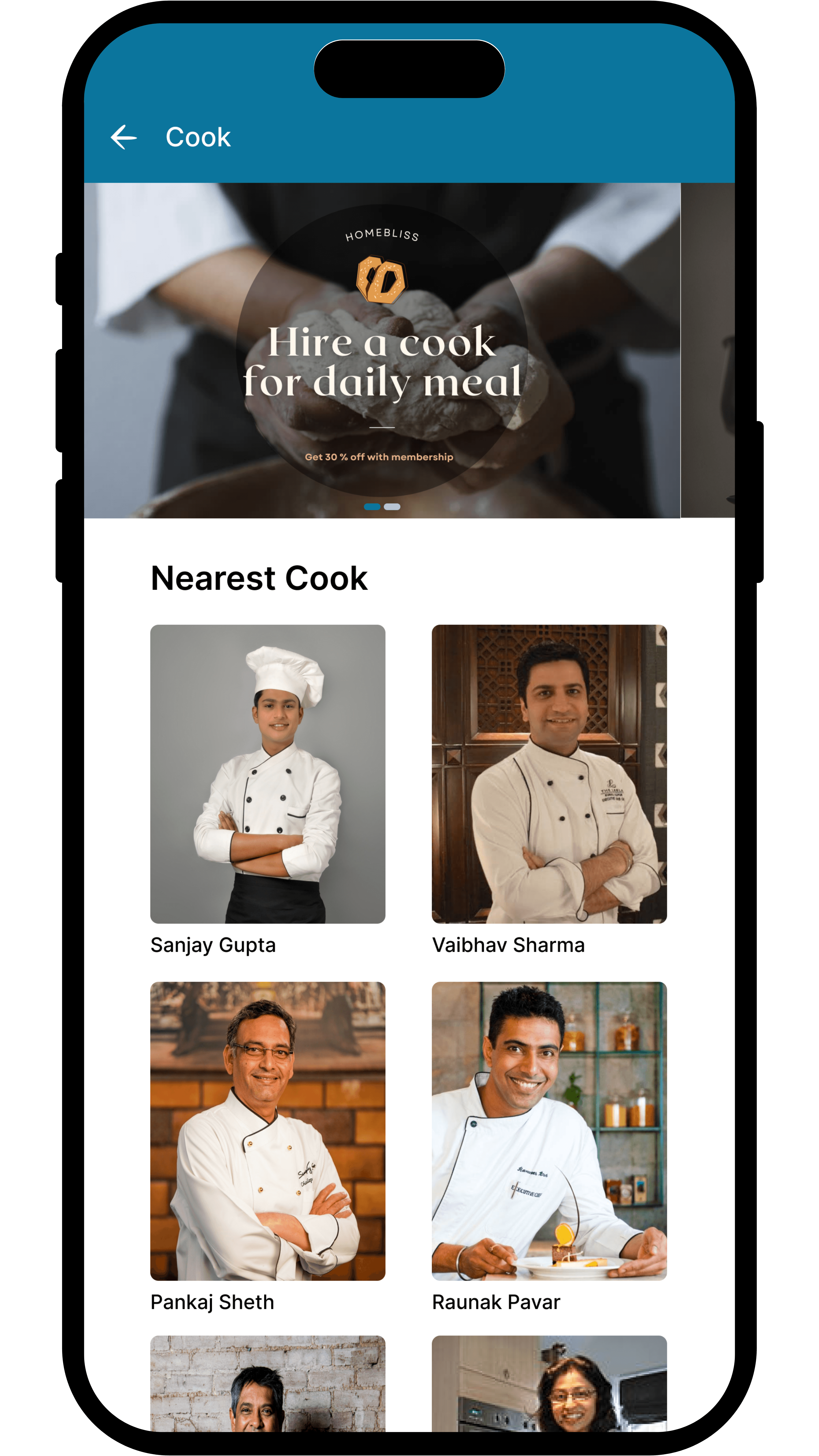
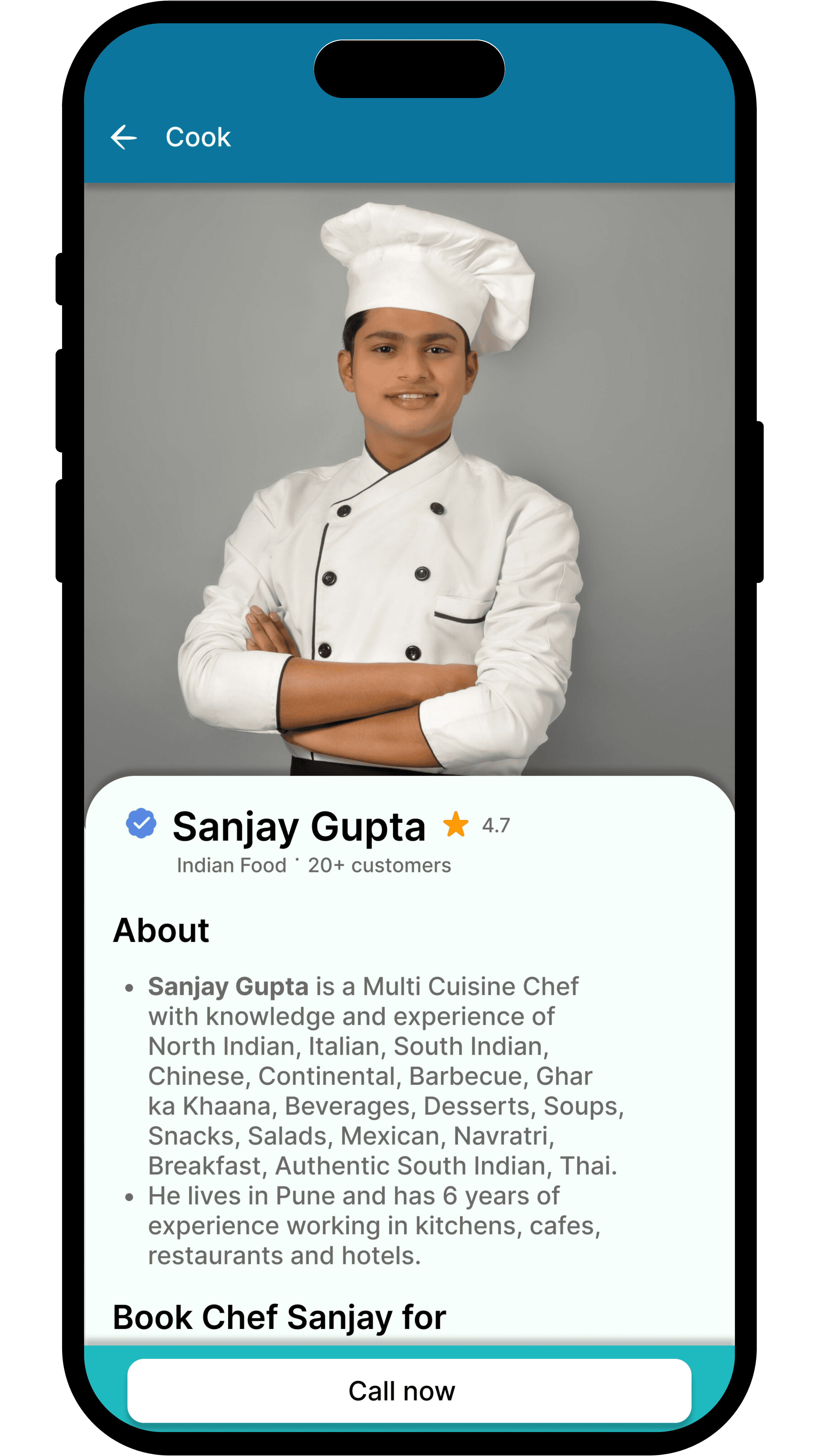
Cook Booking

Users can book home cooks by availability and preference—making daily meals easy and reliable.

05 Validate

Usability testing

I conducted usability testing with 5 target users, focusing on the service booking and split-pay flow. All users successfully completed the key tasks, confirming the design was clear and easy to navigate.

Feedback highlighted the speed and simplicity of the booking experience. Based on their input, I made small UI tweaks—like refining labels and improving visual clarity—to enhance overall usability.

5 users tested

Flows: booking, scheduling, payment

100% task success

06 Iterate

Iteration

Refined labels, buttons, and layout based on feedback. Simplified the vendor flow to match user-side ease—making the app more intuitive and dev-ready.

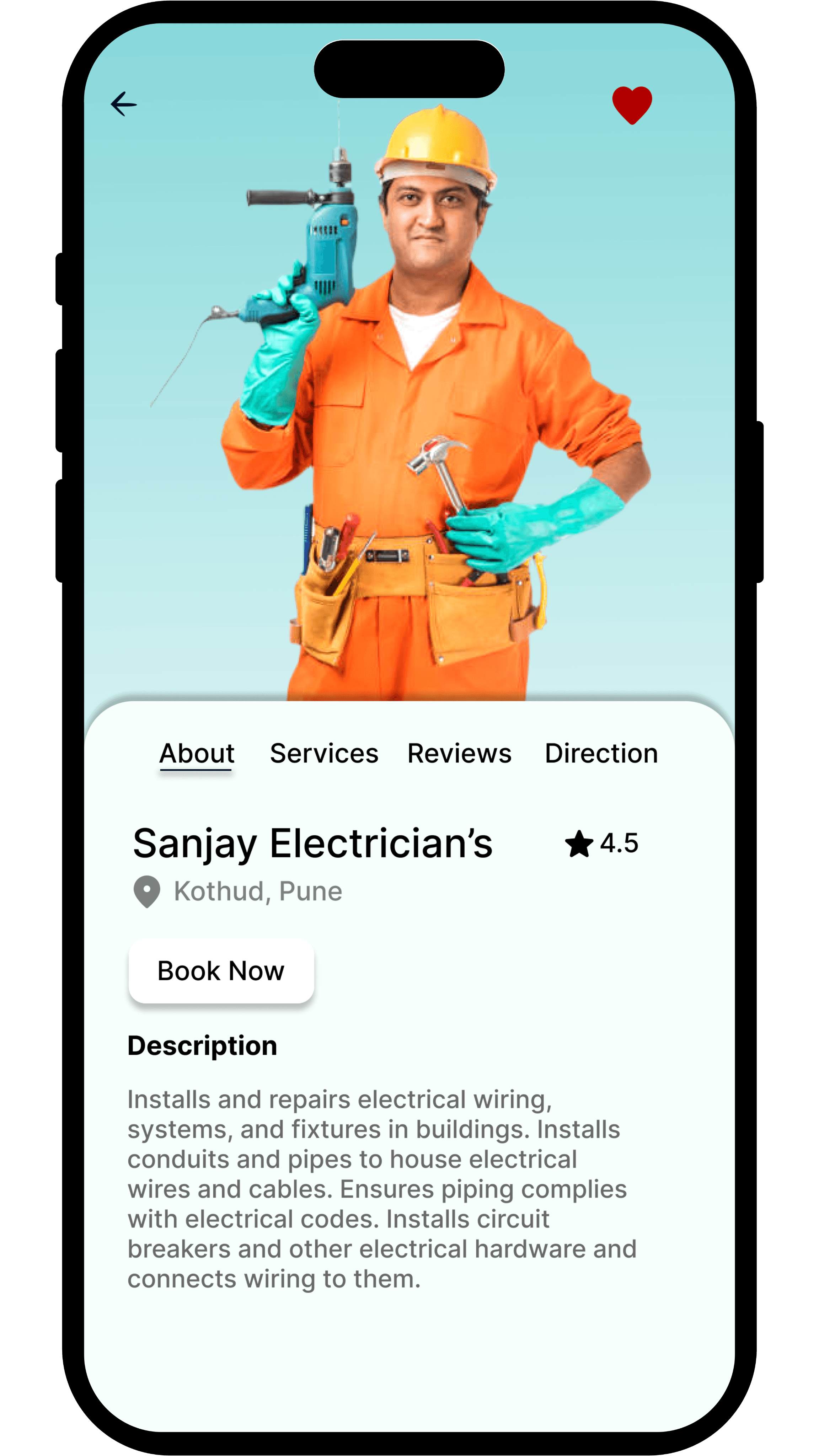
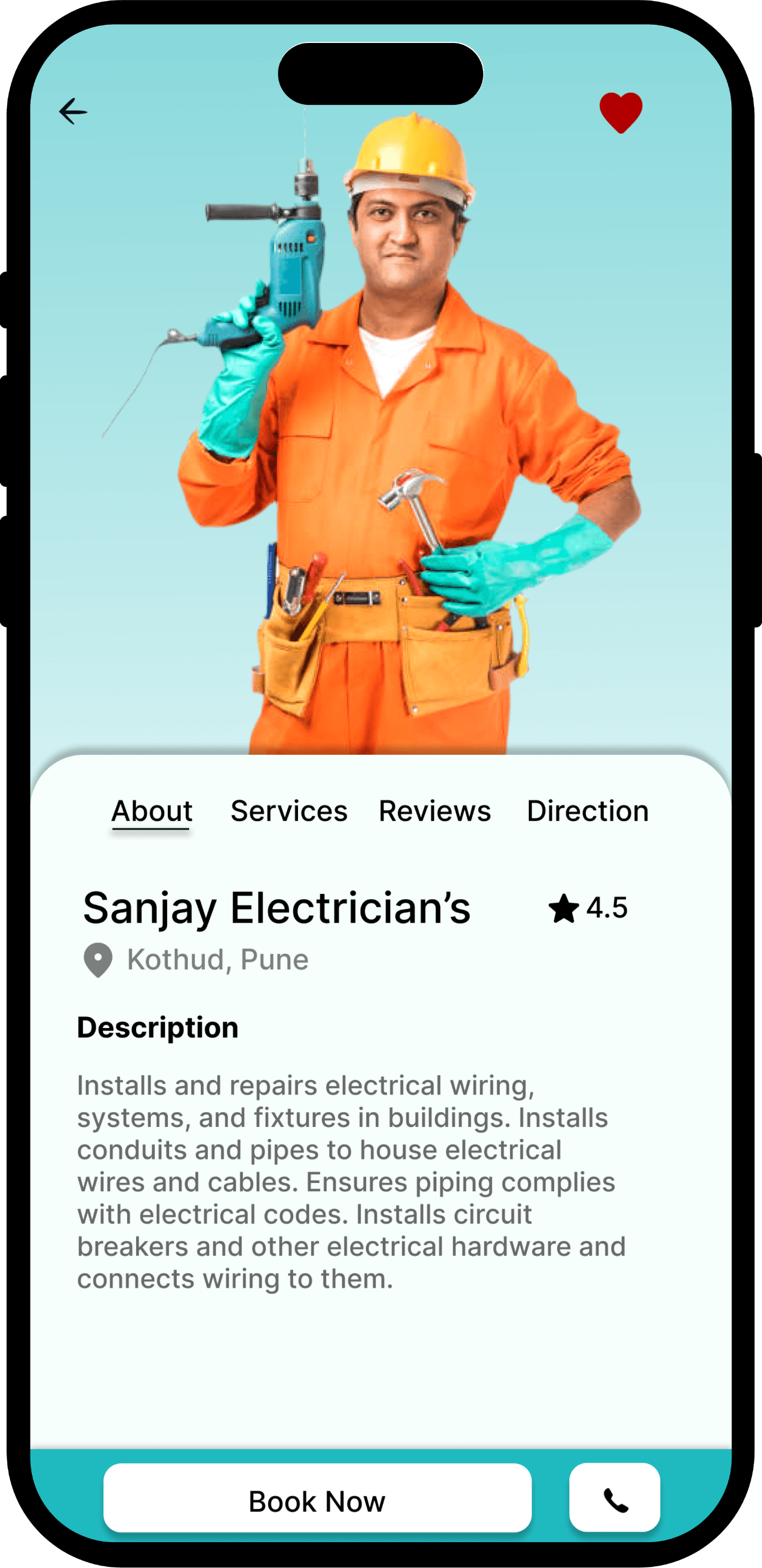
Booking CTA

Before: “Book Now” button was small and easily missed

After: Replaced with larger, more prominent “Book Now” button

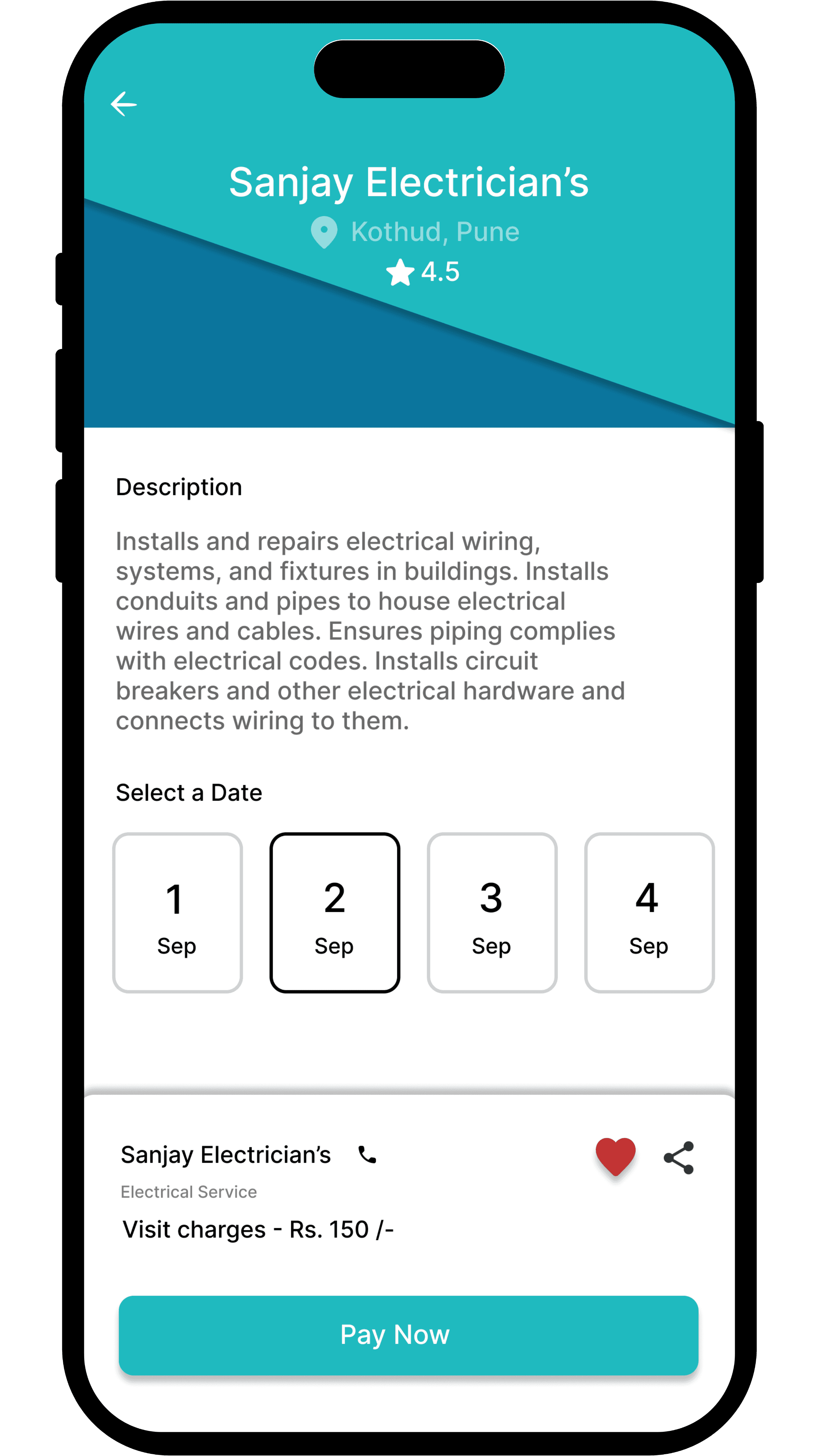
Time Selection UI

Before: Time slots were buried low on the screen.

After: Time picker brought above the fold for easier access. Remove unnecessary data.

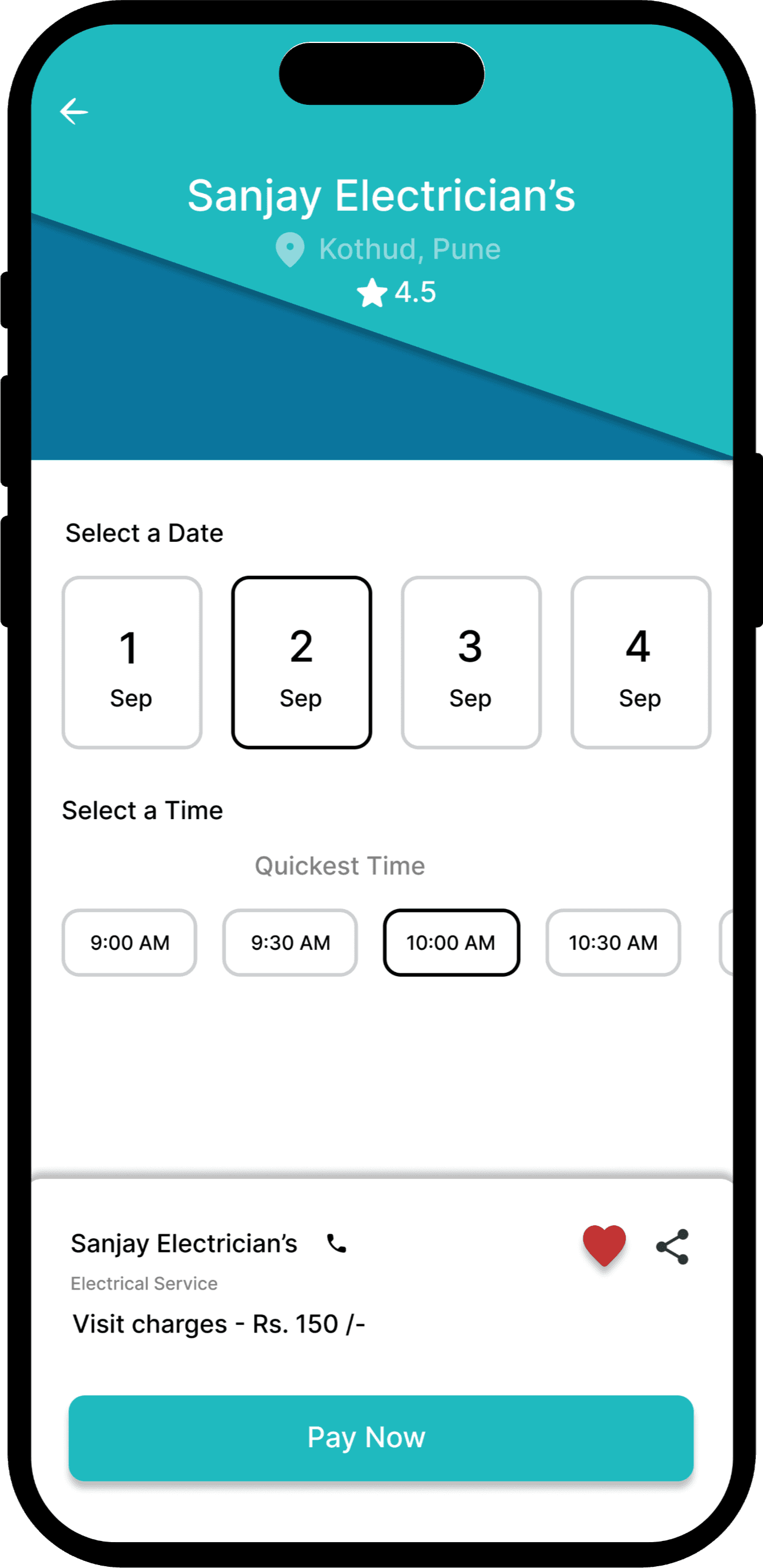
Visual Hierarchy

Before: Too many elements competed for attention on key screens

After: Refined typography, spacing, and color contrast to guide user focus better

Feedback

After testing, I made key improvements based on user feedback—like enhancing button visibility, simplifying time selection, and refining layout spacing for a smoother, more intuitive experience.

Booking CTA

Feedback: Users said the “Book Now” button was hard to notice

Time Selection UI

Feedback: Users found time slots hard to find and awkward to select

Visual Hierarchy

Feedback: Users felt screens were cluttered and overwhelming
Before
After

Before
After
3 Apps

offer home services

2 Apps

offer meal/rental services

1 App

offers both

9

was

students

3

was

professionals

12

Interviewees

54%

was

students

46%

was

professionals

43

Responses

Email

Linkedin

Behance

Instagram

Copyright @2026 Manish Durgude